Back to Integrations
integrationAirtable node
integrationPostgres node

Airtable and Postgres integration

Save yourself the work of writing custom integrations for Airtable and Postgres and use n8n instead. Build adaptable and scalable Data & Storage, and Development workflows that work with your technology stack. All within a building experience you will love.

How to connect Airtable and Postgres

  • Step 1: Create a new workflow
  • Step 2: Add and configure nodes
  • Step 3: Connect
  • Step 4: Customize and extend your integration
  • Step 5: Test and activate your workflow

Step 1: Create a new workflow and add the first step

In n8n, click the "Add workflow" button in the Workflows tab to create a new workflow. Add the starting point – a trigger on when your workflow should run: an app event, a schedule, a webhook call, another workflow, an AI chat, or a manual trigger. Sometimes, the HTTP Request node might already serve as your starting point.

Airtable and Postgres integration: Create a new workflow and add the first step

Step 2: Add and configure Airtable and Postgres nodes

You can find Airtable and Postgres in the nodes panel. Drag them onto your workflow canvas, selecting their actions. Click each node, choose a credential, and authenticate to grant n8n access. Configure Airtable and Postgres nodes one by one: input data on the left, parameters in the middle, and output data on the right.

Airtable and Postgres integration: Add and configure Airtable and Postgres nodes

Step 3: Connect Airtable and Postgres

A connection establishes a link between Airtable and Postgres (or vice versa) to route data through the workflow. Data flows from the output of one node to the input of another. You can have single or multiple connections for each node.

Airtable and Postgres integration: Connect Airtable and Postgres

Step 4: Customize and extend your Airtable and Postgres integration

Use n8n's core nodes such as If, Split Out, Merge, and others to transform and manipulate data. Write custom JavaScript or Python in the Code node and run it as a step in your workflow. Connect Airtable and Postgres with any of n8n’s 1000+ integrations, and incorporate advanced AI logic into your workflows.

Airtable and Postgres integration: Customize and extend your Airtable and Postgres integration

Step 5: Test and activate your Airtable and Postgres workflow

Save and run the workflow to see if everything works as expected. Based on your configuration, data should flow from Airtable to Postgres or vice versa. Easily debug your workflow: you can check past executions to isolate and fix the mistake. Once you've tested everything, make sure to save your workflow and activate it.

Airtable and Postgres integration: Test and activate your Airtable and Postgres workflow

💅 AI Agents Generate Content & Automate Posting for Beauty Salon Social Media 📲

💅 AI Agents Generate Content & Automate Posting for Beauty Salon Social Media 📲

Who Is This For?

This workflow is for beauty salons who want consistent, high‑quality social media content without writing every post manually.
It also suits agencies and automation builders who manage multiple beauty brands and want a reusable, AI‑driven posting system they can adapt per client.

What Problem Is This Workflow Solving?

Many beauty businesses struggle to post regularly because research, copywriting, and design all take time and marketing skills.
This workflow automates research, writing, image creation, and posting, so your channels stay active and relevant while you focus on clients and services.

What This Workflow Does

Generates short, engaging posts tailored to a beauty‑salon audience (hair, nails, skincare, make‑up, self‑care) using an AI agent.
Uses Tavily Internet Search to pull up‑to‑date information and trends based on a reference link or topic.
Turns each post into a detailed, photorealistic image prompt and creates a matching visual with an AI image model (for example, gpt‑image‑1 or other connected providers).
Automatically sends the final text and image to Telegram, and can be extended to other social platforms from the Split Out node.

How It Works

Trigger the workflow

Scheduled automatic generation:** Run the parent workflow on a schedule (for example, once per day at 9 AM) to publish new content regularly.

Google Sheets trigger:** Generate content when a new row with a reference link or topic is added to your sheet. Use it when you manage ideas or briefs in Google Sheets and want the workflow to react as soon as a new idea appears.

RSS Feed trigger:** Start the workflow when new items appear in a selected RSS feed. Ideal for turning fresh blog posts, news, or industry updates into social media content or automated summaries.

Meta (Facebook/Instagram) webhook:** Use the Meta Reference trigger to fire the workflow on incoming webhooks from Meta (for example, new comments, messages, or events). Helpful when you want to auto‑respond, log activity, or generate follow‑up content from Meta activity.

Airtable trigger:** Start the workflow when records in a selected Airtable base/table change (for example, a new idea, brief, or status update), so your posts react instantly to updates in your Airtable content board.

Postgres trigger:** Fire the workflow when new rows are inserted or existing rows are updated in a connected PostgreSQL table, letting you drive content generation from events in your app database or Supabase‑style back end.

Manual start:* Hit Execute workflow* whenever you want to spin up a batch of posts on demand, test new prompt settings, or debug the flow step by step.

Research and generate copy
The GENERATE TEXT agent calls Tavily to gather fresh information on the topic.
It writes a post under 1024 characters with a hook, practical tips, relevant hashtags, and a closing line with your salon address and contact.

Create the visual
The GENERATE PROMPT agent converts the post into a single, clear description of the scene (client, service, salon interior, lighting, mood) with a strict “no text on image” rule.
An image model such as gpt‑image‑1 or one of the HTTP image APIs renders a matching beauty visual.

Distribute the content
The Split Out node fans out the result so Telegram receives a photo post with the generated caption.
Additional social or content nodes (for example Facebook, LinkedIn, X, template tools) can be wired after this step for multi‑channel posting.

How to Customize This Workflow to Your Needs

Brand voice**
Edit the system message in the GENERATE TEXT node to adjust tone (luxury, friendly, clinical, playful), language, services, and city.
Update the final address and phone line to match your salon details.

Topics and triggers**
Point the Google Sheets Trigger to your own document ID, sheet, and columns for ideas, links, or campaign themes.
Use the Schedule Trigger for fully automatic posting or rely on the Manual Trigger for controlled, batch generation sessions.

Models and providers**
Swap GPT‑5 llm and the default image model for alternatives such as Mistral, Gemini, Anthropic, DeepSeek, or custom HTTP image APIs by enabling the corresponding nodes and adding credentials.

Channels and outputs**
Connect or remove social nodes after Split Out depending on which platforms you actively use.
Add extra processing steps (for example resizing images or adding UTM parameters) before each channel if needed.

Visual style**
Tweak the GENERATE PROMPT instructions to control composition (close‑up vs. full‑body), color palette, lighting, and overall salon aesthetic, while keeping the constraint of no text or logos in the image.

Nodes used in this workflow

Popular Airtable and Postgres workflows

+18

💅 AI Agents Generate Content & Automate Posting for Beauty Salon Social Media 📲

💅 AI Agents Generate Content & Automate Posting for Beauty Salon Social Media 📲 Who Is This For? This workflow is for beauty salons who want consistent, high‑quality social media content without writing every post manually. It also suits agencies and automation builders who manage multiple beauty brands and want a reusable, AI‑driven posting system they can adapt per client. What Problem Is This Workflow Solving? Many beauty businesses struggle to post regularly because research, copywriting, and design all take time and marketing skills. This workflow automates research, writing, image creation, and posting, so your channels stay active and relevant while you focus on clients and services. What This Workflow Does Generates short, engaging posts tailored to a beauty‑salon audience (hair, nails, skincare, make‑up, self‑care) using an AI agent. Uses Tavily Internet Search to pull up‑to‑date information and trends based on a reference link or topic. Turns each post into a detailed, photorealistic image prompt and creates a matching visual with an AI image model (for example, gpt‑image‑1 or other connected providers). Automatically sends the final text and image to Telegram, and can be extended to other social platforms from the Split Out node. How It Works Trigger the workflow Scheduled automatic generation:** Run the parent workflow on a schedule (for example, once per day at 9 AM) to publish new content regularly. Google Sheets trigger:** Generate content when a new row with a reference link or topic is added to your sheet. Use it when you manage ideas or briefs in Google Sheets and want the workflow to react as soon as a new idea appears. RSS Feed trigger:** Start the workflow when new items appear in a selected RSS feed. Ideal for turning fresh blog posts, news, or industry updates into social media content or automated summaries. Meta (Facebook/Instagram) webhook:** Use the Meta Reference trigger to fire the workflow on incoming webhooks from Meta (for example, new comments, messages, or events). Helpful when you want to auto‑respond, log activity, or generate follow‑up content from Meta activity. Airtable trigger:** Start the workflow when records in a selected Airtable base/table change (for example, a new idea, brief, or status update), so your posts react instantly to updates in your Airtable content board. Postgres trigger:** Fire the workflow when new rows are inserted or existing rows are updated in a connected PostgreSQL table, letting you drive content generation from events in your app database or Supabase‑style back end. Manual start:* Hit Execute workflow* whenever you want to spin up a batch of posts on demand, test new prompt settings, or debug the flow step by step. Research and generate copy The GENERATE TEXT agent calls Tavily to gather fresh information on the topic. It writes a post under 1024 characters with a hook, practical tips, relevant hashtags, and a closing line with your salon address and contact. Create the visual The GENERATE PROMPT agent converts the post into a single, clear description of the scene (client, service, salon interior, lighting, mood) with a strict “no text on image” rule. An image model such as gpt‑image‑1 or one of the HTTP image APIs renders a matching beauty visual. Distribute the content The Split Out node fans out the result so Telegram receives a photo post with the generated caption. Additional social or content nodes (for example Facebook, LinkedIn, X, template tools) can be wired after this step for multi‑channel posting. How to Customize This Workflow to Your Needs Brand voice** Edit the system message in the GENERATE TEXT node to adjust tone (luxury, friendly, clinical, playful), language, services, and city. Update the final address and phone line to match your salon details. Topics and triggers** Point the Google Sheets Trigger to your own document ID, sheet, and columns for ideas, links, or campaign themes. Use the Schedule Trigger for fully automatic posting or rely on the Manual Trigger for controlled, batch generation sessions. Models and providers** Swap GPT‑5 llm and the default image model for alternatives such as Mistral, Gemini, Anthropic, DeepSeek, or custom HTTP image APIs by enabling the corresponding nodes and adding credentials. Channels and outputs** Connect or remove social nodes after Split Out depending on which platforms you actively use. Add extra processing steps (for example resizing images or adding UTM parameters) before each channel if needed. Visual style** Tweak the GENERATE PROMPT instructions to control composition (close‑up vs. full‑body), color palette, lighting, and overall salon aesthetic, while keeping the constraint of no text or logos in the image.
+19

💾 Generate Blog Posts on Autopilot with GPT‑5, Tavily and WordPress

Who Is This For? This workflow is designed for marketers, content creators, agencies, and solo founders who want to publish long‑form posts with visuals on autopilot using n8n and AI agents. ​ Whether you run a blog, SaaS, personal brand, newsletter, or client accounts, this tool helps you keep a consistent content pipeline without manually writing every article, creating images, and posting to each platform one by one. ​ ​ 💪🏼 While the template is wired around classic blog + social media distribution, the underlying logic is universal. You can easily adapt it to any niche by editing prompts, swapping models, and re‑wiring nodes. You can plug in any LLM you like, from ChatGPT to Claude, Gemini, Mistral, DeepSeek, OpenRouter, or even local models through Ollama. ​ What Problem Is This Workflow Solving? 🤯 Most teams waste hours on the same repetitive loop: research a topic, gather links, write a blog post, craft social captions, generate visuals, upload everything to multiple platforms, and archive assets. ​ ​ 💎 This workflow solves that by automating the full content chain—from research and blog‑post generation to image creation, publishing across channels, and logging everything in your content database—so your feeds stay active while you focus on strategy, not busywork. ​ What This Workflow Does ✨ Generates in‑depth blog posts tailored to your topic and target audience, enriched with fresh references from the web via Tavily/SerpAPI search tools. ​ ✨ Creates an image prompt and title from the article, generates the visual with OpenAI Images (gpt-image-1), and converts it into a ready‑to‑use image file. ​ ✨ Automatically publishes content to your connected platforms (WordPress for blog posts, Telegram, X/Twitter, Facebook, LinkedIn) while saving images to Google Drive and logging each publication in Google Sheets for tracking. ​ How It Works? Surprisingly simple ☺️ The workflow is triggered by another n8n workflow or by one of several triggers (Facebook, RSS, Google Sheets, Airtable, Postgres) that pass in the blogTopic, targetAudience, and Telegram chatID. ​ ​ The Blog Post Agent (LLM with access to Tavily/SerpAPI) researches the topic, writes a structured article for the specified audience, and sends its output to the Image Prompt Agent, which turns the content into a visual prompt and title. ​ 🎯 The end result: you provide a topic, run the workflow, and receive a complete blog post, matching image, and ready‑made social posts shipped directly to your channels and archives—no manual copy‑paste. ​ How to Customize This Workflow to Your Needs 🎨 Switch AI models and fine‑tune prompts so the agent can handle your exact formats: tutorials, case studies, listicles, product updates, thought‑leadership pieces, or campaign landing posts. 🔍 Refine research sources inside Tavily/SerpAPI to prioritize the domains, blogs, and docs your audience trusts, keeping posts accurate and up to date. ⏰ Adjust posting cadence and schedules to align with peak engagement for your audience, mixing automated slots with manual “launch” runs for special announcements. 📱 Expand or trim channels as needed: keep just WordPress + LinkedIn, add Telegram as a content feed, or plug the workflow into additional automations like email campaigns or RSS feeds. 📊 Use Google Sheets as your content hub to store ideas, angles, CTAs, references, and performance notes so you can double‑down on topics and formats that perform best. 🎬 Swap images for video by replacing the image generation node with video tools (for example, Runway‑style APIs) if your strategy is video‑first while keeping the same prompt pipeline. 💾 Build a reusable prompt library in Sheets, Notion, or Airtable so you can rotate proven prompt patterns each month and keep quality high without reinventing the wheel. 🤖 The system will continuously generate blog posts, visuals, and social updates and publish them across your selected platforms while archiving everything in Drive and Sheets—keeping your brand visible, consistent, and professional with minimal ongoing effort.

Send Automated Patient Appointment Reminders via Email & SMS with Multi-Database Support

🏥 PATIENT APPOINTMENT REMINDER SYSTEM MULTI-DATABASE SUPPORT PURPOSE: Automatically send professional appointment reminders via email and SMS to reduce no-shows and improve patient experience. FEATURES: ✅ Dual reminders (3-day + 1-day before) ✅ Email + SMS notifications ✅ Phone number auto-formatting ✅ Timezone handling ✅ Professional HTML email templates ✅ Multi-database support: • PostgreSQL (Enterprise) • Google Sheets (Easy) • Airtable (Recommended) ✅ Flexible webhook support BUSINESS IMPACT: 📈 Reduce no-shows by 30-50% 💰 Increase revenue from better attendance ⏰ Save staff time on manual reminders 📱 Professional patient communication SETUP: Activate ONLY the database nodes your client needs!

Build your own Airtable and Postgres integration

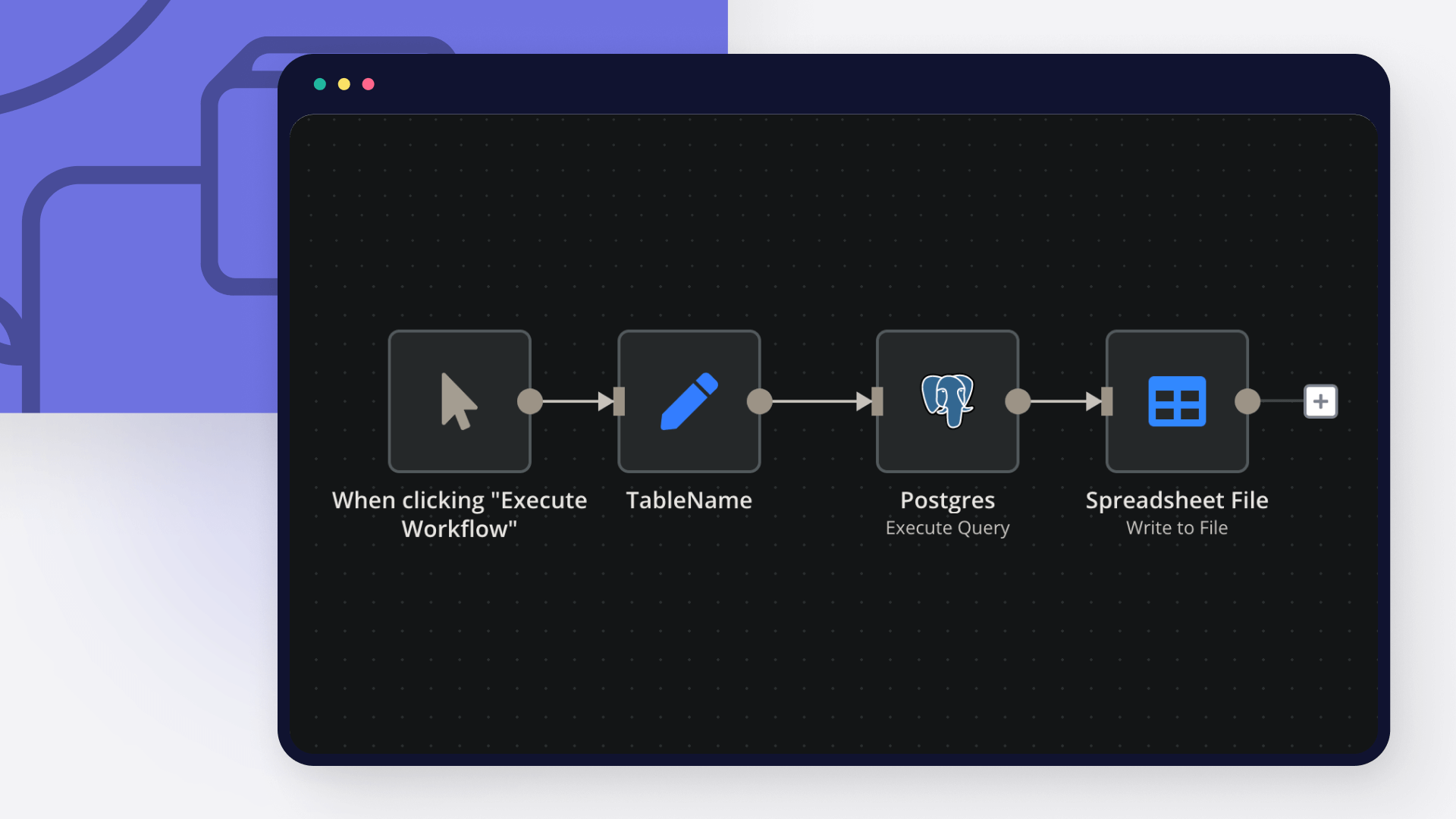
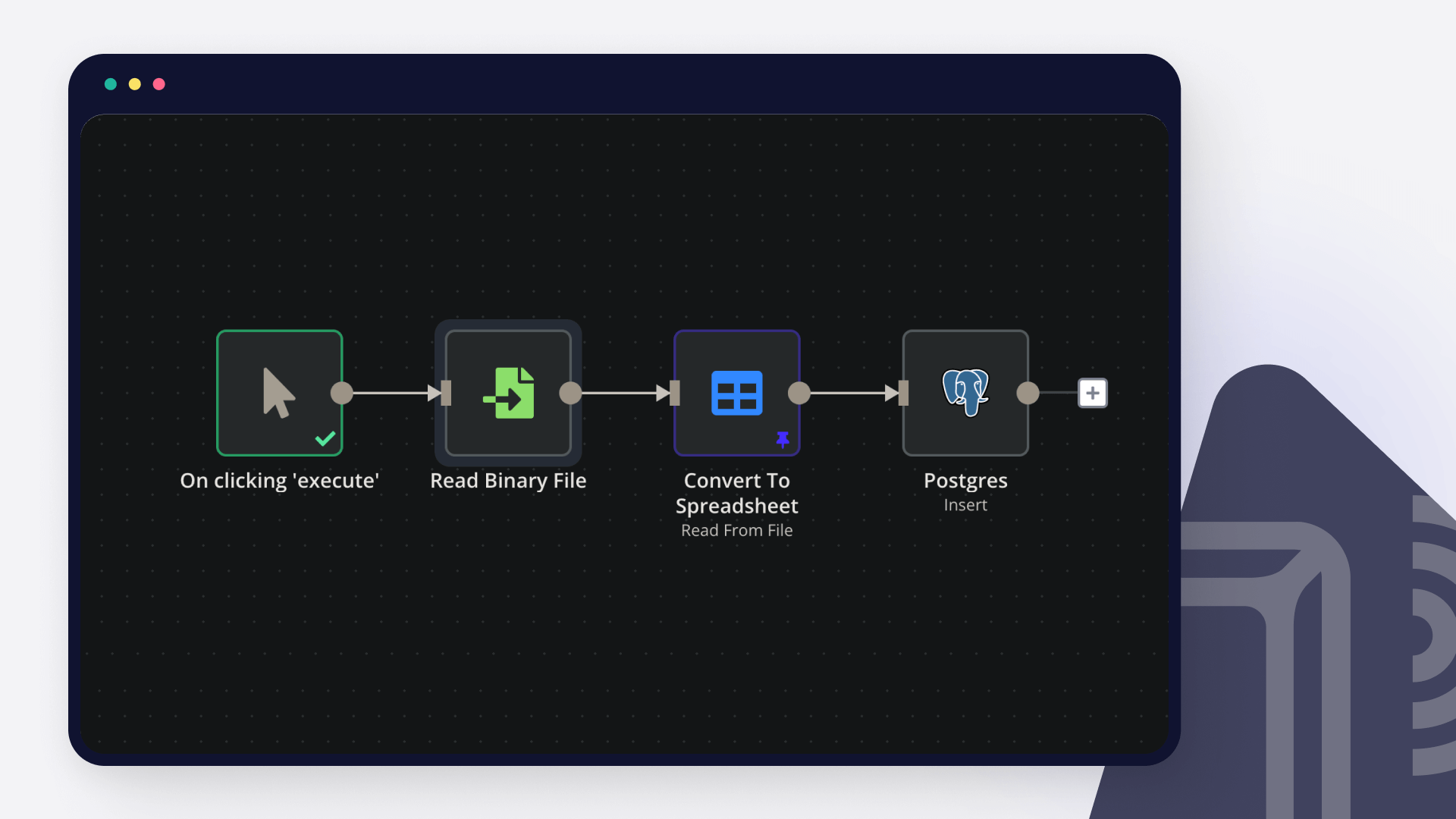
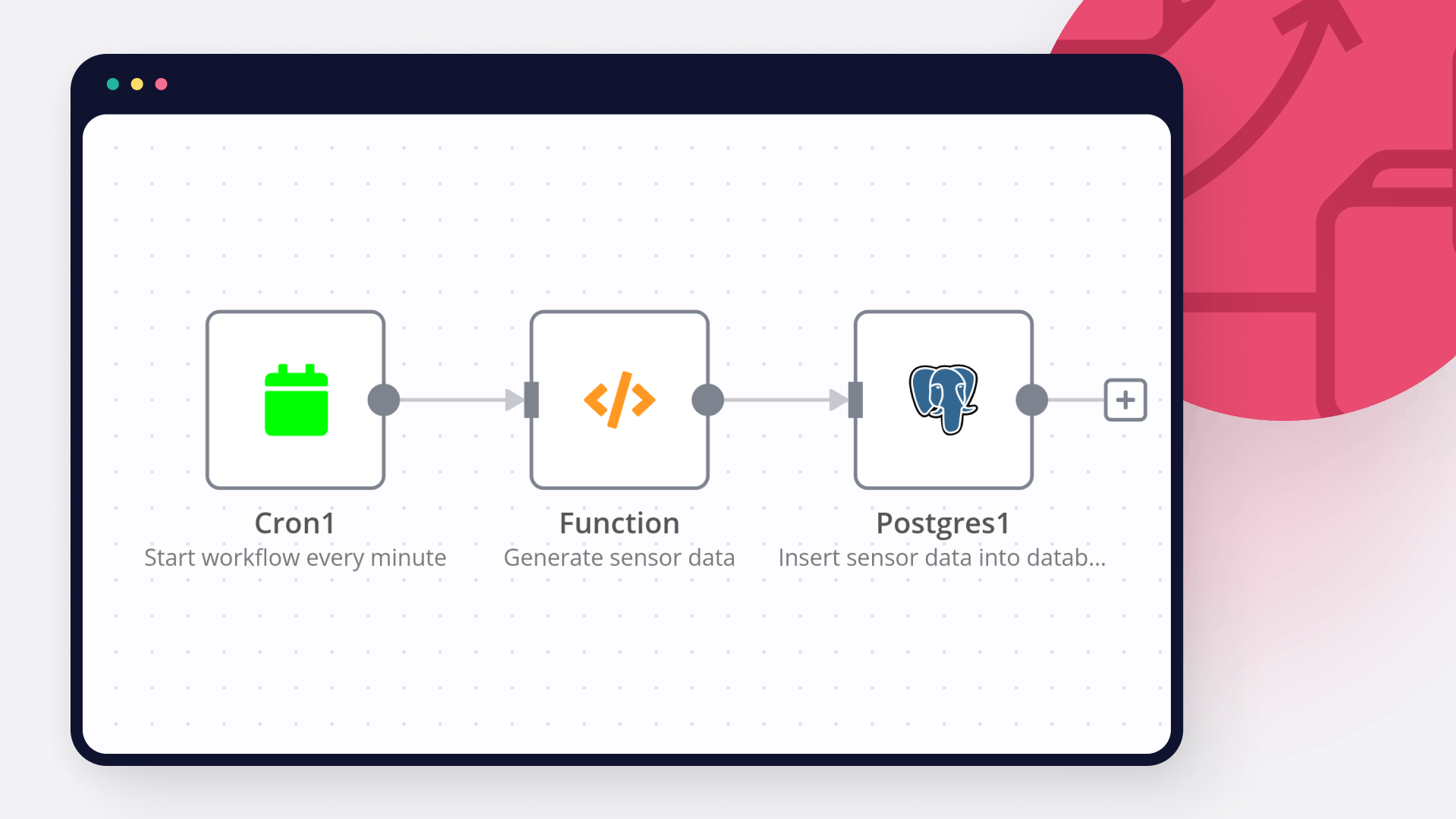
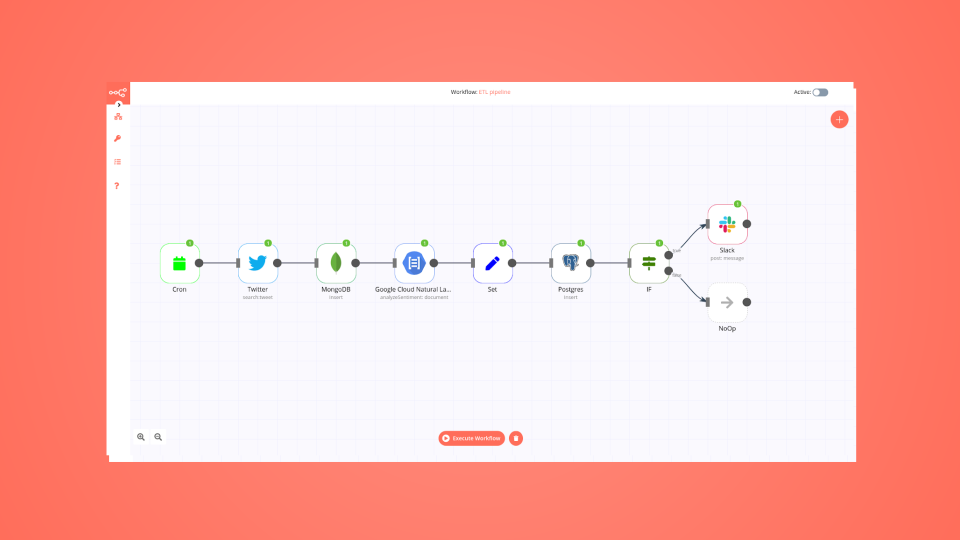
Create custom Airtable and Postgres workflows by choosing triggers and actions. Nodes come with global operations and settings, as well as app-specific parameters that can be configured. You can also use the HTTP Request node to query data from any app or service with a REST API.

Airtable supported actions

Get Many
List all the bases
Get Schema
Get the schema of the tables in a base
Create
Create a new record in a table
Create or Update
Create a new record, or update the current one if it already exists (upsert)
Delete
Delete a record from a table
Get
Retrieve a record from a table
Search
Search for specific records or list all
Update
Update a record in a table

Postgres supported actions

Delete
Delete an entire table or rows in a table
Execute Query
Execute an SQL query
Insert
Insert rows in a table
Insert or Update
Insert or update rows in a table
Select
Select rows from a table
Update
Update rows in a table

FAQs

  • Can Airtable connect with Postgres?

  • Can I use Airtable’s API with n8n?

  • Can I use Postgres’s API with n8n?

  • Is n8n secure for integrating Airtable and Postgres?

  • How to get started with Airtable and Postgres integration in n8n.io?

Need help setting up your Airtable and Postgres integration?

Discover our latest community's recommendations and join the discussions about Airtable and Postgres integration.
Mikhail Savenkov
Honza Pav
Michael Wells
Vyacheslav Karbovnichy
Dennis

Looking to integrate Airtable and Postgres in your company?

Over 3000 companies switch to n8n every single week

Why use n8n to integrate Airtable with Postgres

Build complex workflows, really fast

Build complex workflows, really fast

Handle branching, merging and iteration easily.
Pause your workflow to wait for external events.

Code when you need it, UI when you don't

Simple debugging

Your data is displayed alongside your settings, making edge cases easy to track down.

Use templates to get started fast

Use 1000+ workflow templates available from our core team and our community.

Reuse your work

Copy and paste, easily import and export workflows.

Implement complex processes faster with n8n

red iconyellow iconred iconyellow icon