Back to Integrations
integrationGhost node
integrationGoogle Sheets node

Ghost and Google Sheets integration

Save yourself the work of writing custom integrations for Ghost and Google Sheets and use n8n instead. Build adaptable and scalable Marketing, Data & Storage, and Productivity workflows that work with your technology stack. All within a building experience you will love.

How to connect Ghost and Google Sheets

  • Step 1: Create a new workflow
  • Step 2: Add and configure nodes
  • Step 3: Connect
  • Step 4: Customize and extend your integration
  • Step 5: Test and activate your workflow

Step 1: Create a new workflow and add the first step

In n8n, click the "Add workflow" button in the Workflows tab to create a new workflow. Add the starting point – a trigger on when your workflow should run: an app event, a schedule, a webhook call, another workflow, an AI chat, or a manual trigger. Sometimes, the HTTP Request node might already serve as your starting point.

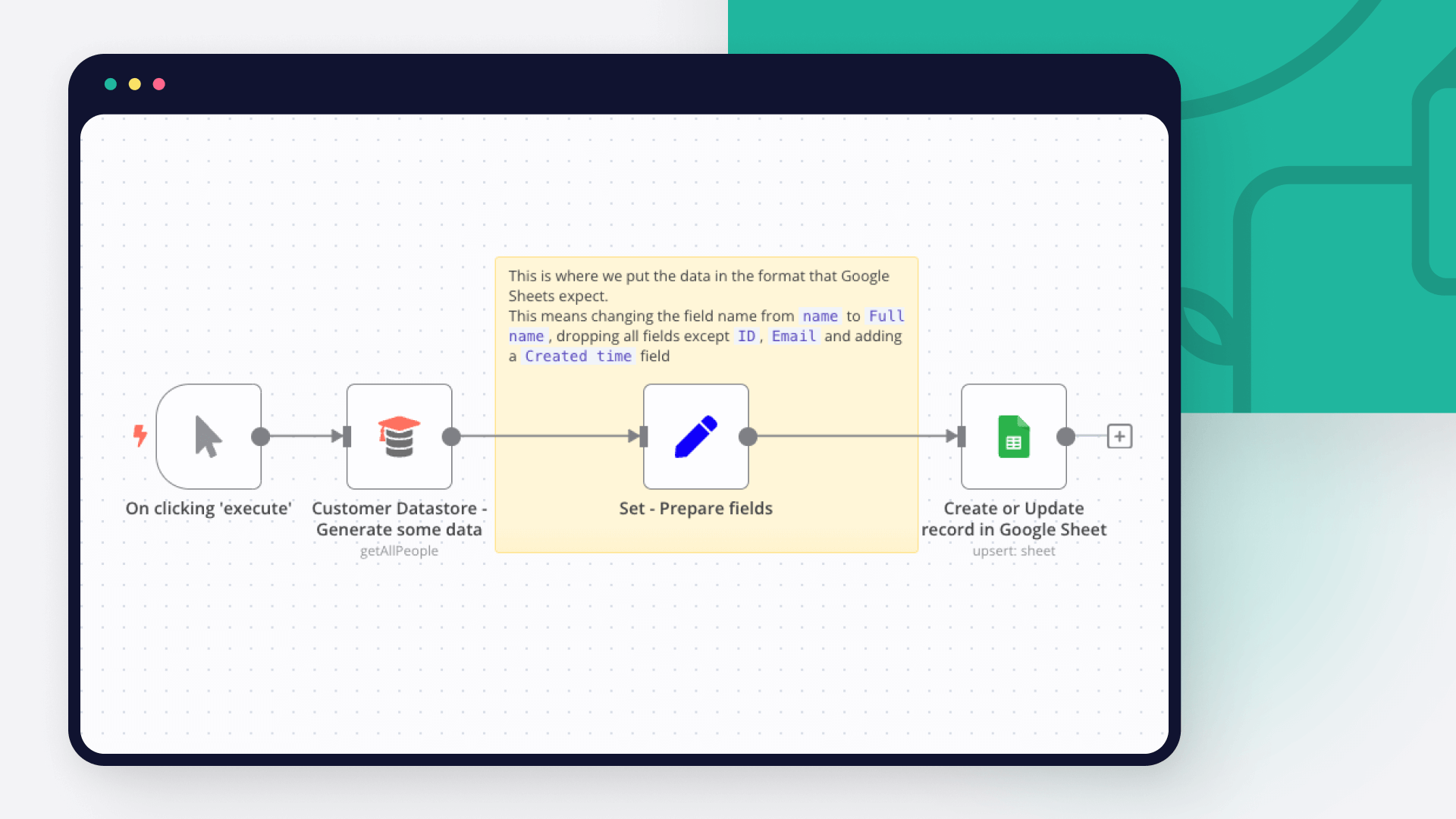
Ghost and Google Sheets integration: Create a new workflow and add the first step

Step 2: Add and configure Ghost and Google Sheets nodes

You can find Ghost and Google Sheets in the nodes panel. Drag them onto your workflow canvas, selecting their actions. Click each node, choose a credential, and authenticate to grant n8n access. Configure Ghost and Google Sheets nodes one by one: input data on the left, parameters in the middle, and output data on the right.

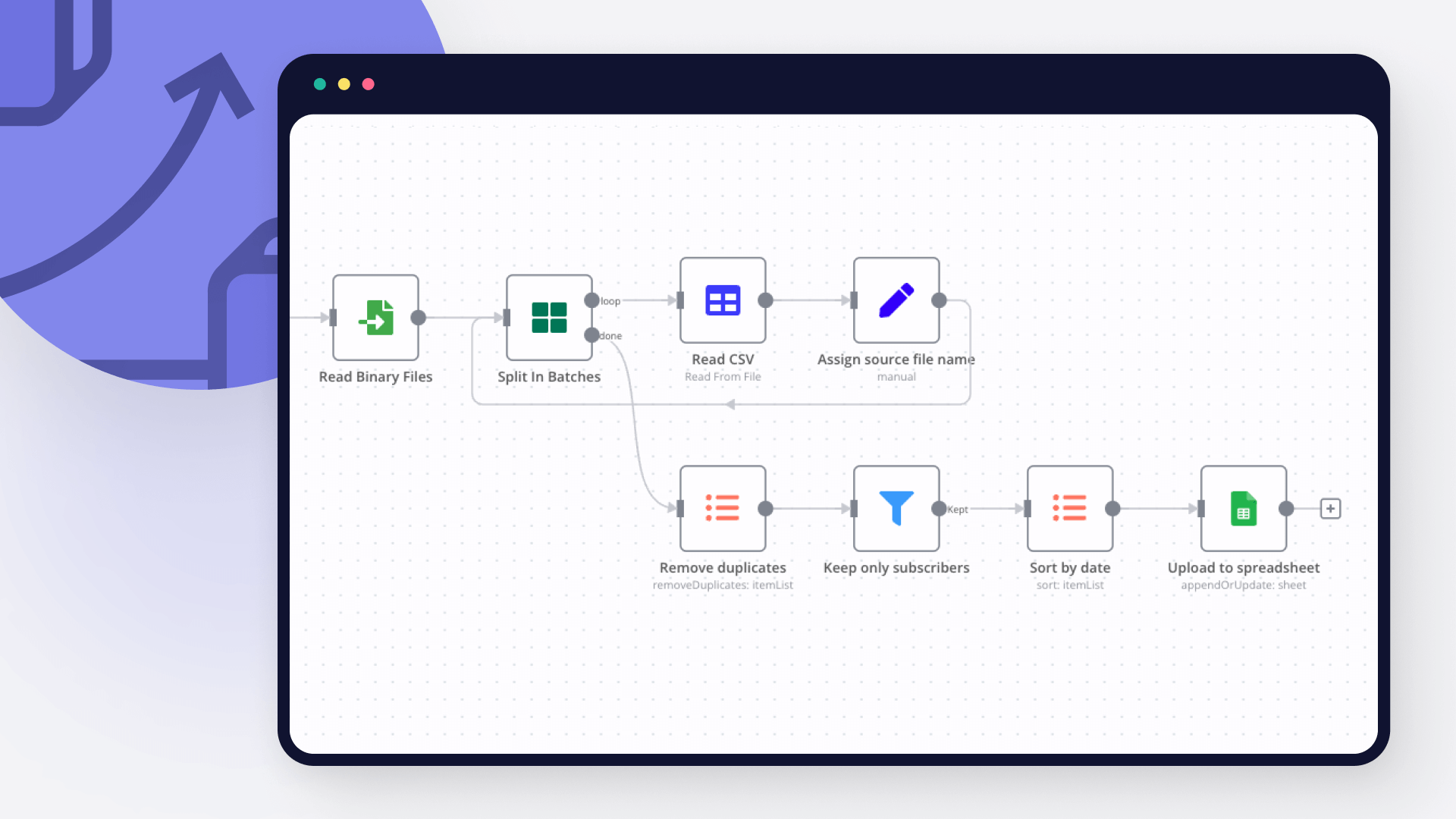
Ghost and Google Sheets integration: Add and configure Ghost and Google Sheets nodes

Step 3: Connect Ghost and Google Sheets

A connection establishes a link between Ghost and Google Sheets (or vice versa) to route data through the workflow. Data flows from the output of one node to the input of another. You can have single or multiple connections for each node.

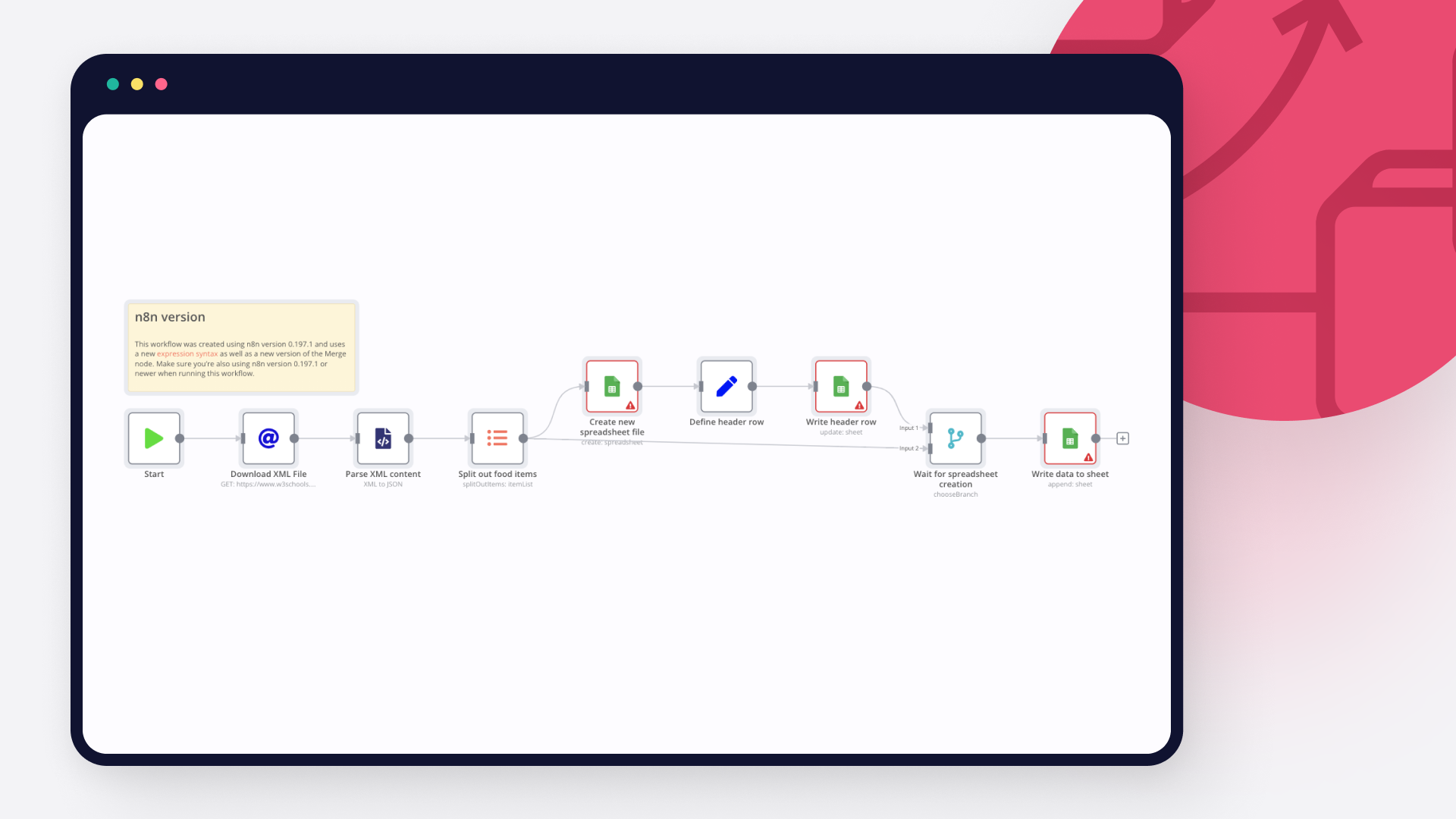
Ghost and Google Sheets integration: Connect Ghost and Google Sheets

Step 4: Customize and extend your Ghost and Google Sheets integration

Use n8n's core nodes such as If, Split Out, Merge, and others to transform and manipulate data. Write custom JavaScript or Python in the Code node and run it as a step in your workflow. Connect Ghost and Google Sheets with any of n8n’s 1000+ integrations, and incorporate advanced AI logic into your workflows.

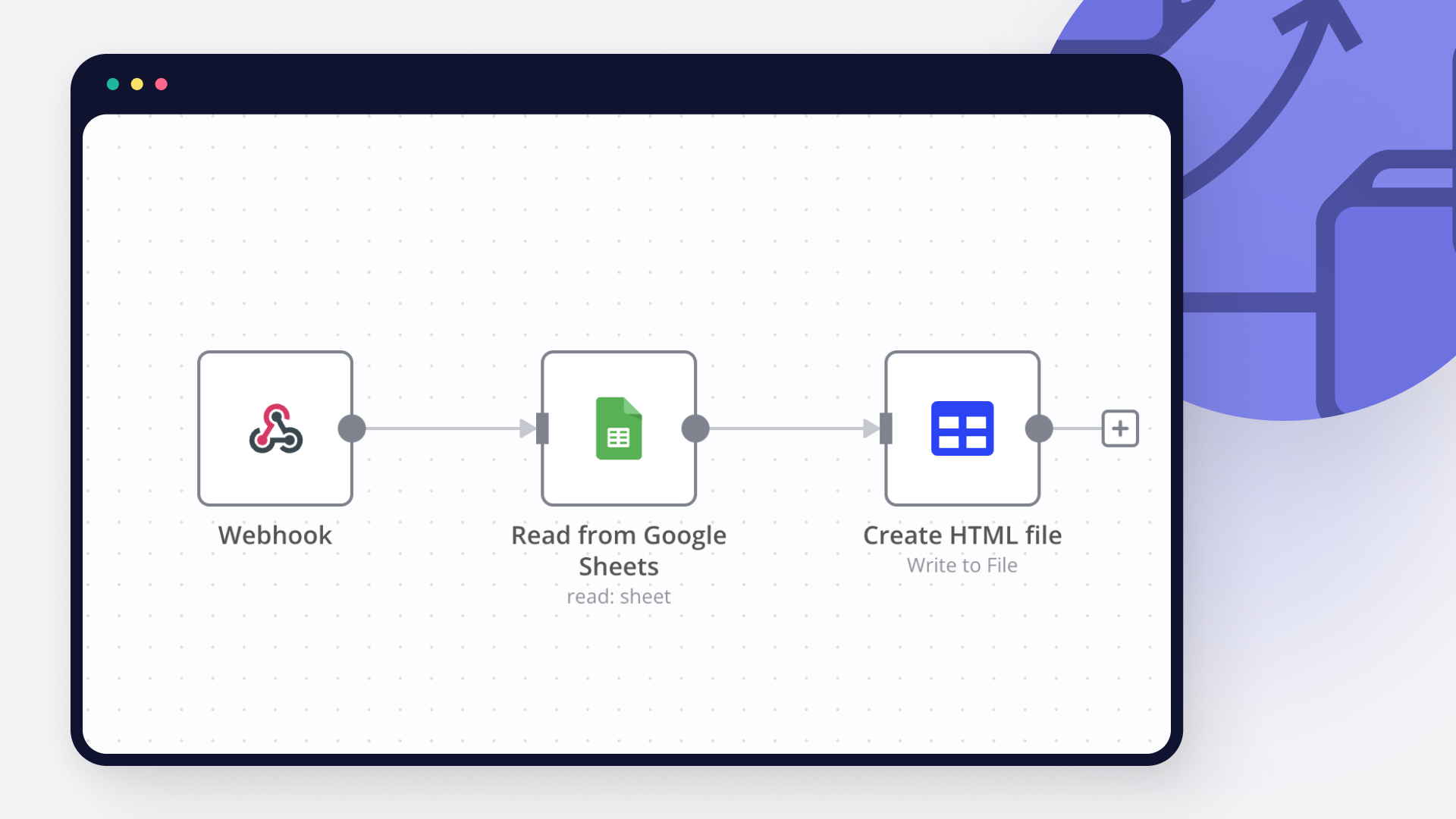
Ghost and Google Sheets integration: Customize and extend your Ghost and Google Sheets integration

Step 5: Test and activate your Ghost and Google Sheets workflow

Save and run the workflow to see if everything works as expected. Based on your configuration, data should flow from Ghost to Google Sheets or vice versa. Easily debug your workflow: you can check past executions to isolate and fix the mistake. Once you've tested everything, make sure to save your workflow and activate it.

Ghost and Google Sheets integration: Test and activate your Ghost and Google Sheets workflow

✍️ AI agent to create Linkedin posts for blog promotion with GPT-4o

Tags: Automation, AI, Marketing, Content Creation

Context
I’m a Supply Chain Data Scientist and content creator who writes regularly about data-driven optimization, logistics, and sustainability. Promoting blog articles on LinkedIn used to be a manual task — until I decided to automate it with N8N and GPT-4o.

This workflow lets you automatically extract blog posts, clean the content, and generate a professional LinkedIn post using an AI Agent powered by GPT-4o — all in one seamless automation.

>Save hours of repetitive work and boost your reach with AI.

📬 For business inquiries, you can add me on LinkedIn

Who is this template for?
This template is perfect for:
Bloggers and writers** who want to promote their content on LinkedIn
Marketing teams** looking to automate professional post-generation
Content creators** using Ghost platforms

It generates polished LinkedIn posts with:
A hook
A quick summary
A call-to-action
A signature to drive readers to your contact page

How does it work?
This workflow runs in N8N and performs the following steps:

🚀 Triggers manually or you can add a scheduler
📰 Pulls recent blog posts from your Ghost site (via API)
🧼 Cleans the HTML content for AI input
🤖 Sends content to GPT-4o with a tailored prompt to create a LinkedIn post
📄 Records all data (post content + LinkedIn output) in a Google Sheet

What do I need to start?
You don’t need to write a single line of code.
Prerequisites:
A Ghost CMS account with blog content
A Google Sheet to store generated posts
An OpenAI API Key
Google Sheets API** connected via OAuth2

Next Steps
Use the sticky notes in the workflow to understand how to:
Add your Ghost API credentials
Link your Google Sheet
Customize the AI prompt (e.g., change the author name or tone)
Optionally add auto-posting to LinkedIn using tools like Buffer or Make

🎥 Watch My Tutorial

🚀 Want to explore how automation can scale your brand or business?
📬 Let’s connect on LinkedIn

Notes
You can adapt this template for Twitter, Facebook, or even email newsletters by adjusting the prompt and output channel.
This workflow was built using n8n 1.85.4

Submitted: April 9th, 2025

Nodes used in this workflow

Popular Ghost and Google Sheets workflows

✍️ AI agent to create Linkedin posts for blog promotion with GPT-4o

Tags: Automation, AI, Marketing, Content Creation Context I’m a Supply Chain Data Scientist and content creator who writes regularly about data-driven optimization, logistics, and sustainability. Promoting blog articles on LinkedIn used to be a manual task — until I decided to automate it with N8N and GPT-4o. This workflow lets you automatically extract blog posts, clean the content, and generate a professional LinkedIn post using an AI Agent powered by GPT-4o — all in one seamless automation. >Save hours of repetitive work and boost your reach with AI. 📬 For business inquiries, you can add me on LinkedIn Who is this template for? This template is perfect for: Bloggers and writers** who want to promote their content on LinkedIn Marketing teams** looking to automate professional post-generation Content creators** using Ghost platforms It generates polished LinkedIn posts with: A hook A quick summary A call-to-action A signature to drive readers to your contact page How does it work? This workflow runs in N8N and performs the following steps: 🚀 Triggers manually or you can add a scheduler 📰 Pulls recent blog posts from your Ghost site (via API) 🧼 Cleans the HTML content for AI input 🤖 Sends content to GPT-4o with a tailored prompt to create a LinkedIn post 📄 Records all data (post content + LinkedIn output) in a Google Sheet What do I need to start? You don’t need to write a single line of code. Prerequisites: A Ghost CMS account with blog content A Google Sheet to store generated posts An OpenAI API Key Google Sheets API** connected via OAuth2 Next Steps Use the sticky notes in the workflow to understand how to: Add your Ghost API credentials Link your Google Sheet Customize the AI prompt (e.g., change the author name or tone) Optionally add auto-posting to LinkedIn using tools like Buffer or Make 🎥 Watch My Tutorial 🚀 Want to explore how automation can scale your brand or business? 📬 Let’s connect on LinkedIn Notes You can adapt this template for Twitter, Facebook, or even email newsletters by adjusting the prompt and output channel. This workflow was built using n8n 1.85.4 Submitted: April 9th, 2025

✍️ Blog image SEO & size auditor with Ghost and Google Sheets

Tags*: Ghost CMS, SEO Audit, Image Optimisation, Alt Text, Google Sheets, Automation Context Hi! I’m Samir — a Supply Chain Engineer and Data Scientist based in Paris, and founder of LogiGreen Consulting. I help companies and content creators use automation and analytics to improve visibility, enhance performance, and reduce manual work. > Let’s use n8n to automate SEO audits to increase your traffic! 📬 For business inquiries, feel free to connect on LinkedIn Who is this template for? This workflow is perfect for bloggers, marketers, or content teams using Ghost CMS who want to: Extract and review all images from articles Detect missing or short alt texts Check image file size and filename SEO compliance Push the audit results into a Google Sheet ) How does it work? This n8n workflow extracts all blog posts from Ghost CMS, scans the HTML to collect all embedded images, then evaluates each image for: ✅ Presence and length of alt text 📏 File size in kilobytes 🔤 Filename SEO quality (e.g. lowercase, hyphenated, no special chars) All findings are written to Google Sheets for further analysis or manual cleanup. 🧭 Workflow Steps: 🚀 Trigger the workflow manually or on schedule 📰 Extract blog post content from Ghost CMS 🖼️ Parse all tags with src and alt attributes 📤 Store image metadata in a Google Sheet (step 1) 🌐 Download each image using HTTP request 🧮 Extract file size, extension, and filename SEO flag 📄 Update the audit sheet with size and format insights ) What do I need to get started? This workflow requires: A Ghost Content API key A Google Sheet (to log audit results) No AI or external APIs required — works fully with built-in nodes 📺 Learn More with n8n Tutorials Get hands-on experience with automation through my comprehensive n8n tutorial playlist, featuring 18+ complete, step-by-step videos and ready-to-use templates. Next Steps 🗒️ Follow the sticky notes inside the workflow to: Plug in your Ghost blog credentials Select or create a Google Sheet Run the audit and start improving your SEO! This template was built using n8n v1.93.0 Submitted: June 8, 2025

Build your own Ghost and Google Sheets integration

Create custom Ghost and Google Sheets workflows by choosing triggers and actions. Nodes come with global operations and settings, as well as app-specific parameters that can be configured. You can also use the HTTP Request node to query data from any app or service with a REST API.

Ghost supported actions

Get
Get a post
Get Many
Get many posts
Create
Create a post
Delete
Delete a post
Get
Get a post
Get Many
Get many posts
Update
Update a post

Google Sheets supported actions

Create
Create a spreadsheet
Delete
Delete a spreadsheet
Append or Update Row
Append a new row or update an existing one (upsert)
Append Row
Create a new row in a sheet
Clear
Delete all the contents or a part of a sheet
Create
Create a new sheet
Delete
Permanently delete a sheet
Delete Rows or Columns
Delete columns or rows from a sheet
Get Row(s)
Retrieve one or more rows from a sheet
Update Row
Update an existing row in a sheet

FAQs

  • Can Ghost connect with Google Sheets?

  • Can I use Ghost’s API with n8n?

  • Can I use Google Sheets’s API with n8n?

  • Is n8n secure for integrating Ghost and Google Sheets?

  • How to get started with Ghost and Google Sheets integration in n8n.io?

Need help setting up your Ghost and Google Sheets integration?

Discover our latest community's recommendations and join the discussions about Ghost and Google Sheets integration.
Sergey Komardenkov
sérgio eduardo floresta filho
Julian
therealJMT
Guilherme

Looking to integrate Ghost and Google Sheets in your company?

Over 3000 companies switch to n8n every single week

Why use n8n to integrate Ghost with Google Sheets

Build complex workflows, really fast

Build complex workflows, really fast

Handle branching, merging and iteration easily.
Pause your workflow to wait for external events.

Code when you need it, UI when you don't

Simple debugging

Your data is displayed alongside your settings, making edge cases easy to track down.

Use templates to get started fast

Use 1000+ workflow templates available from our core team and our community.

Reuse your work

Copy and paste, easily import and export workflows.

Implement complex processes faster with n8n

red iconyellow iconred iconyellow icon