Back to Integrations
integrationGoogle BigQuery node
integrationGoogle Sheets node

Google BigQuery and Google Sheets integration

Save yourself the work of writing custom integrations for Google BigQuery and Google Sheets and use n8n instead. Build adaptable and scalable Data & Storage, Development, and Productivity workflows that work with your technology stack. All within a building experience you will love.

How to connect Google BigQuery and Google Sheets

  • Step 1: Create a new workflow
  • Step 2: Add and configure nodes
  • Step 3: Connect
  • Step 4: Customize and extend your integration
  • Step 5: Test and activate your workflow

Step 1: Create a new workflow and add the first step

In n8n, click the "Add workflow" button in the Workflows tab to create a new workflow. Add the starting point – a trigger on when your workflow should run: an app event, a schedule, a webhook call, another workflow, an AI chat, or a manual trigger. Sometimes, the HTTP Request node might already serve as your starting point.

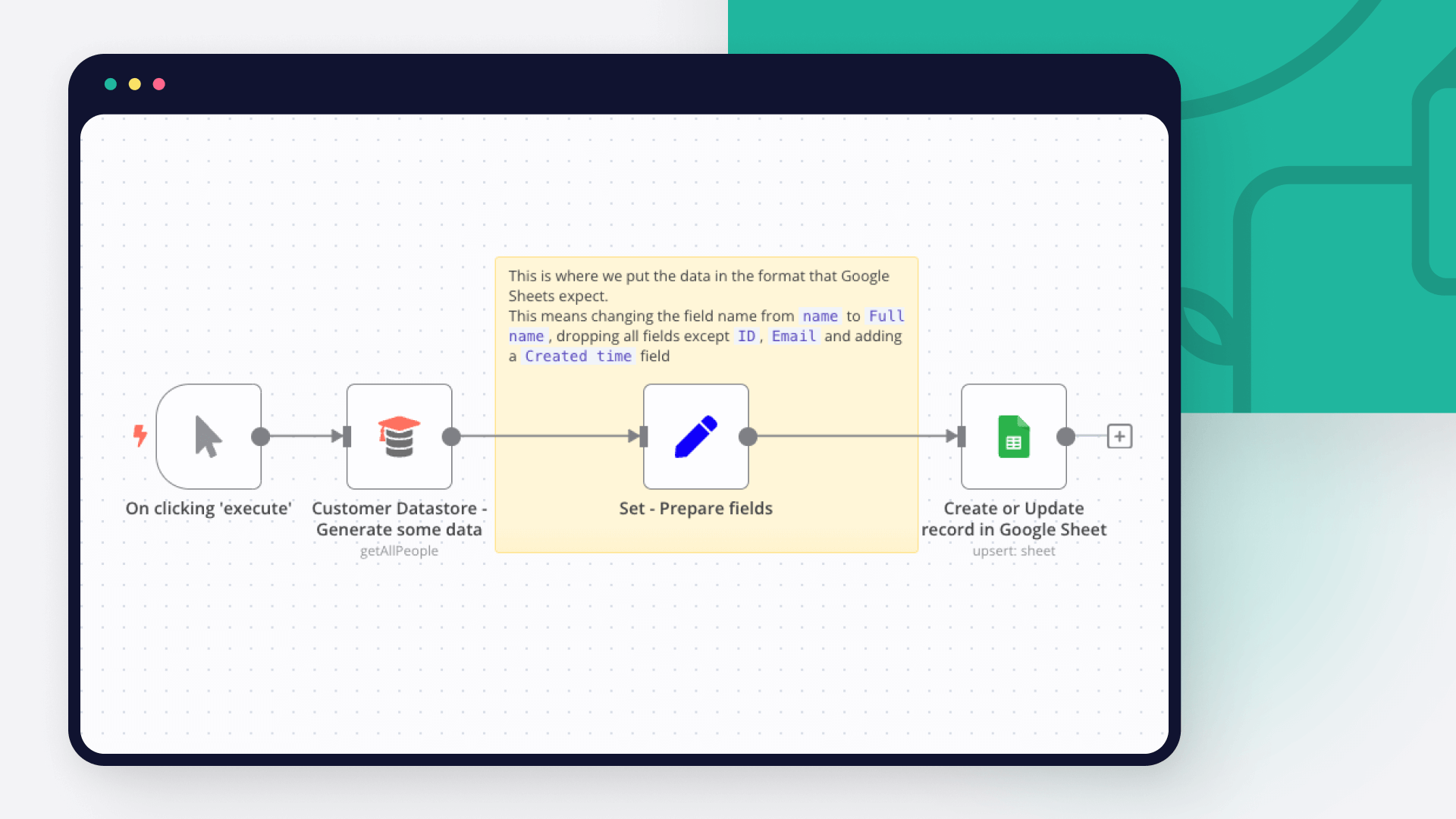
Google BigQuery and Google Sheets integration: Create a new workflow and add the first step

Step 2: Add and configure Google BigQuery and Google Sheets nodes

You can find Google BigQuery and Google Sheets in the nodes panel. Drag them onto your workflow canvas, selecting their actions. Click each node, choose a credential, and authenticate to grant n8n access. Configure Google BigQuery and Google Sheets nodes one by one: input data on the left, parameters in the middle, and output data on the right.

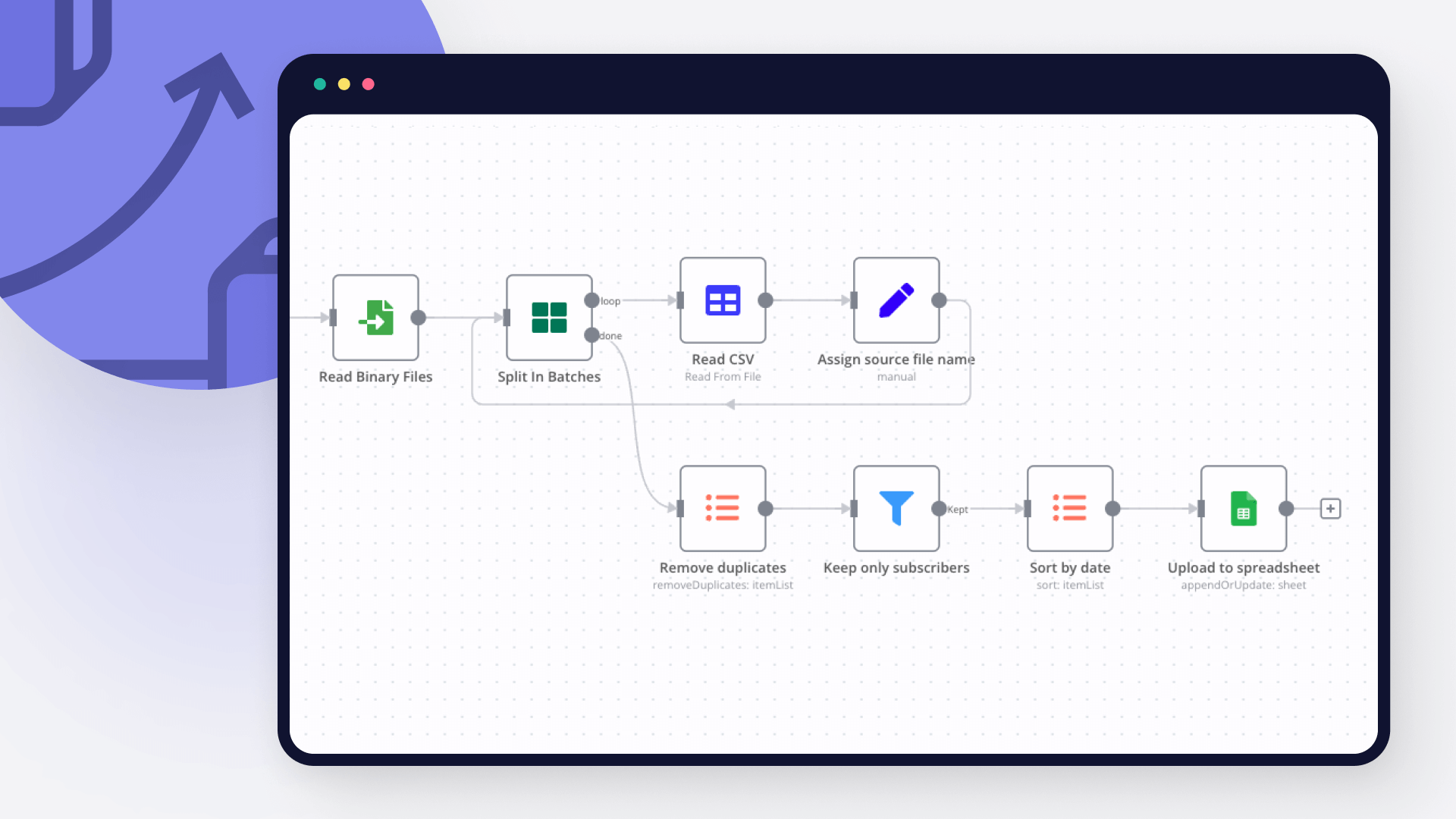
Google BigQuery and Google Sheets integration: Add and configure Google BigQuery and Google Sheets nodes

Step 3: Connect Google BigQuery and Google Sheets

A connection establishes a link between Google BigQuery and Google Sheets (or vice versa) to route data through the workflow. Data flows from the output of one node to the input of another. You can have single or multiple connections for each node.

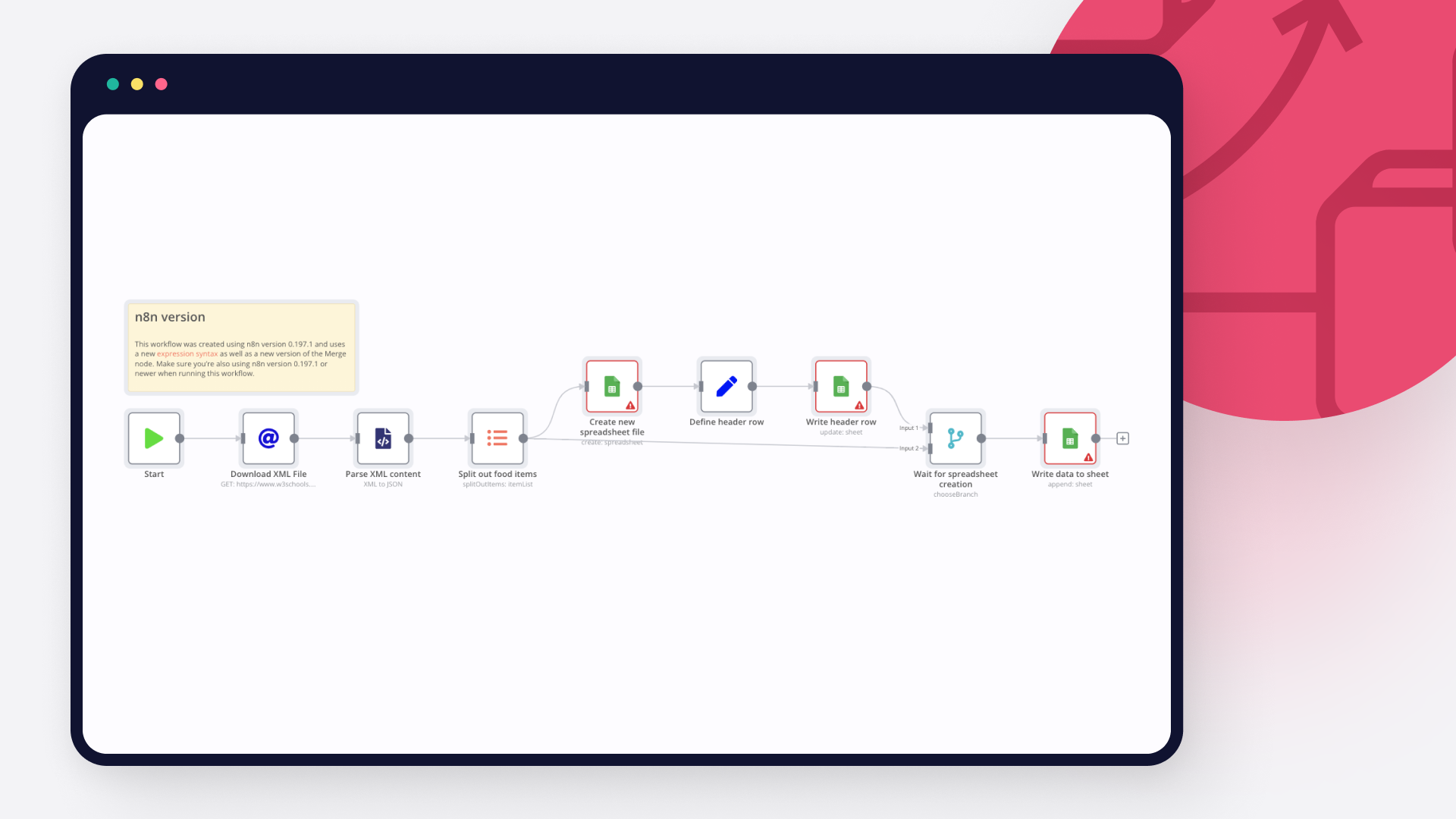
Google BigQuery and Google Sheets integration: Connect Google BigQuery and Google Sheets

Step 4: Customize and extend your Google BigQuery and Google Sheets integration

Use n8n's core nodes such as If, Split Out, Merge, and others to transform and manipulate data. Write custom JavaScript or Python in the Code node and run it as a step in your workflow. Connect Google BigQuery and Google Sheets with any of n8n’s 1000+ integrations, and incorporate advanced AI logic into your workflows.

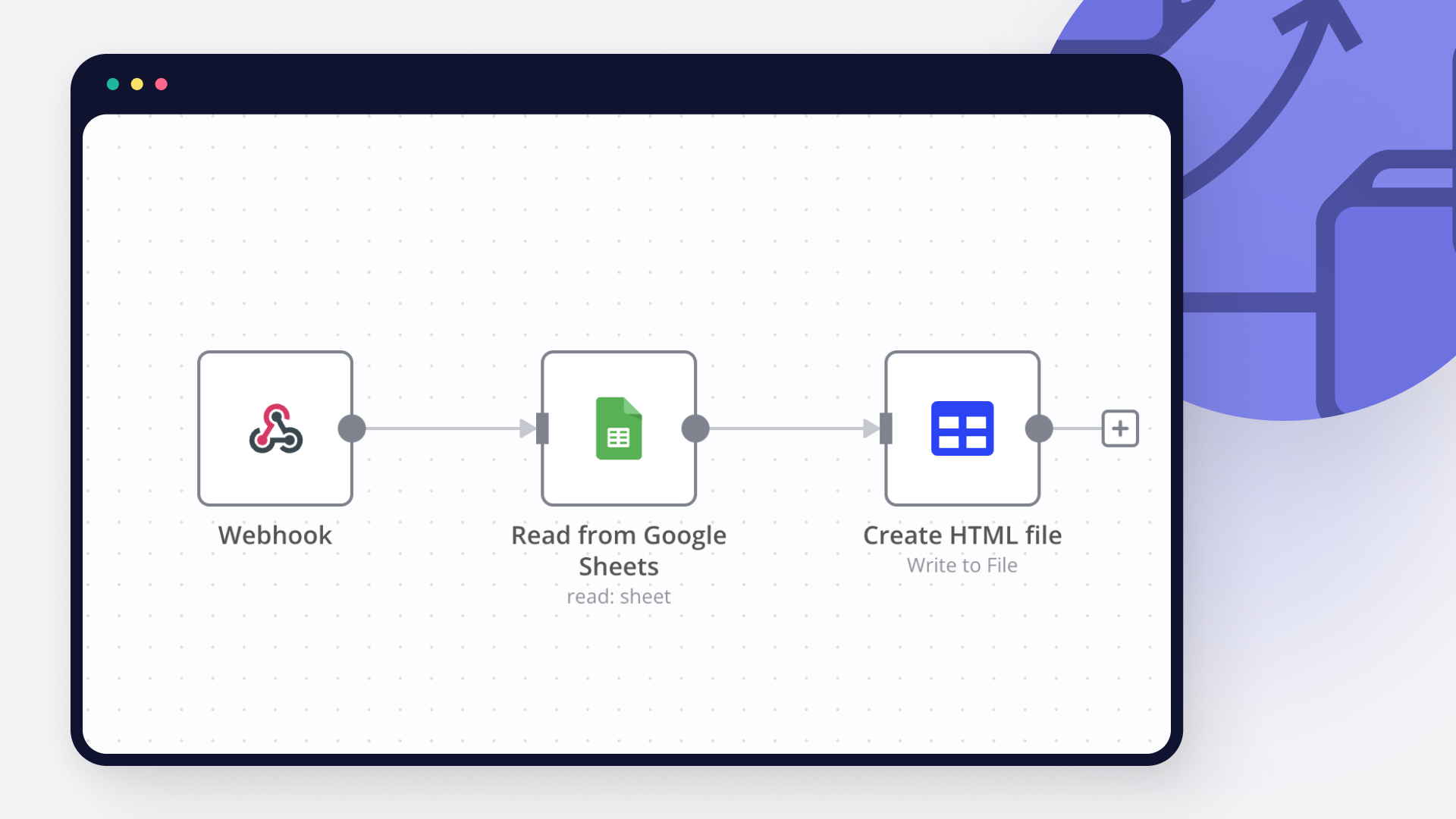
Google BigQuery and Google Sheets integration: Customize and extend your Google BigQuery and Google Sheets integration

Step 5: Test and activate your Google BigQuery and Google Sheets workflow

Save and run the workflow to see if everything works as expected. Based on your configuration, data should flow from Google BigQuery to Google Sheets or vice versa. Easily debug your workflow: you can check past executions to isolate and fix the mistake. Once you've tested everything, make sure to save your workflow and activate it.

Google BigQuery and Google Sheets integration: Test and activate your Google BigQuery and Google Sheets workflow

Qualify and email literary agents with GPT‑4.1, Gmail and Google Sheets

Inspiration & Notes

This workflow was born out of a very real problem.

While writing a book, I found the process of discovering suitable literary agents and managing outreach to be manual, and surprisingly difficult to scale. Researching agents, checking submission rules, personalizing emails, tracking submissions, and staying organized quickly became a full-time job on its own.

So instead of doing it manually, I automated it.

I built this entire workflow in 3 days — and the goal of publishing it is to show that you can do the same. With the right structure and intent, complex sales and marketing workflows don’t have to take months to build.

Contact & Collaboration

If you have questions, business inquiries, or would like help setting up automation workflows, feel free to reach out:

📩 [email protected]

I genuinely enjoy designing workflows and automation systems, especially when they support meaningful projects. I work primarily from interest and impact rather than purely financial motivation.

Whether I take on a project for FREE or paid for the following reasons:

I LOVE setting up workflows and automation.
I work for meaningfulness, not for money.
I may do the work for free**, depending on how meaningful the project is. If the problem statement matters, the motivation follows.
It also depends on the value I bring to the table** -- If I can contribute significant value through system design, I’m more inclined to get involved.

If you’re building something thoughtful and need help automating it, I’m always happy to have a conversation. Enjoy~!

  1. Overview
    Automates the end-to-end literary agent outreach pipeline, from data ingestion and eligibility filtering to deep agent research, personalized email generation, submission tracking, and analytics.

Architecture

The system is organized into four logical domains:
The system is modular and is divided into four domains:

--> Data Engineering
--> Marketing & Research
--> Sales (Outreach)
--> Data Analysis

Each domain operates independently and passes structured data downstream.

  1. Data Engineering

Purpose:
Ingest and normalize agent data from multiple sources into a single source of truth.

Inputs
Google BigQuery
Azure Blob Storage
AWS S3
Google Sheets
(Optional) HTTP sources

Key Steps
Scheduled ingestion trigger
Merge and normalize heterogeneous data formats (CSV, tables)
Deduplication and validation
AI-assisted enrichment for missing metadata
Append-only writes to a central Google Sheet

Output
Clean, normalized agent records ready for eligibility evaluation

  1. Marketing & Research

Purpose:
Decide who to contact and how to personalize outreach.

Eligibility Evaluation
An AI agent evaluates each record against strict rules:
Email submissions enabled
Not QueryTracker-only or QueryManager-only
Genre fit (e.g. Memoir, Spiritual, Self-help, Psychology, Relationships, Family)

Outputs
send_email (boolean)
reason (auditable explanation)

Deep Research
For eligible agents only:
Public research from agency sites, interviews, Manuscript Wish List, and LinkedIn (if public)
Extracts:
Professional background
Editorial interests
Genres represented
Notable clients/books (if publicly listed)
Public statements
Source-backed personalization angles

Strict Rule:
All claims must be explicitly cited; no inference or hallucination is allowed.

  1. Sales (Outreach)

Purpose:
Execute personalized email outreach and maintain clean submission tracking.

Steps
AI generates agent-specific email copy
Copy is normalized for tone and clarity
Email is sent (e.g. Gmail)
Submission metadata is logged:
Submission Completed
Submission Timestamp
Channel used

Result
Consistent, traceable outreach with CRM-style hygiene

  1. Data Analysis

Purpose:
Measure pipeline health and outreach effectiveness.

Features
Append-only decision and submission logs
QuickChart visualizations for fast validation (e.g. TRUE vs FALSE completion rates)
Optional integration with:
Power BI
Google Analytics 4

Supports
Completion rate analysis
Funnel tracking
Source/platform performance
Decision auditing

Design Principles

Separation of concerns** (ingestion ≠ decision ≠ outreach ≠ analytics)
AI with hard guardrails** (strict schemas, source-only facts)
Append-only logging** (analytics-safe, debuggable)
Modular & extensible** (plug-and-play data sources)
Human-readable + machine-usable outputs**

Constraints & Notes

Only public, professional information is used
No private or speculative data
HTTP scraping avoided unless necessary
Power BI Embedded is not required
Workflow designed and implemented end-to-end in ~3 days

Use Cases

Marketing
Audience discovery
Agent segmentation
Personalization at scale
Campaign readiness
Funnel automation

Sales
Lead qualification
Deduplication
Outreach execution
Status tracking
Pipeline hygiene

Tech Stack

Automation:** n8n
AI:** OpenAI (GPT)
Scripting:** JavaScript
Data Stores:** Google Sheets
Email:** Gmail
Visualization:** QuickChart
BI (optional):** Power BI, Google Analytics 4
Cloud Sources:** AWS S3, Azure Blob, BigQuery

Status

This workflow is production-ready, modular, and designed for extension into other sales or marketing domains beyond literary outreach.

Nodes used in this workflow

Popular Google BigQuery and Google Sheets workflows

+8

Qualify and email literary agents with GPT‑4.1, Gmail and Google Sheets

Inspiration & Notes This workflow was born out of a very real problem. While writing a book, I found the process of discovering suitable literary agents and managing outreach to be manual, and surprisingly difficult to scale. Researching agents, checking submission rules, personalizing emails, tracking submissions, and staying organized quickly became a full-time job on its own. So instead of doing it manually, I automated it. I built this entire workflow in 3 days — and the goal of publishing it is to show that you can do the same. With the right structure and intent, complex sales and marketing workflows don’t have to take months to build. Contact & Collaboration If you have questions, business inquiries, or would like help setting up automation workflows, feel free to reach out: 📩 [email protected] I genuinely enjoy designing workflows and automation systems, especially when they support meaningful projects. I work primarily from interest and impact rather than purely financial motivation. Whether I take on a project for FREE or paid for the following reasons: I LOVE setting up workflows and automation. I work for meaningfulness, not for money. I may do the work for free**, depending on how meaningful the project is. If the problem statement matters, the motivation follows. It also depends on the value I bring to the table** -- If I can contribute significant value through system design, I’m more inclined to get involved. If you’re building something thoughtful and need help automating it, I’m always happy to have a conversation. Enjoy~! Overview Automates the end-to-end literary agent outreach pipeline, from data ingestion and eligibility filtering to deep agent research, personalized email generation, submission tracking, and analytics. Architecture The system is organized into four logical domains: The system is modular and is divided into four domains: --> Data Engineering --> Marketing & Research --> Sales (Outreach) --> Data Analysis Each domain operates independently and passes structured data downstream. Data Engineering Purpose: Ingest and normalize agent data from multiple sources into a single source of truth. Inputs Google BigQuery Azure Blob Storage AWS S3 Google Sheets (Optional) HTTP sources Key Steps Scheduled ingestion trigger Merge and normalize heterogeneous data formats (CSV, tables) Deduplication and validation AI-assisted enrichment for missing metadata Append-only writes to a central Google Sheet Output Clean, normalized agent records ready for eligibility evaluation Marketing & Research Purpose: Decide who to contact and how to personalize outreach. Eligibility Evaluation An AI agent evaluates each record against strict rules: Email submissions enabled Not QueryTracker-only or QueryManager-only Genre fit (e.g. Memoir, Spiritual, Self-help, Psychology, Relationships, Family) Outputs send_email (boolean) reason (auditable explanation) Deep Research For eligible agents only: Public research from agency sites, interviews, Manuscript Wish List, and LinkedIn (if public) Extracts: Professional background Editorial interests Genres represented Notable clients/books (if publicly listed) Public statements Source-backed personalization angles Strict Rule: All claims must be explicitly cited; no inference or hallucination is allowed. Sales (Outreach) Purpose: Execute personalized email outreach and maintain clean submission tracking. Steps AI generates agent-specific email copy Copy is normalized for tone and clarity Email is sent (e.g. Gmail) Submission metadata is logged: Submission Completed Submission Timestamp Channel used Result Consistent, traceable outreach with CRM-style hygiene Data Analysis Purpose: Measure pipeline health and outreach effectiveness. Features Append-only decision and submission logs QuickChart visualizations for fast validation (e.g. TRUE vs FALSE completion rates) Optional integration with: Power BI Google Analytics 4 Supports Completion rate analysis Funnel tracking Source/platform performance Decision auditing Design Principles Separation of concerns** (ingestion ≠ decision ≠ outreach ≠ analytics) AI with hard guardrails** (strict schemas, source-only facts) Append-only logging** (analytics-safe, debuggable) Modular & extensible** (plug-and-play data sources) Human-readable + machine-usable outputs** Constraints & Notes Only public, professional information is used No private or speculative data HTTP scraping avoided unless necessary Power BI Embedded is not required Workflow designed and implemented end-to-end in ~3 days Use Cases Marketing Audience discovery Agent segmentation Personalization at scale Campaign readiness Funnel automation Sales Lead qualification Deduplication Outreach execution Status tracking Pipeline hygiene Tech Stack Automation:** n8n AI:** OpenAI (GPT) Scripting:** JavaScript Data Stores:** Google Sheets Email:** Gmail Visualization:** QuickChart BI (optional):** Power BI, Google Analytics 4 Cloud Sources:** AWS S3, Azure Blob, BigQuery Status This workflow is production-ready, modular, and designed for extension into other sales or marketing domains beyond literary outreach.

Build your own Google BigQuery and Google Sheets integration

Create custom Google BigQuery and Google Sheets workflows by choosing triggers and actions. Nodes come with global operations and settings, as well as app-specific parameters that can be configured. You can also use the HTTP Request node to query data from any app or service with a REST API.

Google BigQuery supported actions

Execute Query
Execute a SQL query
Insert
Insert rows in a table

Google Sheets supported actions

Create
Create a spreadsheet
Delete
Delete a spreadsheet
Append or Update Row
Append a new row or update an existing one (upsert)
Append Row
Create a new row in a sheet
Clear
Delete all the contents or a part of a sheet
Create
Create a new sheet
Delete
Permanently delete a sheet
Delete Rows or Columns
Delete columns or rows from a sheet
Get Row(s)
Retrieve one or more rows from a sheet
Update Row
Update an existing row in a sheet

FAQs

  • Can Google BigQuery connect with Google Sheets?

  • Can I use Google BigQuery’s API with n8n?

  • Can I use Google Sheets’s API with n8n?

  • Is n8n secure for integrating Google BigQuery and Google Sheets?

  • How to get started with Google BigQuery and Google Sheets integration in n8n.io?

Need help setting up your Google BigQuery and Google Sheets integration?

Discover our latest community's recommendations and join the discussions about Google BigQuery and Google Sheets integration.
Sergey Komardenkov
sérgio eduardo floresta filho
Julian
therealJMT
Guilherme

Looking to integrate Google BigQuery and Google Sheets in your company?

Over 3000 companies switch to n8n every single week

Why use n8n to integrate Google BigQuery with Google Sheets

Build complex workflows, really fast

Build complex workflows, really fast

Handle branching, merging and iteration easily.
Pause your workflow to wait for external events.

Code when you need it, UI when you don't

Simple debugging

Your data is displayed alongside your settings, making edge cases easy to track down.

Use templates to get started fast

Use 1000+ workflow templates available from our core team and our community.

Reuse your work

Copy and paste, easily import and export workflows.

Implement complex processes faster with n8n

red iconyellow iconred iconyellow icon