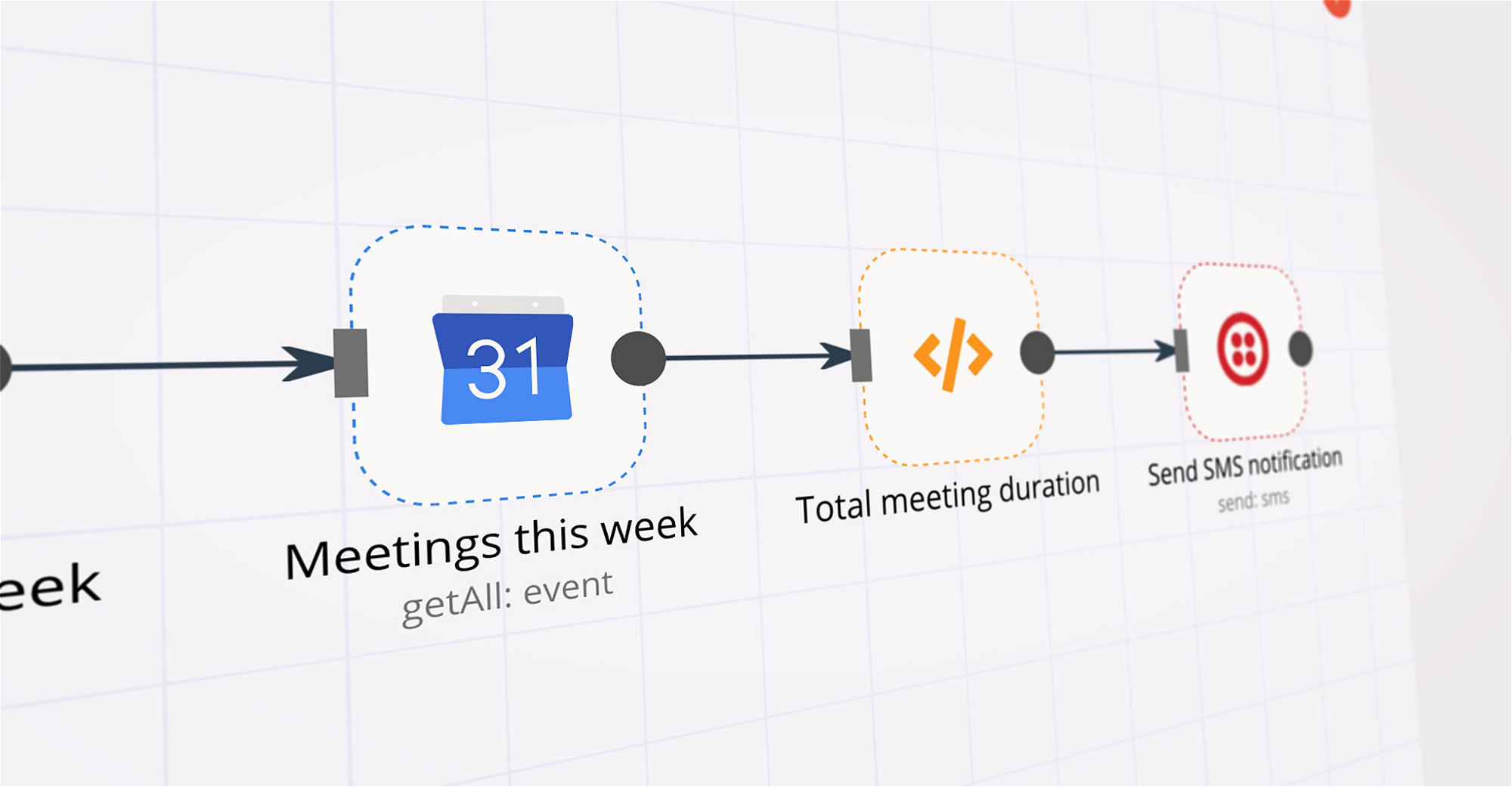
This automated n8n workflow checks daily travel itineraries, syncs upcoming trips to Google Calendar, and sends reminder notifications to travelers via email or SMS. Perfect for travel agencies, tour operators, and organizations managing group trips to keep travelers informed about their schedules and bookings.
What This Workflow Does
Automatically checks travel itineraries every day
Identifies today's trips and upcoming departures
Syncs trip information to Google Calendar
Sends personalized reminders to assigned travelers
Tracks reminder delivery status and logs activities
Handles both email and SMS notification preferences
Provides pre-travel checklists and booking confirmations
Manages multi-day trip schedules and activities
Main Components
Daily Travel Check** - Triggers daily to check travel itineraries
Read Travel Itinerary** - Retrieves today's trips and bookings from database/Excel
Filter Today's Trips** - Identifies trips departing today and upcoming activities
Has Trips Today?** - Checks if there are any trips scheduled
Read Traveler Contacts** - Gets traveler contact information for assigned trips
Sync to Google Calendar** - Creates/updates trip events in Google Calendar
Create Traveler Reminders** - Generates personalized reminder messages with travel details
Split Into Batches** - Processes reminders in manageable batches
Email or SMS?** - Routes based on traveler communication preferences
Prepare Email Reminders** - Creates detailed email reminder content with checklists
Prepare SMS Reminders** - Creates SMS reminder content optimized for text
Read Reminder Log** - Checks previous reminder history
Update Reminder Log** - Records sent reminders with timestamps
Save Reminder Log** - Saves updated log data for audit trail
Essential Prerequisites
Travel itinerary database/Excel file with trip assignments
Traveler contact database with email and phone numbers
Google Calendar API access and credentials
SMTP server for email notifications
SMS service provider (Twilio, Nexmo, etc.) for text reminders
Reminder log file for tracking sent notifications
Booking confirmation system (flight, hotel, transport)
Required Data Files
trip_itinerary.xlsx:
Trip ID | Trip Name | Date | Departure Time | Duration
Departure Location | Destination | Hotel | Flight Number
Assigned Travelers | Status | Booking Reference | Cost
traveler_contacts.xlsx:
Traveler ID | First Name | Last Name | Email | Phone
Preferred Contact | Assigned Trips | Passport Number | Emergency Contact
reminder_log.xlsx:
Log ID | Date | Traveler ID | Trip ID | Contact Method
Status | Sent Time | Message Preview | Confirmation
Key Features
⏰ Daily Automation: Runs automatically every day at scheduled times
📅 Calendar Sync: Syncs trips to Google Calendar for easy viewing
📧 Smart Reminders: Sends email or SMS based on traveler preference
👥 Batch Processing: Handles multiple travelers efficiently
📊 Activity Logging: Tracks all reminder activities and delivery status
🔄 Duplicate Prevention: Avoids sending multiple reminders
📱 Multi-Channel: Supports both email and SMS notifications
✈️ Travel-Specific: Includes flight numbers, locations, accommodation details
📋 Pre-Travel Checklist: Provides comprehensive packing and document reminders
🌍 Multi-Destination: Manages complex multi-stop itineraries
Quick Setup
Import workflow JSON into n8n
Configure daily trigger schedule (recommended: 6 AM and 6 PM)
Set up trip itinerary and traveler contact files
Connect Google Calendar API credentials
Configure SMTP server for emails
Set up SMS service provider (Twilio, Nexmo, or similar)
Map Excel sheet columns to workflow variables
Test with sample trip data
Activate workflow
Parameters to Configure
schedule_file_path: Path to trip itinerary file
contacts_file_path: Path to traveler contacts file
reminder_hours: Hours before departure to send reminder (default: 24)
google_calendar_id: Google Calendar ID for syncing trips
google_api_credentials: Google Calendar API credentials
smtp_host: Email server settings
smtp_user: Email username
smtp_password: Email password
sms_api_key: SMS service API key
sms_phone_number: SMS sender phone number
reminder_log_path: Path to reminder log file
Sample Reminder Messages
Email Subject: "✈️ Travel Reminder: [Trip Name] Today at [Time]"
Email Body:
Hello [Traveler Name],
Your trip is happening today! Here are your travel details:
Trip: [Trip Name]
Departure: [Departure Time]
From: [Departure Location]
To: [Destination]
Flight/Transport: [Flight Number]
Hotel: [Hotel Name]
Duration: [X] days
Pre-Travel Checklist:
☑ Passport and travel documents
☑ Travel insurance documents
☑ Hotel confirmations
☑ Medications and toiletries
☑ Weather-appropriate clothing
☑ Phone charger and adapters
⚠️ Please arrive at the departure point 2 hours early!
Have a wonderful trip!
SMS: "✈️ Travel Reminder: '[Trip Name]' departs at [Time] today from [Location]. Arrive 2 hours early! Flight: [Number]"
Tomorrow Evening Preview (SMS): "📅 Tomorrow: '[Trip Name]' departs at [Time] from [Location]. Pack tonight! ([X] days)"
Use Cases
Daily trip departure reminders for travelers
Last-minute itinerary change notifications
Flight cancellation and delay alerts
Hotel check-in and checkout reminders
Travel document expiration warnings
Group tour activity scheduling
Adventure/hiking trip departure alerts
Business travel itinerary updates
Family vacation coordination
Study abroad program notifications
Multi-city tour route confirmations
Transport connection reminders
Advanced Features
Reminder Escalation
24-hour reminder: Full details with checklist
6-hour reminder: Quick confirmation with transport details
2-hour reminder: Urgent departure notification
Conditional Logic
Different messages for single-day vs. multi-day trips
Domestic vs. international travel variations
Group size-based messaging
Weather-based travel advisories
Integration Capabilities
Connect to airline APIs for real-time flight status
Link to hotel management systems for check-in info
Integrate weather services for destination forecasts
Sync with payment systems for booking confirmations
Troubleshooting
| Issue |
Solution |
| Reminders not sending |
Check email/SMS credentials and service quotas |
| Calendar sync failing |
Verify Google Calendar API permissions |
| Duplicate reminders |
Check for overlapping reminder time windows |
| Missing traveler data |
Verify contact file formatting and column mapping |
| Batch processing slow |
Reduce batch size in Split Into Batches node |
Security Considerations
Store API credentials in n8n environment variables
Use OAuth2 for Google Calendar authentication
Encrypt sensitive data in reminder logs
Implement role-based access to trip data
Audit log all reminder activities
Comply with GDPR/privacy regulations for traveler data
Performance Metrics
Processing Time**: ~2-5 seconds per 50 travelers
Success Rate**: >99% for delivery logging
Calendar Sync**: Real-time updates
Batch Limit**: 10 travelers per batch (configurable)
Support & Maintenance
Review reminder logs weekly for delivery issues
Update traveler contacts as needed
Monitor email/SMS service quotas
Test workflow after system updates
Archive old reminder logs monthly