Back to Integrations
integrationGoogle Contacts node
integrationGoogle Sheets node

Google Contacts and Google Sheets integration

Save yourself the work of writing custom integrations for Google Contacts and Google Sheets and use n8n instead. Build adaptable and scalable Miscellaneous, Data & Storage, and Productivity workflows that work with your technology stack. All within a building experience you will love.

How to connect Google Contacts and Google Sheets

  • Step 1: Create a new workflow
  • Step 2: Add and configure nodes
  • Step 3: Connect
  • Step 4: Customize and extend your integration
  • Step 5: Test and activate your workflow

Step 1: Create a new workflow and add the first step

In n8n, click the "Add workflow" button in the Workflows tab to create a new workflow. Add the starting point – a trigger on when your workflow should run: an app event, a schedule, a webhook call, another workflow, an AI chat, or a manual trigger. Sometimes, the HTTP Request node might already serve as your starting point.

Google Contacts and Google Sheets integration: Create a new workflow and add the first step

Step 2: Add and configure Google Contacts and Google Sheets nodes

You can find Google Contacts and Google Sheets in the nodes panel. Drag them onto your workflow canvas, selecting their actions. Click each node, choose a credential, and authenticate to grant n8n access. Configure Google Contacts and Google Sheets nodes one by one: input data on the left, parameters in the middle, and output data on the right.

Google Contacts and Google Sheets integration: Add and configure Google Contacts and Google Sheets nodes

Step 3: Connect Google Contacts and Google Sheets

A connection establishes a link between Google Contacts and Google Sheets (or vice versa) to route data through the workflow. Data flows from the output of one node to the input of another. You can have single or multiple connections for each node.

Google Contacts and Google Sheets integration: Connect Google Contacts and Google Sheets

Step 4: Customize and extend your Google Contacts and Google Sheets integration

Use n8n's core nodes such as If, Split Out, Merge, and others to transform and manipulate data. Write custom JavaScript or Python in the Code node and run it as a step in your workflow. Connect Google Contacts and Google Sheets with any of n8n’s 1000+ integrations, and incorporate advanced AI logic into your workflows.

Google Contacts and Google Sheets integration: Customize and extend your Google Contacts and Google Sheets integration

Step 5: Test and activate your Google Contacts and Google Sheets workflow

Save and run the workflow to see if everything works as expected. Based on your configuration, data should flow from Google Contacts to Google Sheets or vice versa. Easily debug your workflow: you can check past executions to isolate and fix the mistake. Once you've tested everything, make sure to save your workflow and activate it.

Google Contacts and Google Sheets integration: Test and activate your Google Contacts and Google Sheets workflow

Daily Magento 2 customer sync to Google Contacts & Sheets without duplicates

Automatically sync newly registered Magento 2 customers to Google Contacts and Google Sheets every 24 hours — with full duplication control and seamless automation.

This workflow is a plug-and-play customer contact automation system designed for Magento 2 store owners, marketers, and CRM teams. It fetches customer records registered within the last 24 hours (from 00:00:00 to 23:59:59), checks against an existing Google Sheet to avoid reprocessing, and syncs only the new ones into Google Contacts. This ensures your contact list is always fresh and up to date — without clutter or duplicates.

✅ What This Workflow Does:
Automates Customer Syncing
Every day, it fetches newly registered Magento 2 customers via API based on the exact date range (midnight to midnight).
Deduplicates Using Google Sheets
A master Google Sheet tracks already-synced emails. Before adding a customer, the workflow checks this list and skips if already present.
Creates Google Contacts Automatically
For each unique customer, it creates a new contact in your Google Contacts, saving fields like first name, last name, and email.
Logs New Entries to Google Sheets
In Google Sheets, it even records magento 2 customer group, created_at, website_id & store_id
After syncing, it adds each new email to the tracking sheet, building a cumulative record of synced contacts.
Fully Scheduled & Automated
Can be scheduled with the Cron node to run daily (e.g., 12:05 AM) with no manual intervention required.

🔧 Modules Used:
HTTP Request (Magento 2 API)
Date & Time (for filtering registrations)
Google Sheets (for reading/writing synced emails)
Google Contacts (for contact creation)
Set, IF, and Merge nodes (for control logic)
Cron (for scheduling the automation)

💼 Use Cases:
Keep your email marketing tools synced with Magento 2 customer data.
Build a CRM-friendly contact base in Google Contacts without duplicates.
Share customer data with sales or support teams through synced Google Sheets.
Reduce manual work and human error in data transfer processes.

🔒 Credentials Required

Magento 2 Bearer Auth: Set up as a credential in n8n using your Magento 2 API access token.
Google API

📂 Category

E-commerce → Magento 2 (Adobe Commerce)

💬 Need Help?

💡 Having trouble setting it up or want to customize this workflow further?
Feel free to reach out — I’m happy to help with setup, customization, or Magento 2 API integration issues.

Contact: Author

👤 Author

Kanaka Kishore Kandregula
Certified Magento 2 Developer
https://gravatar.com/kmyprojects
https://www.linkedin.com/in/kanakakishore

Nodes used in this workflow

Popular Google Contacts and Google Sheets workflows

Daily Magento 2 Customer Sync to Google Contacts & Sheets without Duplicates

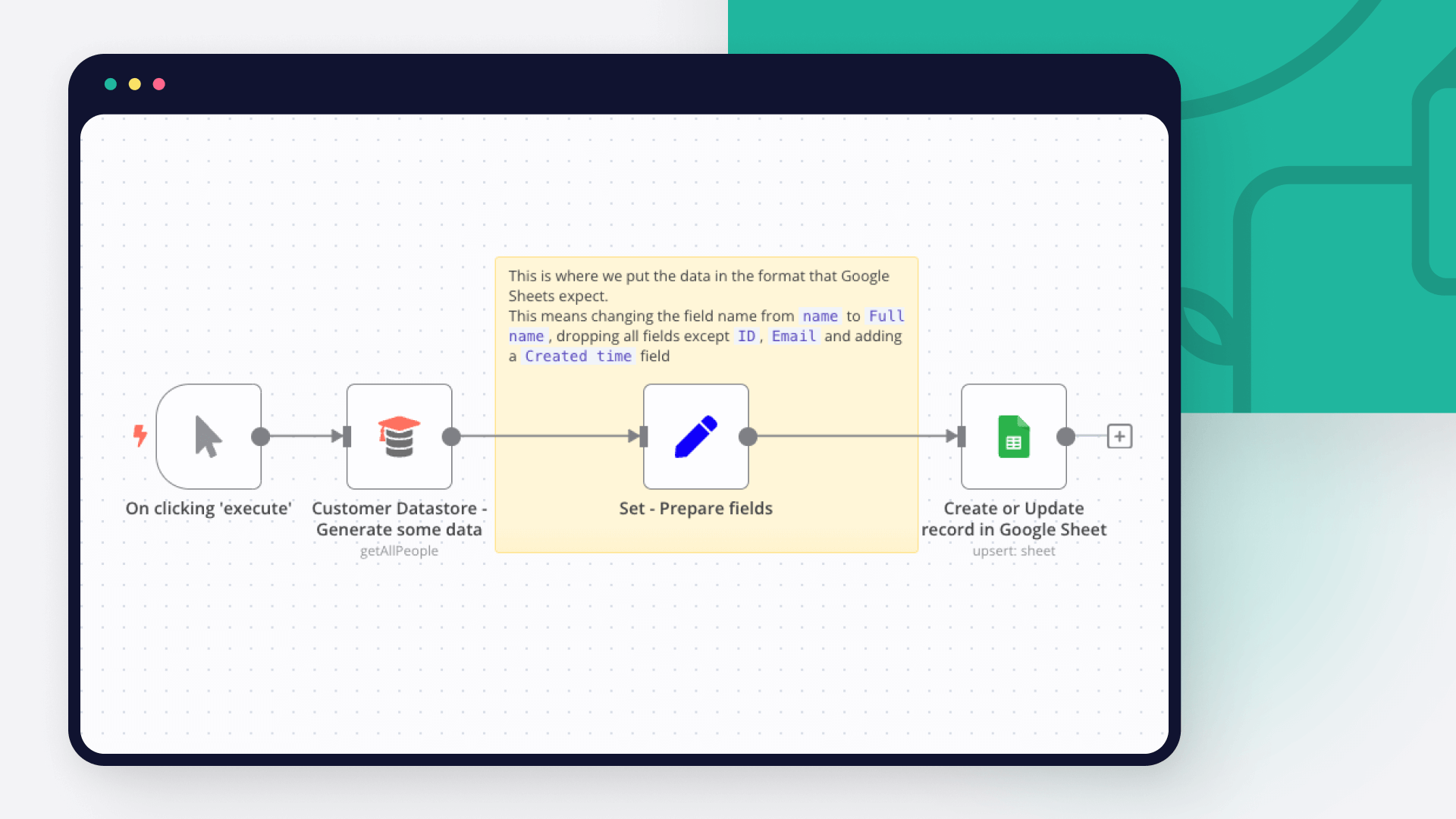
Automatically sync newly registered Magento 2 customers to Google Contacts and Google Sheets every 24 hours — with full duplication control and seamless automation. This workflow is a plug-and-play customer contact automation system designed for Magento 2 store owners, marketers, and CRM teams. It fetches customer records registered within the last 24 hours (from 00:00:00 to 23:59:59), checks against an existing Google Sheet to avoid reprocessing, and syncs only the new ones into Google Contacts. This ensures your contact list is always fresh and up to date — without clutter or duplicates. ✅ What This Workflow Does: Automates Customer Syncing Every day, it fetches newly registered Magento 2 customers via API based on the exact date range (midnight to midnight). Deduplicates Using Google Sheets A master Google Sheet tracks already-synced emails. Before adding a customer, the workflow checks this list and skips if already present. Creates Google Contacts Automatically For each unique customer, it creates a new contact in your Google Contacts, saving fields like first name, last name, and email. Logs New Entries to Google Sheets In Google Sheets, it even records magento 2 customer group, created_at, website_id & store_id After syncing, it adds each new email to the tracking sheet, building a cumulative record of synced contacts. Fully Scheduled & Automated Can be scheduled with the Cron node to run daily (e.g., 12:05 AM) with no manual intervention required. 🔧 Modules Used: HTTP Request (Magento 2 API) Date & Time (for filtering registrations) Google Sheets (for reading/writing synced emails) Google Contacts (for contact creation) Set, IF, and Merge nodes (for control logic) Cron (for scheduling the automation) 💼 Use Cases: Keep your email marketing tools synced with Magento 2 customer data. Build a CRM-friendly contact base in Google Contacts without duplicates. Share customer data with sales or support teams through synced Google Sheets. Reduce manual work and human error in data transfer processes. 🔒 Credentials Required Magento 2 Bearer Auth: Set up as a credential in n8n using your Magento 2 API access token. Google API 📂 Category E-commerce → Magento 2 (Adobe Commerce) 💬 Need Help? 💡 Having trouble setting it up or want to customize this workflow further? Feel free to reach out — I’m happy to help with setup, customization, or Magento 2 API integration issues. Contact: Author 👤 Author Kanaka Kishore Kandregula Certified Magento 2 Developer https://gravatar.com/kmyprojects https://www.linkedin.com/in/kanakakishore

Automated Form Response System with Google Sheets, Slack, Gmail & Contacts

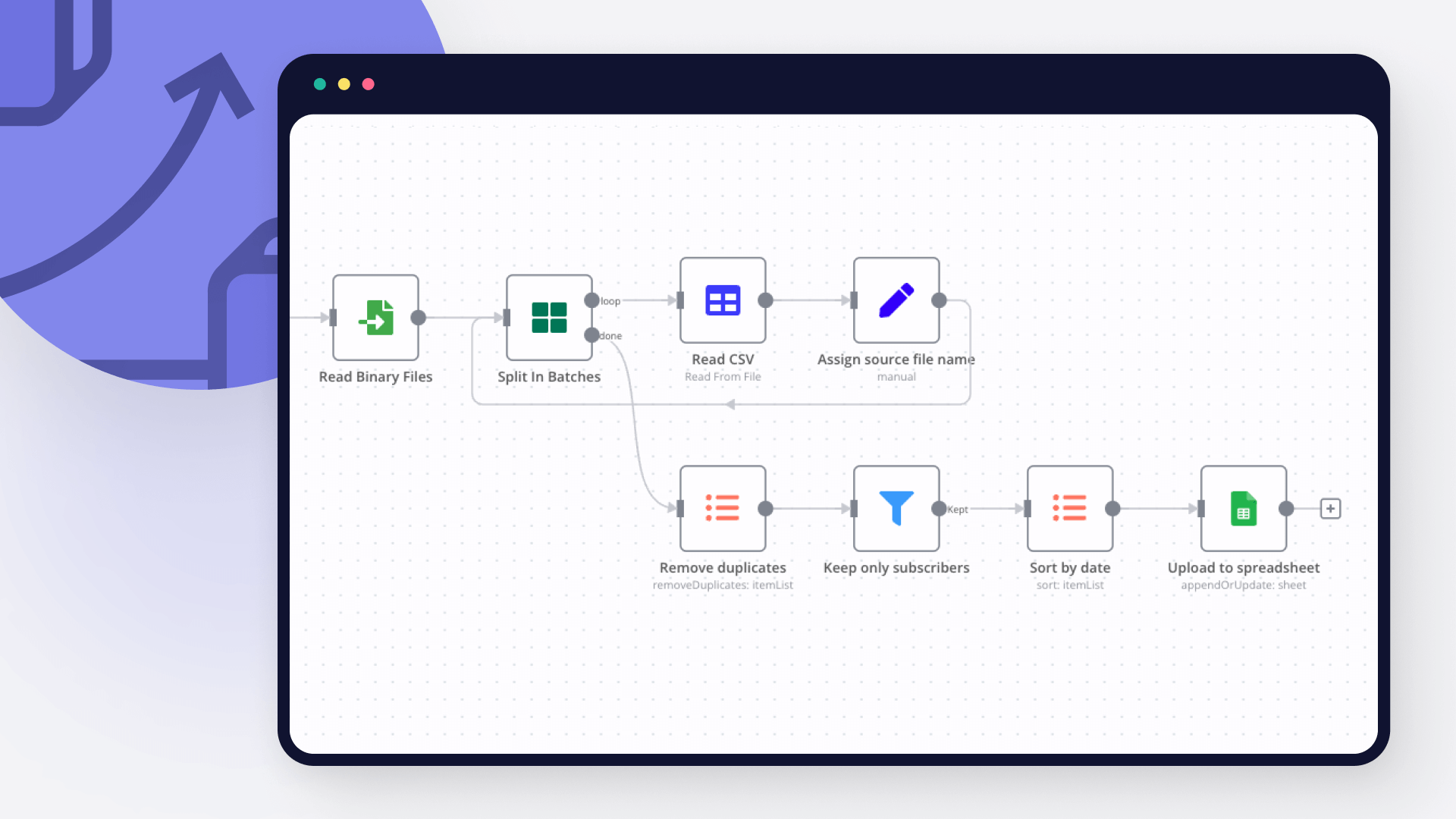
What it does Automatically respond to Google Form entries submitted via Google Sheets. This workflow notifies your Slack team, sends a personalized Gmail response to the user, and adds the user to Google Contacts — all triggered instantly upon new row addition in your connected Sheet. Who's it for Perfect for lead capture forms, client inquiries, or feedback submissions. Trigger: When a new row is added to a connected Google Sheet (usually linked to a Google Form). Slack Notification: Sends a Slack message to your selected channel with the form data. Gmail Message: Sends an automatic email reply to the submitter (using their email from the form). Add Google Contact: Automatically creates a new contact in Google Contacts using the form data. This setup is ideal for automating client communication and internal team alerts without manual input.

Build your own Google Contacts and Google Sheets integration

Create custom Google Contacts and Google Sheets workflows by choosing triggers and actions. Nodes come with global operations and settings, as well as app-specific parameters that can be configured. You can also use the HTTP Request node to query data from any app or service with a REST API.

Google Contacts supported actions

Create
Create a contact
Delete
Delete a contact
Get
Get a contact
Get Many
Retrieve many contacts
Update
Update a contact

Google Sheets supported actions

Create
Create a spreadsheet
Delete
Delete a spreadsheet
Append or Update Row
Append a new row or update an existing one (upsert)
Append Row
Create a new row in a sheet
Clear
Delete all the contents or a part of a sheet
Create
Create a new sheet
Delete
Permanently delete a sheet
Delete Rows or Columns
Delete columns or rows from a sheet
Get Row(s)
Retrieve one or more rows from a sheet
Update Row
Update an existing row in a sheet

FAQs

  • Can Google Contacts connect with Google Sheets?

  • Can I use Google Contacts’s API with n8n?

  • Can I use Google Sheets’s API with n8n?

  • Is n8n secure for integrating Google Contacts and Google Sheets?

  • How to get started with Google Contacts and Google Sheets integration in n8n.io?

Need help setting up your Google Contacts and Google Sheets integration?

Discover our latest community's recommendations and join the discussions about Google Contacts and Google Sheets integration.
Sergey Komardenkov
sérgio eduardo floresta filho
Julian
therealJMT
Guilherme

Looking to integrate Google Contacts and Google Sheets in your company?

Over 3000 companies switch to n8n every single week

Why use n8n to integrate Google Contacts with Google Sheets

Build complex workflows, really fast

Build complex workflows, really fast

Handle branching, merging and iteration easily.
Pause your workflow to wait for external events.

Code when you need it, UI when you don't

Simple debugging

Your data is displayed alongside your settings, making edge cases easy to track down.

Use templates to get started fast

Use 1000+ workflow templates available from our core team and our community.

Reuse your work

Copy and paste, easily import and export workflows.

Implement complex processes faster with n8n

red iconyellow iconred iconyellow icon