Back to Integrations
integrationGoogle Sheets node
integrationGoogle Workspace Admin node

Google Sheets and Google Workspace Admin integration

Save yourself the work of writing custom integrations for Google Sheets and Google Workspace Admin and use n8n instead. Build adaptable and scalable Data & Storage, Productivity, and Utility workflows that work with your technology stack. All within a building experience you will love.

How to connect Google Sheets and Google Workspace Admin

  • Step 1: Create a new workflow
  • Step 2: Add and configure nodes
  • Step 3: Connect
  • Step 4: Customize and extend your integration
  • Step 5: Test and activate your workflow

Step 1: Create a new workflow and add the first step

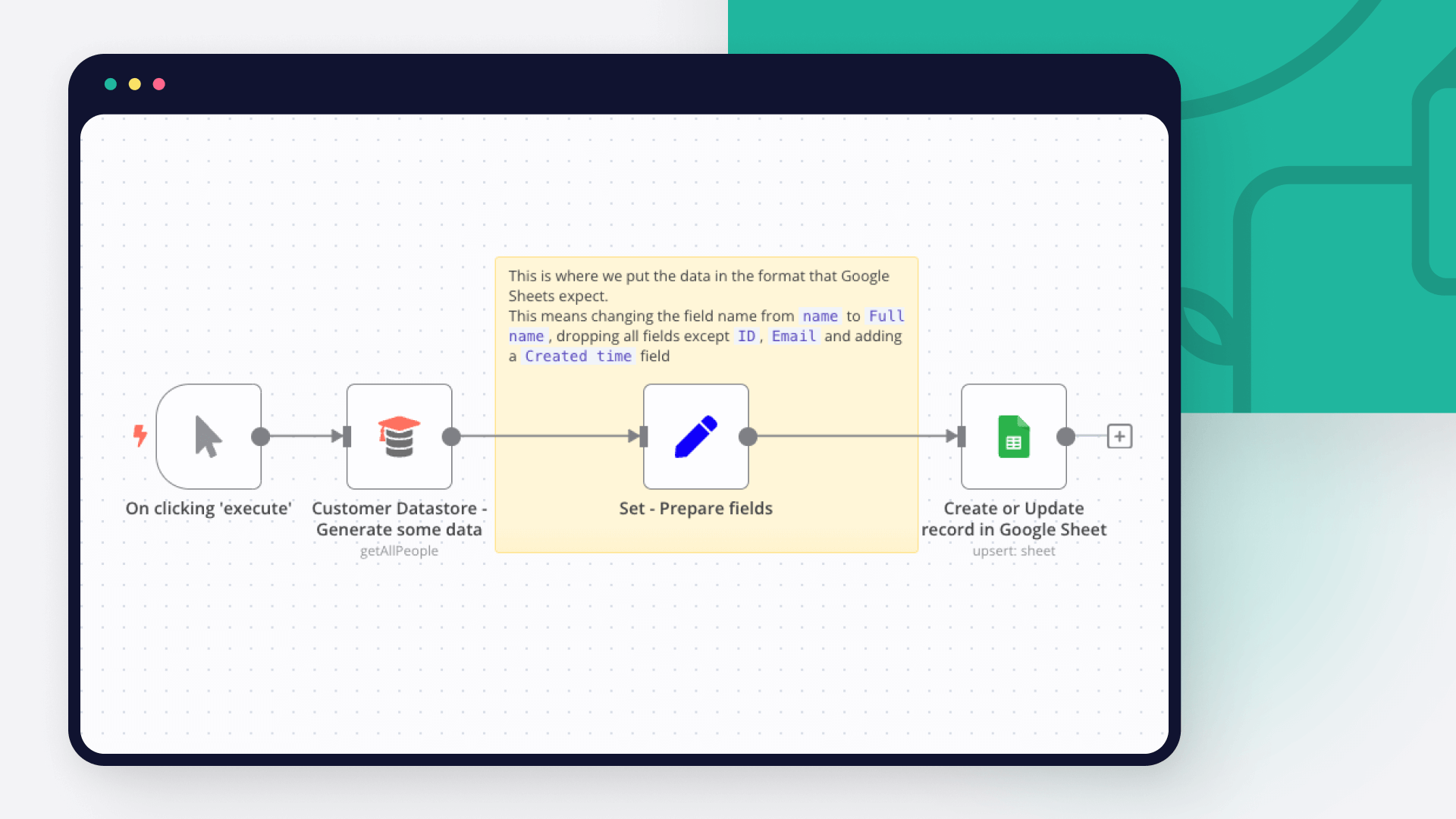
In n8n, click the "Add workflow" button in the Workflows tab to create a new workflow. Add the starting point – a trigger on when your workflow should run: an app event, a schedule, a webhook call, another workflow, an AI chat, or a manual trigger. Sometimes, the HTTP Request node might already serve as your starting point.

Google Sheets and Google Workspace Admin integration: Create a new workflow and add the first step

Step 2: Add and configure Google Sheets and Google Workspace Admin nodes

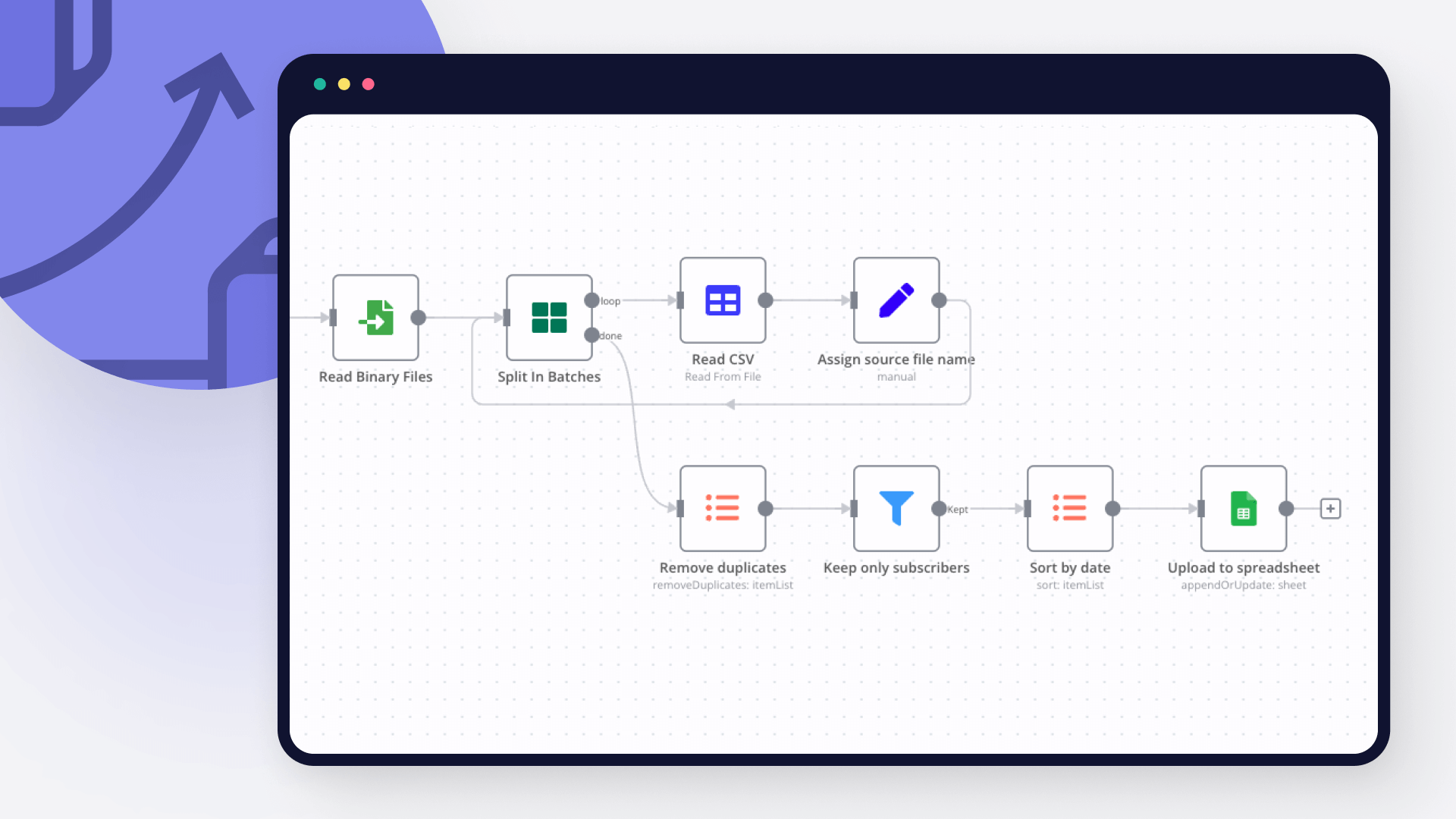
You can find Google Sheets and Google Workspace Admin in the nodes panel. Drag them onto your workflow canvas, selecting their actions. Click each node, choose a credential, and authenticate to grant n8n access. Configure Google Sheets and Google Workspace Admin nodes one by one: input data on the left, parameters in the middle, and output data on the right.

Google Sheets and Google Workspace Admin integration: Add and configure Google Sheets and Google Workspace Admin nodes

Step 3: Connect Google Sheets and Google Workspace Admin

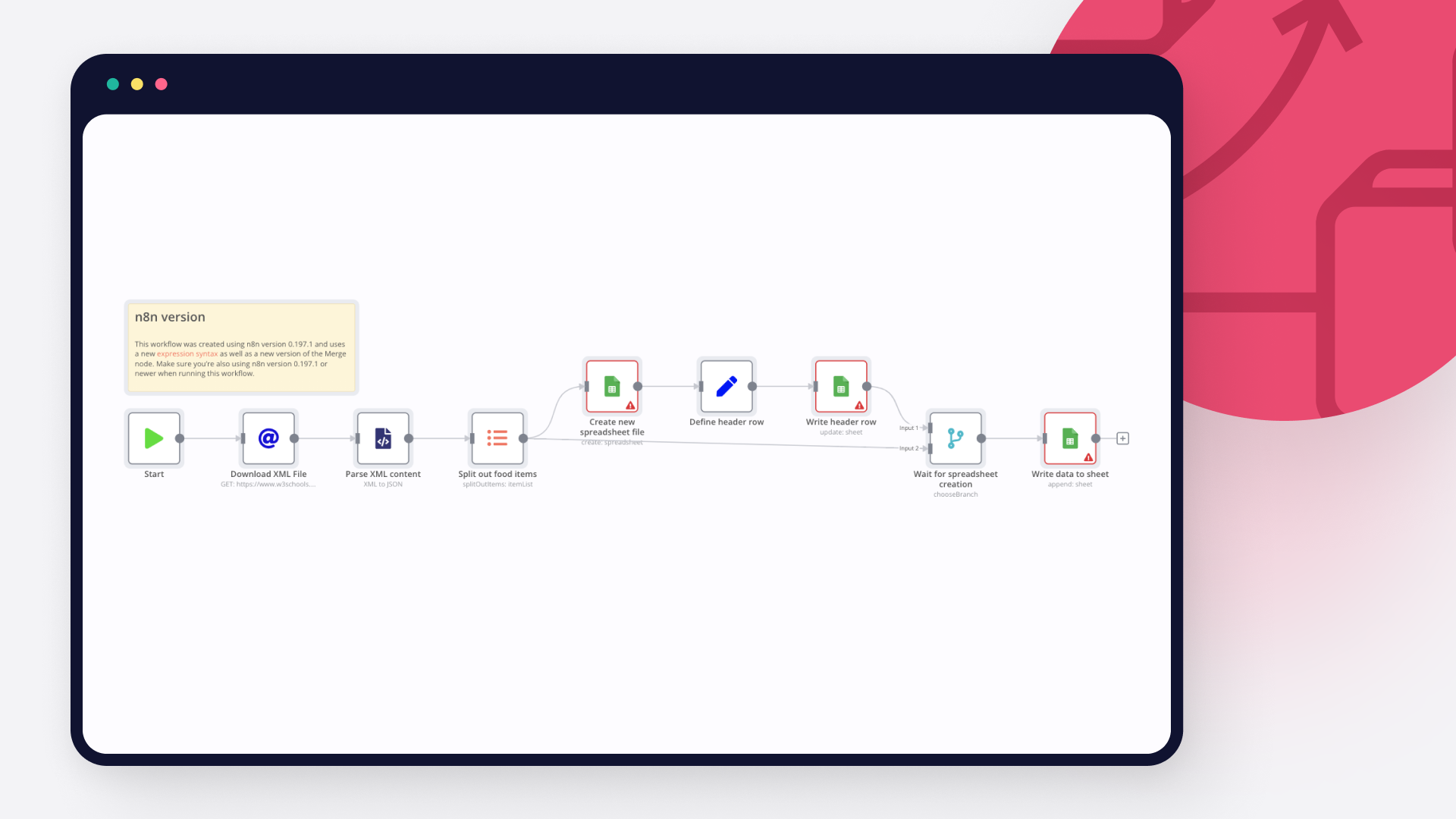
A connection establishes a link between Google Sheets and Google Workspace Admin (or vice versa) to route data through the workflow. Data flows from the output of one node to the input of another. You can have single or multiple connections for each node.

Google Sheets and Google Workspace Admin integration: Connect Google Sheets and Google Workspace Admin

Step 4: Customize and extend your Google Sheets and Google Workspace Admin integration

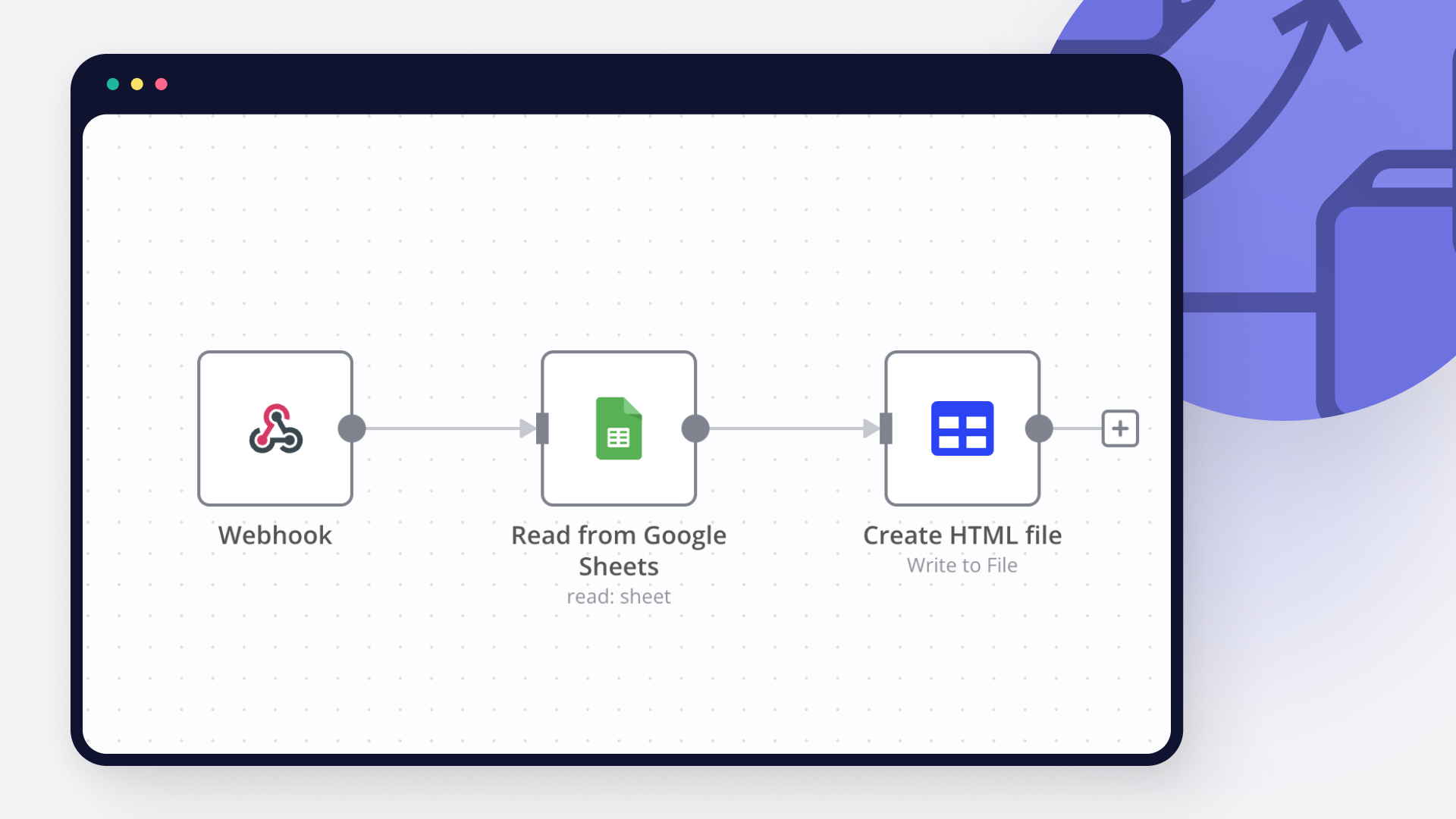
Use n8n's core nodes such as If, Split Out, Merge, and others to transform and manipulate data. Write custom JavaScript or Python in the Code node and run it as a step in your workflow. Connect Google Sheets and Google Workspace Admin with any of n8n’s 1000+ integrations, and incorporate advanced AI logic into your workflows.

Google Sheets and Google Workspace Admin integration: Customize and extend your Google Sheets and Google Workspace Admin integration

Step 5: Test and activate your Google Sheets and Google Workspace Admin workflow

Save and run the workflow to see if everything works as expected. Based on your configuration, data should flow from Google Sheets to Google Workspace Admin or vice versa. Easily debug your workflow: you can check past executions to isolate and fix the mistake. Once you've tested everything, make sure to save your workflow and activate it.

Google Sheets and Google Workspace Admin integration: Test and activate your Google Sheets and Google Workspace Admin workflow

Automate employee onboarding and Google Workspace account creation with Gmail, Google Sheets, PDFBro and Google Gemini

📺 Watch the Video Demo

For a visual walkthrough of this automation in action, check out the tutorial below:

https://youtu.be/vX-0vv7OUXc

🚀 Workflow Overview

This n8n workflow creates a fully automated end-to-end recruitment and onboarding engine. It streamlines two critical phases of HR operations:

Offer Letter Generation: Automatically generating and emailing a PDF offer letter when candidate data is received.
Onboarding & Provisioning: Detecting candidate acceptance via email, provisioning a corporate Google Workspace account, and securely delivering credentials.

⚙️ Phase 1: Candidate Intake & Offer Letter Generation

Triggered via Webhook

This section handles the initial processing of a successful candidate.

  1. Data Ingestion & Formatting

Webhook (POST):** The workflow starts when candidate data (personal info, job details, bank info) is posted to the webhook URL.
Edit Fields:** Cleanups and extracts key data points (Full Name, Address, Job Title, Manager Name, etc.) to ensure they are ready for document generation.

  1. Database Entry

Google Sheets (Save Candidates Details):**
Acts as the "Employee DB".
Records all candidate details including emergency contacts and bank info.
Sets an initial status flag workplace_acc_created? to "no".

  1. Document Generation

PDFBro (Generate Offer Letter):**
Dynamically creates a PDF offer letter.
Populates the template with the candidate's name, address, job title, department, and salary frequency.

  1. Delivery

Gmail (Send Offer Letter):**
Sends an email to the candidate's personal address.
Attaches the generated PDF offer letter.
Subject: "Offer Letter" | Body includes a congratulatory message.

🤖 Phase 2: Acceptance Verification & IT Provisioning

Triggered via Gmail Polling

This section runs periodically to check if the candidate has accepted the job offer.

  1. Intelligent Monitoring

Gmail Trigger:** Polls the HR inbox every minute for new emails.
Google Sheets (Lookup):** Checks if the sender's email exists in the "Employee DB".
Filter:** Ensures the workflow only proceeds if:
The email is from a known candidate.
The candidate has not yet been onboarded (workplace_acc_created? is not "yes").

  1. AI-Powered Analysis

Google Gemini (AI Agent):**
Reads the email subject and body.
Prompt:** "Check if the mail is an acceptance of offer letter... respond with 'yes' if it is an acceptance."
This eliminates false positives (e.g., a candidate asking a question about the salary isn't mistakenly onboarded).

  1. Account Provisioning (If Accepted)

If the AI confirms the email is an acceptance ("Yes"):

JavaScript Code:** Generates a secure, random 16-character temporary password (timestamp + random string).
Google Workspace Admin (Create User):**
Creates a new internal email account (e.g., [email protected]).
Sets the temporary password.
Security:** Forces the user to change their password upon first login (changePasswordAtNextLogin: true).

  1. Credential Delivery & Sync

Gmail (Send Credentials):**
Sends a beautifully formatted HTML email to the new employee's personal address.
Contains their new Work Email and Temporary Password.
Includes a "Log In to Workplace" button.

Google Sheets (Update Status):**
Updates the candidate's row in the DB.
Sets workplace_acc_created? to "yes" to prevent duplicate account creation in the future.

🛠️ Prerequisites & Credentials Needed

To use this workflow, you will need to configure the following credentials in n8n:

Google Workspace Admin: For creating users (requires Admin SDK API access).
Google Gemini (PaLM) API: For the AI analysis of emails.
Google Drive/Sheets: Service account access to read/write the Employee DB.
Gmail (OAuth2): To read incoming replies and send outgoing emails.
PDFBro: a free community node for creating PDF offer letter.

Nodes used in this workflow

Popular Google Sheets and Google Workspace Admin workflows

Automate employee onboarding and Google Workspace account creation with Gmail, Google Sheets, PDFBro and Google Gemini

📺 Watch the Video Demo For a visual walkthrough of this automation in action, check out the tutorial below: https://youtu.be/vX-0vv7OUXc 🚀 Workflow Overview This n8n workflow creates a fully automated end-to-end recruitment and onboarding engine. It streamlines two critical phases of HR operations: Offer Letter Generation: Automatically generating and emailing a PDF offer letter when candidate data is received. Onboarding & Provisioning: Detecting candidate acceptance via email, provisioning a corporate Google Workspace account, and securely delivering credentials. ⚙️ Phase 1: Candidate Intake & Offer Letter Generation Triggered via Webhook This section handles the initial processing of a successful candidate. Data Ingestion & Formatting Webhook (POST):** The workflow starts when candidate data (personal info, job details, bank info) is posted to the webhook URL. Edit Fields:** Cleanups and extracts key data points (Full Name, Address, Job Title, Manager Name, etc.) to ensure they are ready for document generation. Database Entry Google Sheets (Save Candidates Details):** Acts as the "Employee DB". Records all candidate details including emergency contacts and bank info. Sets an initial status flag workplace_acc_created? to "no". Document Generation PDFBro (Generate Offer Letter):** Dynamically creates a PDF offer letter. Populates the template with the candidate's name, address, job title, department, and salary frequency. Delivery Gmail (Send Offer Letter):** Sends an email to the candidate's personal address. Attaches the generated PDF offer letter. Subject: "Offer Letter" | Body includes a congratulatory message. 🤖 Phase 2: Acceptance Verification & IT Provisioning Triggered via Gmail Polling This section runs periodically to check if the candidate has accepted the job offer. Intelligent Monitoring Gmail Trigger:** Polls the HR inbox every minute for new emails. Google Sheets (Lookup):** Checks if the sender's email exists in the "Employee DB". Filter:** Ensures the workflow only proceeds if: The email is from a known candidate. The candidate has not yet been onboarded (workplace_acc_created? is not "yes"). AI-Powered Analysis Google Gemini (AI Agent):** Reads the email subject and body. Prompt:** "Check if the mail is an acceptance of offer letter... respond with 'yes' if it is an acceptance." This eliminates false positives (e.g., a candidate asking a question about the salary isn't mistakenly onboarded). Account Provisioning (If Accepted) If the AI confirms the email is an acceptance ("Yes"): JavaScript Code:** Generates a secure, random 16-character temporary password (timestamp + random string). Google Workspace Admin (Create User):** Creates a new internal email account (e.g., [email protected]). Sets the temporary password. Security:** Forces the user to change their password upon first login (changePasswordAtNextLogin: true). Credential Delivery & Sync Gmail (Send Credentials):** Sends a beautifully formatted HTML email to the new employee's personal address. Contains their new Work Email and Temporary Password. Includes a "Log In to Workplace" button. Google Sheets (Update Status):** Updates the candidate's row in the DB. Sets workplace_acc_created? to "yes" to prevent duplicate account creation in the future. 🛠️ Prerequisites & Credentials Needed To use this workflow, you will need to configure the following credentials in n8n: Google Workspace Admin: For creating users (requires Admin SDK API access). Google Gemini (PaLM) API: For the AI analysis of emails. Google Drive/Sheets: Service account access to read/write the Employee DB. Gmail (OAuth2): To read incoming replies and send outgoing emails. PDFBro: a free community node for creating PDF offer letter.

Build your own Google Sheets and Google Workspace Admin integration

Create custom Google Sheets and Google Workspace Admin workflows by choosing triggers and actions. Nodes come with global operations and settings, as well as app-specific parameters that can be configured. You can also use the HTTP Request node to query data from any app or service with a REST API.

Google Sheets supported actions

Create
Create a spreadsheet
Delete
Delete a spreadsheet
Append or Update Row
Append a new row or update an existing one (upsert)
Append Row
Create a new row in a sheet
Clear
Delete all the contents or a part of a sheet
Create
Create a new sheet
Delete
Permanently delete a sheet
Delete Rows or Columns
Delete columns or rows from a sheet
Get Row(s)
Retrieve one or more rows from a sheet
Update Row
Update an existing row in a sheet

Google Workspace Admin supported actions

Get
Get a ChromeOS device
Get Many
Get many ChromeOS devices
Update
Update a ChromeOS device
Change Status
Change the status of a ChromeOS device
Create
Create a group
Delete
Delete a group
Get
Get a group
Get Many
Get many groups
Update
Update a group
Add to Group
Add an existing user to a group
Create
Create a user
Delete
Delete a user
Get
Get a user
Get Many
Get many users
Remove From Group
Remove a user from a group
Update
Update a user

FAQs

  • Can Google Sheets connect with Google Workspace Admin?

  • Can I use Google Sheets’s API with n8n?

  • Can I use Google Workspace Admin’s API with n8n?

  • Is n8n secure for integrating Google Sheets and Google Workspace Admin?

  • How to get started with Google Sheets and Google Workspace Admin integration in n8n.io?

Need help setting up your Google Sheets and Google Workspace Admin integration?

Discover our latest community's recommendations and join the discussions about Google Sheets and Google Workspace Admin integration.
Sergey Komardenkov
sérgio eduardo floresta filho
Julian
therealJMT
Guilherme

Looking to integrate Google Sheets and Google Workspace Admin in your company?

Over 3000 companies switch to n8n every single week

Why use n8n to integrate Google Sheets with Google Workspace Admin

Build complex workflows, really fast

Build complex workflows, really fast

Handle branching, merging and iteration easily.
Pause your workflow to wait for external events.

Code when you need it, UI when you don't

Simple debugging

Your data is displayed alongside your settings, making edge cases easy to track down.

Use templates to get started fast

Use 1000+ workflow templates available from our core team and our community.

Reuse your work

Copy and paste, easily import and export workflows.

Implement complex processes faster with n8n

red iconyellow iconred iconyellow icon