Back to Integrations
integrationGoogle Sheets node
integrationHunter node

Google Sheets and Hunter integration

Save yourself the work of writing custom integrations for Google Sheets and Hunter and use n8n instead. Build adaptable and scalable Data & Storage, Productivity, and Sales workflows that work with your technology stack. All within a building experience you will love.

How to connect Google Sheets and Hunter

  • Step 1: Create a new workflow
  • Step 2: Add and configure nodes
  • Step 3: Connect
  • Step 4: Customize and extend your integration
  • Step 5: Test and activate your workflow

Step 1: Create a new workflow and add the first step

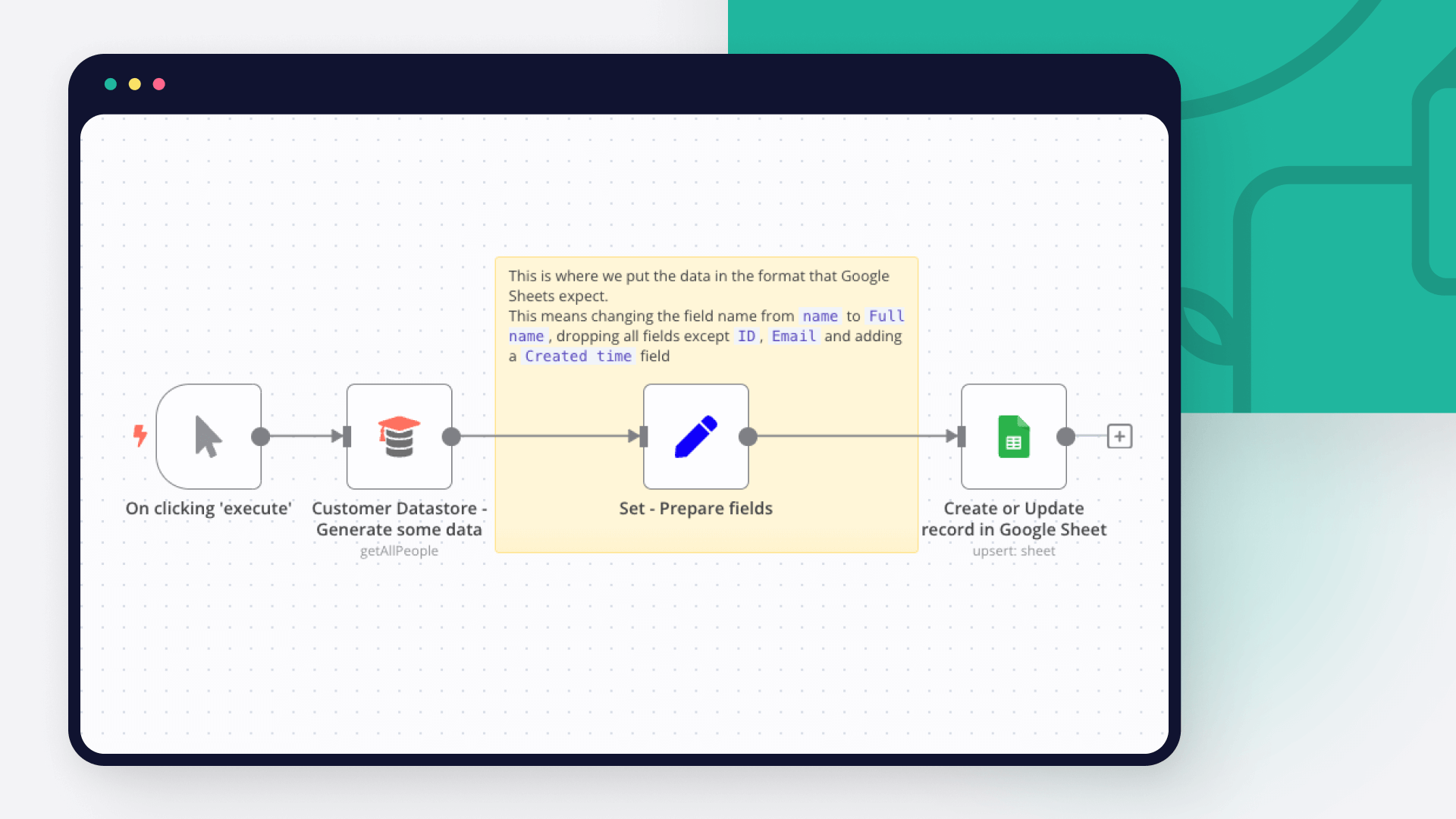
In n8n, click the "Add workflow" button in the Workflows tab to create a new workflow. Add the starting point – a trigger on when your workflow should run: an app event, a schedule, a webhook call, another workflow, an AI chat, or a manual trigger. Sometimes, the HTTP Request node might already serve as your starting point.

Google Sheets and Hunter integration: Create a new workflow and add the first step

Step 2: Add and configure Google Sheets and Hunter nodes

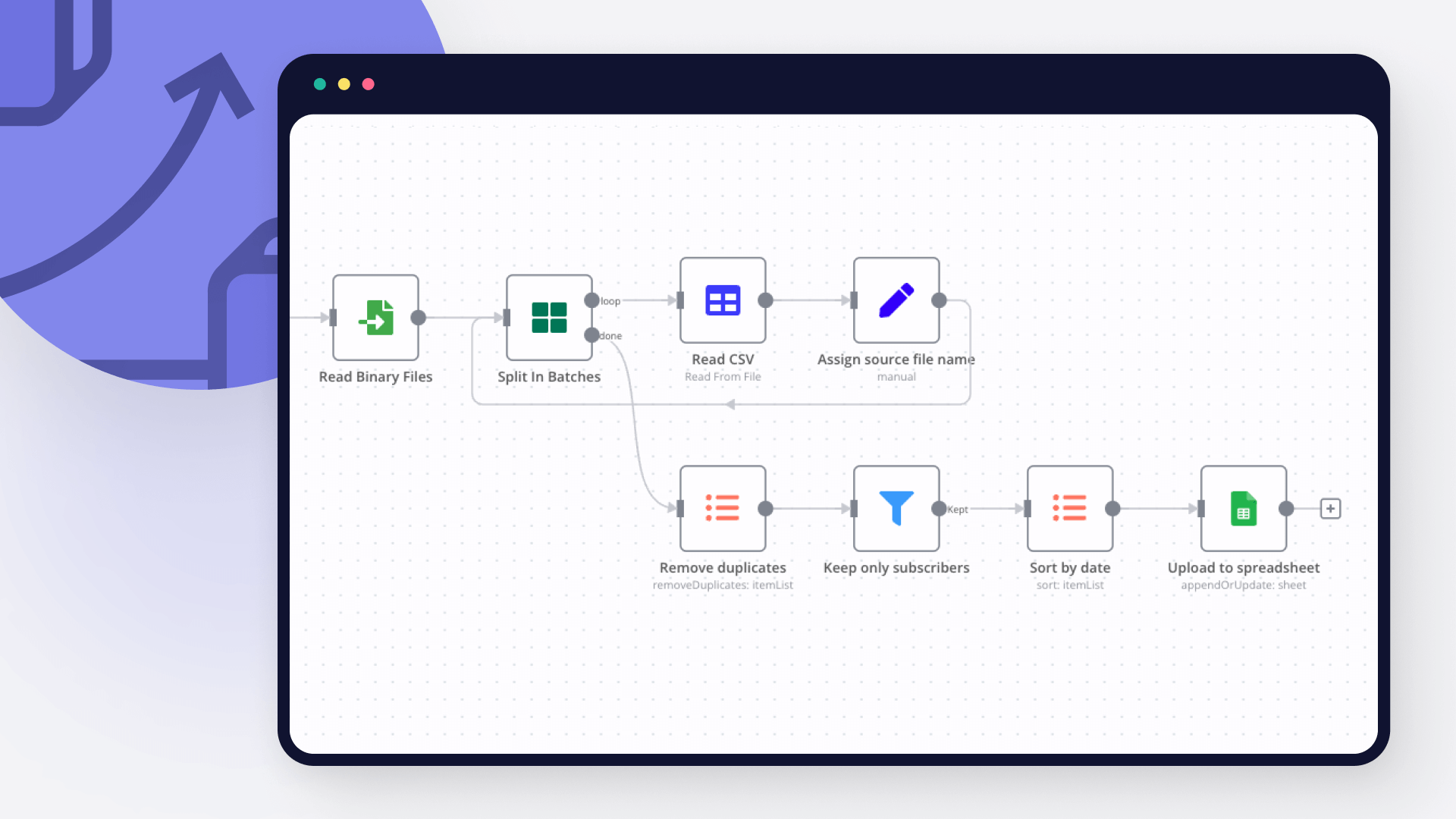
You can find Google Sheets and Hunter in the nodes panel. Drag them onto your workflow canvas, selecting their actions. Click each node, choose a credential, and authenticate to grant n8n access. Configure Google Sheets and Hunter nodes one by one: input data on the left, parameters in the middle, and output data on the right.

Google Sheets and Hunter integration: Add and configure Google Sheets and Hunter nodes

Step 3: Connect Google Sheets and Hunter

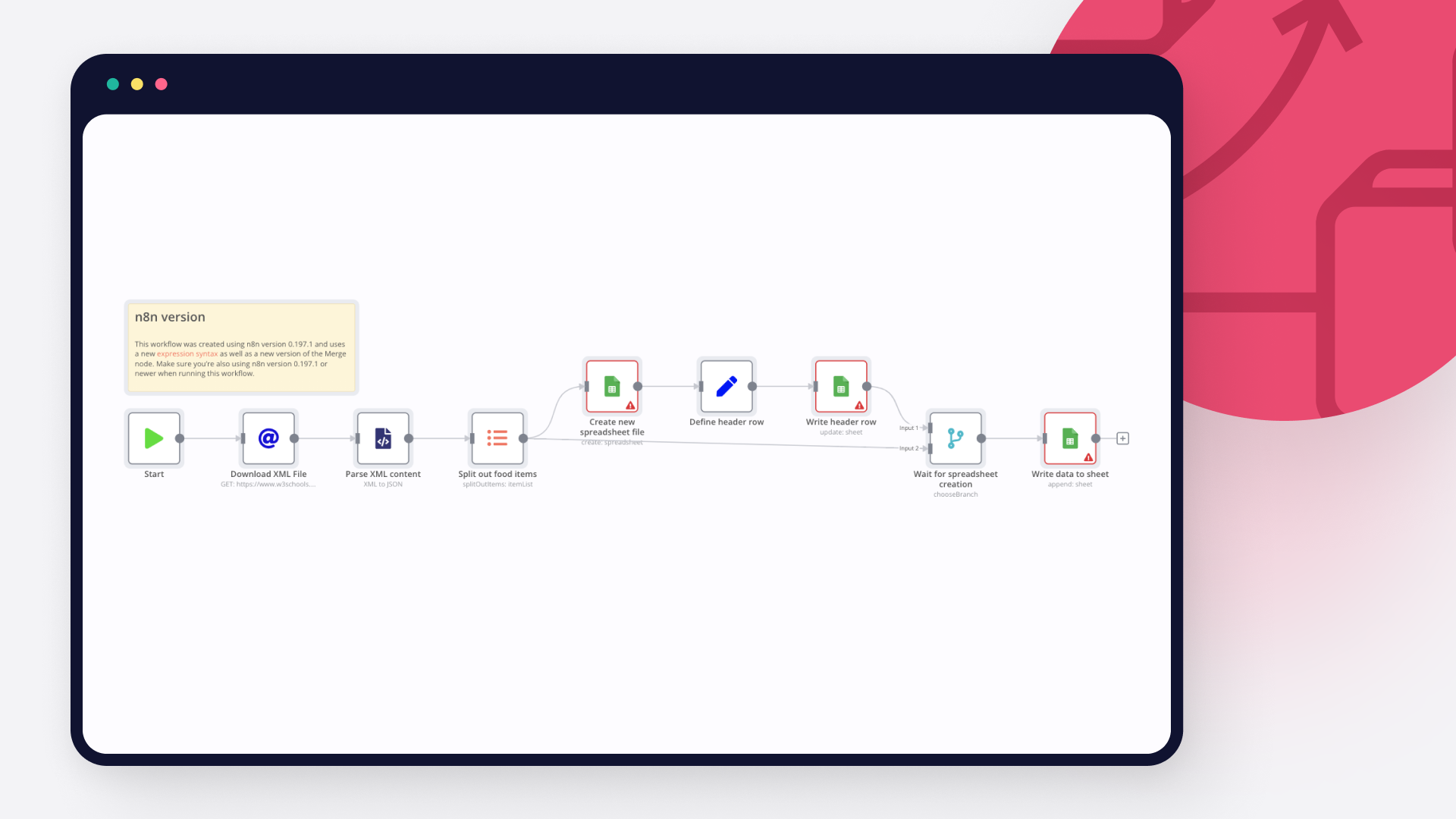
A connection establishes a link between Google Sheets and Hunter (or vice versa) to route data through the workflow. Data flows from the output of one node to the input of another. You can have single or multiple connections for each node.

Google Sheets and Hunter integration: Connect Google Sheets and Hunter

Step 4: Customize and extend your Google Sheets and Hunter integration

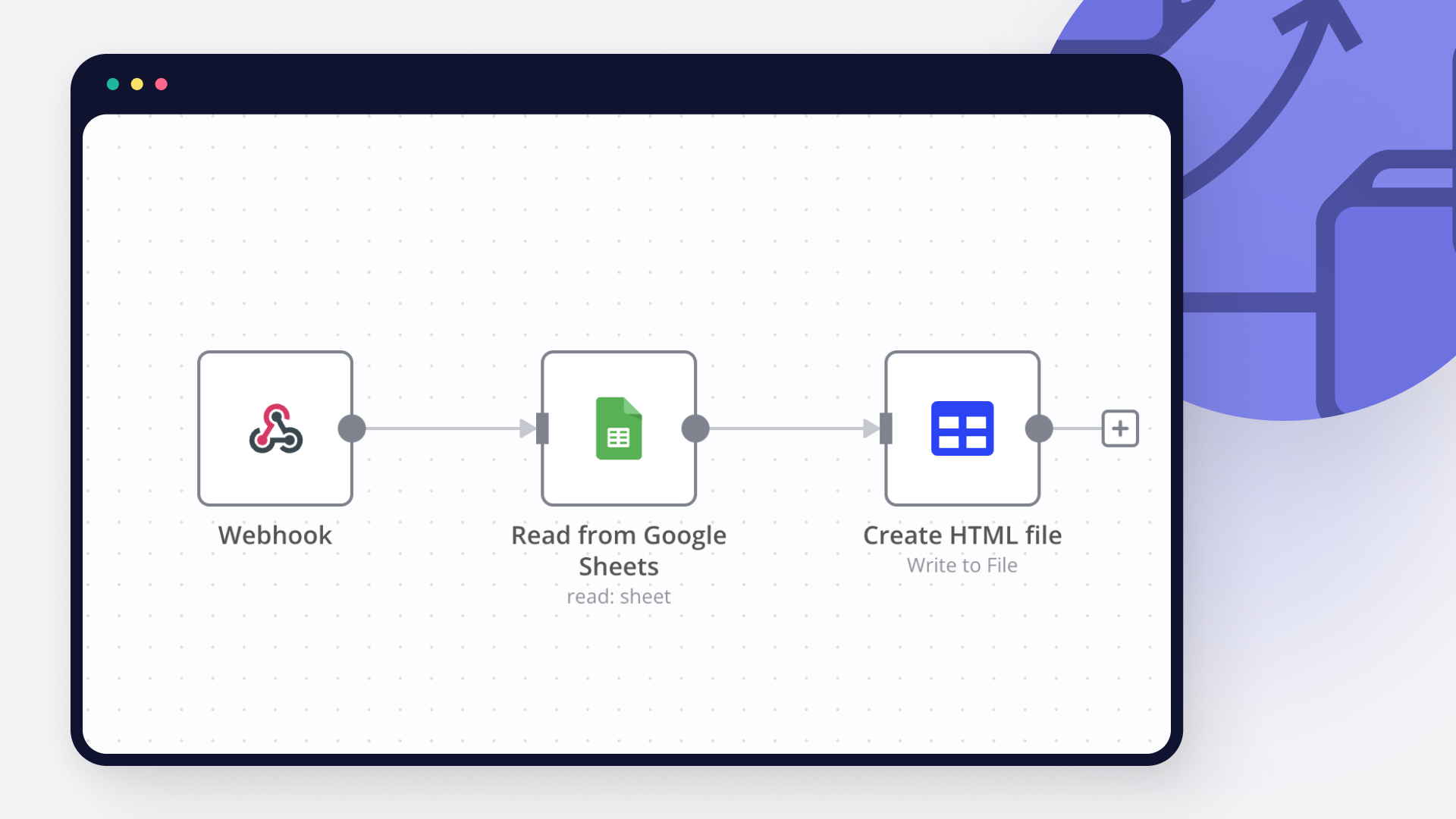
Use n8n's core nodes such as If, Split Out, Merge, and others to transform and manipulate data. Write custom JavaScript or Python in the Code node and run it as a step in your workflow. Connect Google Sheets and Hunter with any of n8n’s 1000+ integrations, and incorporate advanced AI logic into your workflows.

Google Sheets and Hunter integration: Customize and extend your Google Sheets and Hunter integration

Step 5: Test and activate your Google Sheets and Hunter workflow

Save and run the workflow to see if everything works as expected. Based on your configuration, data should flow from Google Sheets to Hunter or vice versa. Easily debug your workflow: you can check past executions to isolate and fix the mistake. Once you've tested everything, make sure to save your workflow and activate it.

Google Sheets and Hunter integration: Test and activate your Google Sheets and Hunter workflow

Find and email ANYONE on LinkedIn with OpenAI, Hunter & Gmail

Setup Time

5-10 minutes

Problem

🚨 LinkedIn search is BROKEN. Personalized cold-emailing takes hours!

I waste hours on LinkedIn manually filtering profiles, reading summaries, hoping they’d reply—tedious, frustrating, inefficient.

But even after finding the email IDs of the contacts, the job to be done is incomplete. 𝗜 𝘄𝗮𝗻𝘁 𝘁𝗼 𝘀𝘁𝗮𝗿𝘁 𝗮 𝗰𝗼𝗻𝘃𝗲𝗿𝘀𝗮𝘁𝗶𝗼𝗻 𝘄𝗶𝘁𝗵 𝘁𝗵𝗲𝘀𝗲 𝗰𝗼𝗻𝘁𝗮𝗰𝘁𝘀.

If only I could type "𝘗𝘳𝘰𝘥𝘶𝘤𝘵 𝘮𝘢𝘯𝘢𝘨𝘦𝘳𝘴 𝘸𝘰𝘳𝘬𝘪𝘯𝘨 𝘰𝘯 𝘨𝘦𝘯𝘦𝘳𝘢𝘵𝘪𝘷𝘦 𝘈𝘐 𝘪𝘯 𝘠𝘰𝘶𝘛𝘶𝘣𝘦 𝘪𝘯 𝘕𝘦𝘸 𝘠𝘰𝘳𝘬" and seconds later have 10 personalized outreach emails in my Gmail drafts folder, ready for my review.

It would save me hours of research effort!

Introducing LinkGPT, a LinkedIn Agent, an automated agentic workflow powered by n8n.

Prerequisites:
Required accounts/API keys for Hunter.io, Google, and OpenAI.

This would be helpful for:

🎯 Job Seekers wanting direct outreach to hiring managers (everyone applies to multiple jobs, and crafting personal emails takes hours!)

🎯 Recruiters looking to personalize candidate outreach at scale

🎯 Sales & Founders aiming for targeted customer conversations

Step-by-step workflow:

Takes 5-10 minutes to setup.

Generate a Boolean search string for LinkedIn profiles.
Perform authenticated Google searches using your query.
Extract LinkedIn URLs and workplace context from the search results.
Use OpenAI to extract first name, last name, and domain name from the context.
Use Hunter.io to find emails of the contacts.
Append all results to your connected Google Sheet. Columns: first_name, last_name, domain_name, email, context
Read everything publicly available about your target profiles
Identify common ground (shared backgrounds, interests, experiences)
Craft highly personalized, thoughtful email drafts
Automatically save tailored drafts in your Gmail and Google Sheets

I put together a clear, step-by-step guide on setting this up yourself.

Sample Query

Sample:

Input: "I am headed to NYC later this month, whom should I meet with that works in product management for gen AI products?"

Output: List of 10 contacts with first name, last name, workplace, email address and context about them, and 10 personalized emails waiting for you review in your Gmail drafts folder

Nodes used in this workflow

Popular Google Sheets and Hunter workflows

Find and email ANYONE on LinkedIn with OpenAI, Hunter & Gmail

Setup Time 5-10 minutes Problem 🚨 LinkedIn search is BROKEN. Personalized cold-emailing takes hours! I waste hours on LinkedIn manually filtering profiles, reading summaries, hoping they’d reply—tedious, frustrating, inefficient. But even after finding the email IDs of the contacts, the job to be done is incomplete. 𝗜 𝘄𝗮𝗻𝘁 𝘁𝗼 𝘀𝘁𝗮𝗿𝘁 𝗮 𝗰𝗼𝗻𝘃𝗲𝗿𝘀𝗮𝘁𝗶𝗼𝗻 𝘄𝗶𝘁𝗵 𝘁𝗵𝗲𝘀𝗲 𝗰𝗼𝗻𝘁𝗮𝗰𝘁𝘀. If only I could type "𝘗𝘳𝘰𝘥𝘶𝘤𝘵 𝘮𝘢𝘯𝘢𝘨𝘦𝘳𝘴 𝘸𝘰𝘳𝘬𝘪𝘯𝘨 𝘰𝘯 𝘨𝘦𝘯𝘦𝘳𝘢𝘵𝘪𝘷𝘦 𝘈𝘐 𝘪𝘯 𝘠𝘰𝘶𝘛𝘶𝘣𝘦 𝘪𝘯 𝘕𝘦𝘸 𝘠𝘰𝘳𝘬" and seconds later have 10 personalized outreach emails in my Gmail drafts folder, ready for my review. It would save me hours of research effort! Introducing LinkGPT, a LinkedIn Agent, an automated agentic workflow powered by n8n. Prerequisites: Required accounts/API keys for Hunter.io, Google, and OpenAI. This would be helpful for: 🎯 Job Seekers wanting direct outreach to hiring managers (everyone applies to multiple jobs, and crafting personal emails takes hours!) 🎯 Recruiters looking to personalize candidate outreach at scale 🎯 Sales & Founders aiming for targeted customer conversations Step-by-step workflow: Takes 5-10 minutes to setup. Generate a Boolean search string for LinkedIn profiles. Perform authenticated Google searches using your query. Extract LinkedIn URLs and workplace context from the search results. Use OpenAI to extract first name, last name, and domain name from the context. Use Hunter.io to find emails of the contacts. Append all results to your connected Google Sheet. Columns: first_name, last_name, domain_name, email, context Read everything publicly available about your target profiles Identify common ground (shared backgrounds, interests, experiences) Craft highly personalized, thoughtful email drafts Automatically save tailored drafts in your Gmail and Google Sheets I put together a clear, step-by-step guide on setting this up yourself. Sample Query Sample: Input: "I am headed to NYC later this month, whom should I meet with that works in product management for gen AI products?" Output: List of 10 contacts with first name, last name, workplace, email address and context about them, and 10 personalized emails waiting for you review in your Gmail drafts folder

Automate LinkedIn Profile Search & Cold Email Outreach with OpenAI and Hunter

Problem 🚨 LinkedIn search is BROKEN. I waste hours on LinkedIn manually filtering profiles, reading summaries, hoping they’d reply—tedious, frustrating, inefficient. I wish LinkedIn had built an agent that would get me to the right profile with one click! If only I could just type: "Product managers working on YouTube Shorts' generative AI features." and seconds later, have LinkedIn URLs, names, emails, and full context about them. Introducing LinkGPT, a LinkedIn Agent, an automated agentic workflow powered by n8n. Prerequisites: Required accounts/API keys for Hunter.io, Google, and OpenAI. This would be helpful for: 🎯 Job Seekers: Skip ATS, email hiring managers directly ( I wish I had this when I was recruiting!) 🎯 Recruiters: Reach your dream candidates first 🎯 Founders & Sales Teams: Share your demos with customers directly (this does NOT use the expensive Sales Navigator API) Step-by-step workflow: Takes 5-10 minutes to setup. Generate a Boolean search string for LinkedIn profiles. Perform authenticated Google searches using your query. Extract LinkedIn URLs and workplace context from the search results. Use OpenAI to extract first name, last name, and domain name from the context. Use Hunter.io to find emails of the contacts. Append all results to your connected Google Sheet. Columns: first_name, last_name, domain_name, email, context I put together a clear, step-by-step guide on setting this up yourself. Sample Query Sample: Input: "I am headed to NYC later this month, whom should I meet with that works in product management for gen AI products?" Output: List of 10 contacts with first name, last name, workplace, email address and context about them so you can email them.
+3

AI Prospect Researcher +ISCP only need Company Name and Domain

AI Prospect Researcher +ISCP only from Domain and Company Name This workflow finds available email addresses, researches the company using public data (LinkedIn, website scraping, etc.), calculates the ISCP score, and delivers a complete, ready-to-use report. This workflow is designed for professionals and teams seeking to scale their B2B research with comprehensive company intelligence. It automates the full prospect analysis process — from extracting contact data and scraping website content to gathering market insights and generating structured reports with GPT-4. Using a combination of Hunter.io, Perplexity AI, Airtop, and OpenAI, this system creates a detailed Google Doc profile for each company, complete with decision-maker identification and ISCP scoring. Whether you're conducting market research, qualifying leads, or preparing investor briefings — this tool delivers actionable business intelligence in minutes, without manual data collection. The process is battle-tested, with built-in error handling, and suitable for sales teams, market researchers, or founders conducting competitive analysis. How it works Once triggered (via form or spreadsheet), the workflow: Uses Hunter.io to discover professional emails associated with the domain Leverages Perplexity AI to gather web-wide company intelligence and industry context Scrapes the company website using Airtop to extract services, products, and key pages Optionally enriches with LinkedIn data via Apify (company size, specialties) Processes all inputs through GPT-4 to: Generate an executive summary Identify potential decision-makers Calculate an Ideal Service Customer Profile (ISCP) match score Produces a finalized report in Google Docs with: Company overview Key contacts Market positioning Recommended outreach approach This is a turnkey solution for teams who need deep company profiles without the hours of manual research and data stitching.

Automated Lead Generation & Contact Enrichment with Hunter.io and Perplexity AI

Who is this for? This template is ideal for B2B founders, solopreneurs, growth marketers, SDRs, or anyone looking to scale their lead generation and enrichment with no-code tools to low-code tools. Whether you're building your first lead pipeline or upgrading a manual spreadsheet, LeadAIgen automates the entire discovery → enrichment → logging process using AI and verified email data. What problem does this solve? Lead sourcing and enrichment are time-consuming, inconsistent, and often require multiple tools or manual scraping. This workflow solves that by chaining AI + contact discovery, validating everything, and storing clean, structured data in Google Sheets — ready for outreach or CRM sync. What this workflow does: ✅ Accepts an industry/topic prompt via chat trigger or Telegram, 🤖 Uses OpenRouter (Perplexity) to find 15 relevant companies with domains, 📤 Parses the results, filters duplicates based on your Google Sheet, 📩 Enriches each domain with up to 3 real personal emails using Hunter.io, 💡 If no emails found → Fallback AI tries to locate general email info, 📊 Updates your Google Sheet with all valid enriched leads (status: “Enriched”), 🔁 Runs in safe batches of 10 to protect your API limits, 🛠️ Includes logic to clean data, validate JSON, and slice leads. Setup: Create Google Sheets, Hunter.io, and OpenRouter credentials in your n8n instance Import the JSON workflow Set your OpenRouter model (default = Perplexity Sonar Large) Connect your Google Sheet (must contain a header row with Domain, Status, etc.) Paste your Hunter API key into the Hunter.io node (Optional) Add Telegram Bot trigger to chat with your lead generator 🗒 Color-coded workflow notes: To make customization easier, this template includes Innovatio's signature visual sticky note system inside the n8n canvas. You’ll find: 🟩 Green Notes → Main Steps The core logic blocks — from company generation to AI fallback and Google Sheets update. 🟦 Blue Notes → Personalization Tips How to adapt filters, prompts, and data mappings for your business needs. 🟨 Yellow Notes → Optional / Advanced Expand with Telegram chat triggers, Airtable integration, CRM push, or lead scoring logic. 🟫 Gray Notes → Welcome, Outro & Upgrade Suggestions Clear guidance and CTAs if you want help scaling this further. 👉 Each node includes comments or setup notes so you can learn the system as you use it. How to customize this workflow? 🎯 Swap Google Sheets for Airtable for relational views and tagging, 🤖 Replace Perplexity with GPT-4, Claude, or Mixtral inside OpenRouter, 📬 Auto-send enriched leads to Gmail, Slack, or your CRM, 🗣️ Connect this to Telegram for on-the-go company generation, 🔁 Want dynamic lead scoring or auto-categorization? We can help — [email protected] Final notes This template was designed by Velebit from Innovatio. External links (e.g. documentation or support email) lead only to official sources with no affiliate tracking or paid placements. A separate license applies to the paid version on Gumroad, which includes commercial use rights, extended fallback logic, and advanced upgrade tips.
+10

Generate product-aware B2B leads and outreach emails with Gemini, Pinecone and Gmail

How can you find your target market if you don't know what your product is. This simple philosophy changes the way we think about automated sales agents. Context changes everything. In this 4-part workflow, we start by creating a knowledge base that will act as context across the workflow. This context will guide and provide our AI Agents across the workflow to locate better leads and perform market research based on what the product actually offers. Use Case: Lead generation for Product-based Sales Tech Required Neon DB**: For storing Research and Lead Data. You can use Google sheets but it has a rate limiting problem. Google Serper**: As a web search tool for our AI. Google Drive**: For storing our knowledge base documents. Pinecone**: Vector DB for converting our knowledge base into context for AI. Hunter.io**: For finding emails for outreach. Email Client**: An email client, maybe gmail or anything that can send an email on your behalf. Gemini**: Our trusty AI LLM. Good to know All of the tools that I use in this workflow are either free or have an extremely generous free-tier. How it works We start by converting our knowledge base into context for AI. Take in the documents from Google drive and convert it into embeddings and store them in a vector store like Pinecone. This needs to be only run once, or whenever you have a new document in your knowledge base. Then we pass this context to an AI agent and tell it to generate search queries for locating companies that actually need my services. Then for each company that we've located, we determine the company staff that we need to reach out to for selling our product. This will be done by a combination of Google Serper and Hunter.io Once we have the list of employees and their emails, we start creating personalized emails based on the data we've collected for each of the employee and send them outreach emails.

Extract and qualify local business leads and draft cold emails with OpenAI, Apify and Hunter

AI-Powered Business Lead Scraping, Qualification & Outreach System Description Search → Scrape → Qualify → CRM → Email Draft Automation Categories: Lead Generation, Sales Automation, AI Enrichment, Revenue Ops This workflow automatically finds local businesses, extracts real contact details from their websites, qualifies them, and writes everything into a CRM — with personalized cold email drafts ready to send. It’s designed to remove the manual grind from lead sourcing and first-touch outreach. Search → leads → context → drafts → done. What This Workflow Does This automation takes raw local business results and turns them into usable, qualified leads: Pulls local business websites from a search dataset Scrapes each site for real contact information Normalizes emails, phones, names, and addresses Qualifies leads based on reachability and ops signals Writes clean, deduplicated records into a CRM Generates human-sounding cold email drafts No copying websites. No guessing emails. No messy spreadsheets. Why This Exists Most lead gen systems fail before outreach even starts. They rely on: Shallow scraped data Guessy enrichment Low-quality lists Manual cleanup This system fixes that by grounding everything in what actually exists on the business website, then using AI only where it makes sense. Human judgment at the edges. Automation in the middle. How It Works (High Level) Lead Source Ingestion (Apify Dataset) The workflow starts with a dataset of local business search results. This can be: Google search results Industry-specific directories Any Apify-powered source that includes URLs Batch size is intentionally limited for safety. Website Scraping Each business website is fetched and stripped down to raw text. Failures are allowed — broken sites simply don’t qualify later. The raw content becomes the single source of truth. AI Contact Extraction & Normalization AI parses the site content to extract: Emails and phones Company name and address Contact people and titles Social links and contact pages Context snippets for traceability Everything is normalized and returned as strict JSON. If something isn’t clearly present, it stays empty. Lead Qualification Leads are scored based on: Reachability (email + website) Basic operational signals Optional social presence Low-quality or unreachable leads are filtered out automatically. CRM Write (Google Sheets) Qualified leads are written into a lightweight CRM: Append-or-update by email Safe to re-run Easy to inspect and debug This sheet becomes the system of record. Cold Email Draft Generation For each qualified lead, AI generates a personalized cold email draft: Casual, human tone Uses real site context Stored as drafts only Never auto-sent Perfect for review, sequencing, or export into an outreach tool. Tools Used n8n** — workflow orchestration Apify** — lead sourcing OpenAI** — extraction, qualification, email drafting Google Sheets** — lightweight CRM Hunter** — email verification Tavily** — optional enrichment & validation Who This Is For Automation and AI agencies Consultants doing outbound Freelancers selling repeatable services Local-service lead gen operators Anyone tired of low-quality scraped lists Customization Notes Swap Google Sheets for Airtable, HubSpot, or Notion Adjust qualification thresholds to control lead volume Replace Apify source with any directory or search dataset Plug drafts into any outbound sequencing tool Extend metadata for analytics or CRM sync Difficulty & Cost Difficulty: Intermediate (Simple concept, careful execution) Estimated setup time: 30–45 minutes Ongoing cost: OpenAI + Apify + verification APIs only Summary This is not just a scraper. It’s a lead intelligence pipeline that turns raw search results into real, usable outbound opportunities. Search → scrape → qualify → CRM → drafts No guessing. No junk leads. No manual cleanup.

Build your own Google Sheets and Hunter integration

Create custom Google Sheets and Hunter workflows by choosing triggers and actions. Nodes come with global operations and settings, as well as app-specific parameters that can be configured. You can also use the HTTP Request node to query data from any app or service with a REST API.

Google Sheets supported actions

Create
Create a spreadsheet
Delete
Delete a spreadsheet
Append or Update Row
Append a new row or update an existing one (upsert)
Append Row
Create a new row in a sheet
Clear
Delete all the contents or a part of a sheet
Create
Create a new sheet
Delete
Permanently delete a sheet
Delete Rows or Columns
Delete columns or rows from a sheet
Get Row(s)
Retrieve one or more rows from a sheet
Update Row
Update an existing row in a sheet

Hunter supported actions

Domain Search
Get every email address found on the internet using a given domain name, with sources
Email Finder
Generate or retrieve the most likely email address from a domain name, a first name and a last name
Email Verifier
Verify the deliverability of an email address

FAQs

  • Can Google Sheets connect with Hunter?

  • Can I use Google Sheets’s API with n8n?

  • Can I use Hunter’s API with n8n?

  • Is n8n secure for integrating Google Sheets and Hunter?

  • How to get started with Google Sheets and Hunter integration in n8n.io?

Need help setting up your Google Sheets and Hunter integration?

Discover our latest community's recommendations and join the discussions about Google Sheets and Hunter integration.
Sergey Komardenkov
sérgio eduardo floresta filho
Julian
therealJMT
Guilherme

Looking to integrate Google Sheets and Hunter in your company?

Over 3000 companies switch to n8n every single week

Why use n8n to integrate Google Sheets with Hunter

Build complex workflows, really fast

Build complex workflows, really fast

Handle branching, merging and iteration easily.
Pause your workflow to wait for external events.

Code when you need it, UI when you don't

Simple debugging

Your data is displayed alongside your settings, making edge cases easy to track down.

Use templates to get started fast

Use 1000+ workflow templates available from our core team and our community.

Reuse your work

Copy and paste, easily import and export workflows.

Implement complex processes faster with n8n

red iconyellow iconred iconyellow icon