Back to Integrations
integrationGoogle Sheets node
integrationMonday.com node

Google Sheets and Monday.com integration

Save yourself the work of writing custom integrations for Google Sheets and Monday.com and use n8n instead. Build adaptable and scalable Data & Storage, and Productivity workflows that work with your technology stack. All within a building experience you will love.

How to connect Google Sheets and Monday.com

  • Step 1: Create a new workflow
  • Step 2: Add and configure nodes
  • Step 3: Connect
  • Step 4: Customize and extend your integration
  • Step 5: Test and activate your workflow

Step 1: Create a new workflow and add the first step

In n8n, click the "Add workflow" button in the Workflows tab to create a new workflow. Add the starting point – a trigger on when your workflow should run: an app event, a schedule, a webhook call, another workflow, an AI chat, or a manual trigger. Sometimes, the HTTP Request node might already serve as your starting point.

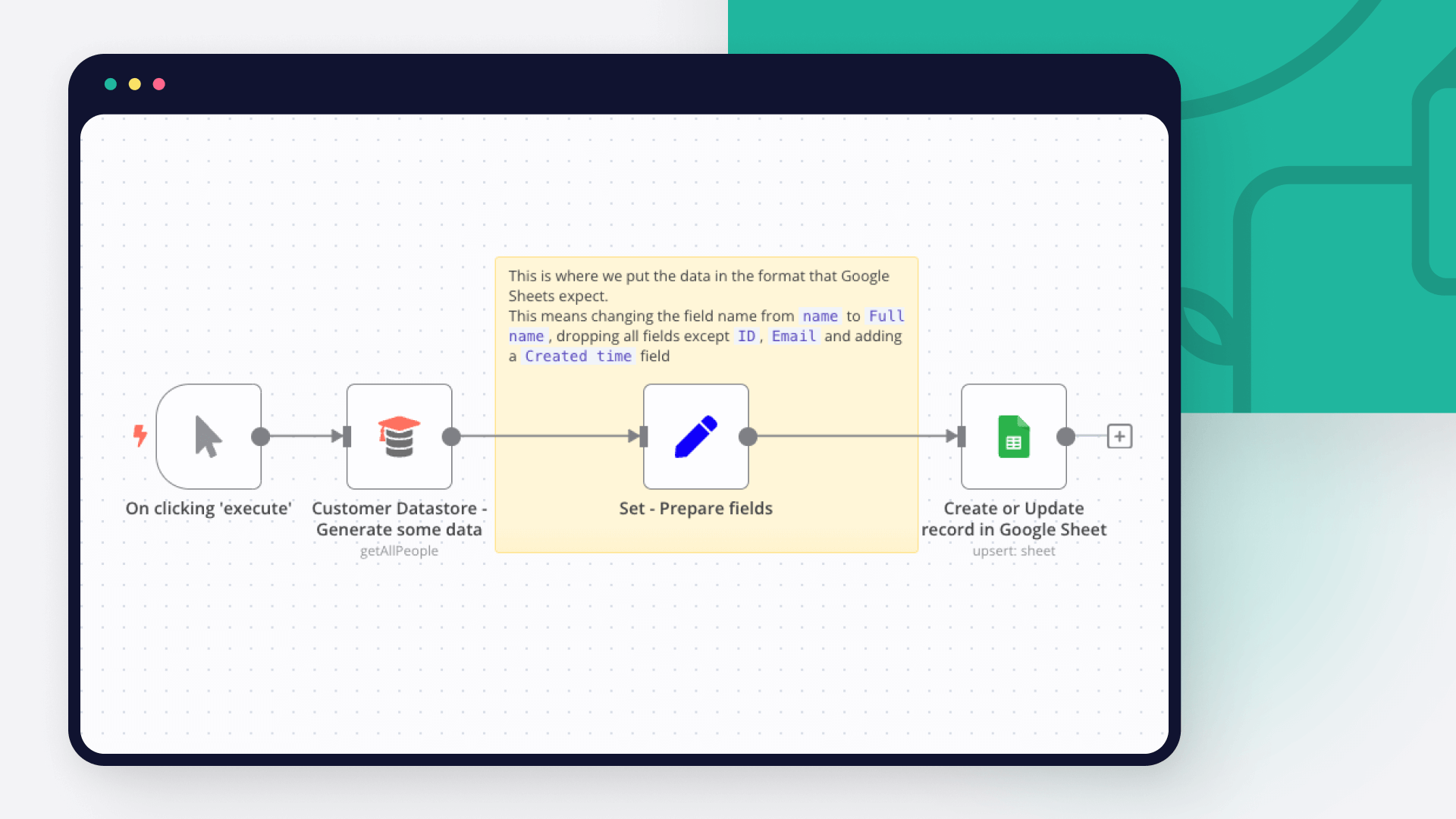
Google Sheets and Monday.com integration: Create a new workflow and add the first step

Step 2: Add and configure Google Sheets and Monday.com nodes

You can find Google Sheets and Monday.com in the nodes panel. Drag them onto your workflow canvas, selecting their actions. Click each node, choose a credential, and authenticate to grant n8n access. Configure Google Sheets and Monday.com nodes one by one: input data on the left, parameters in the middle, and output data on the right.

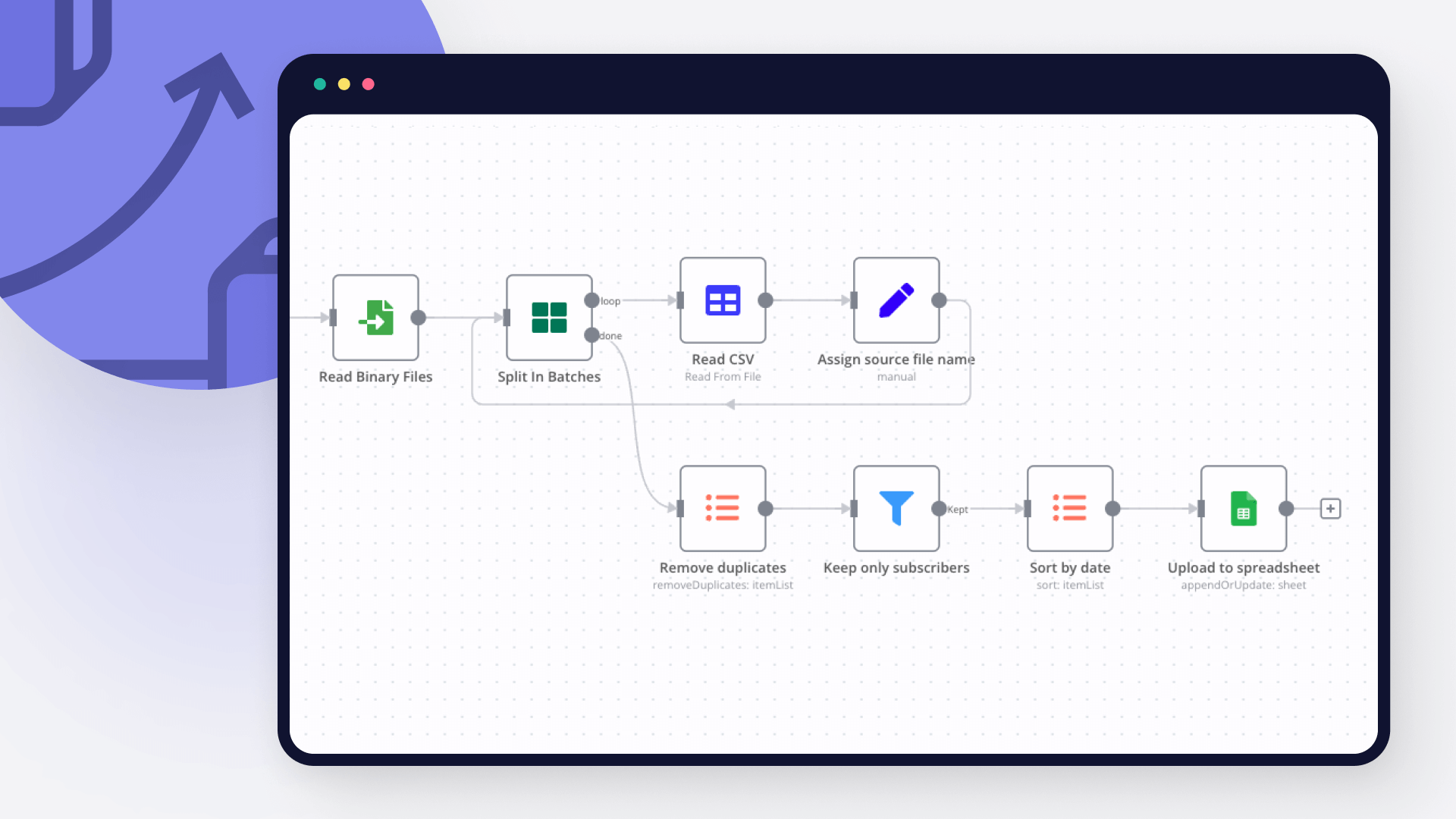
Google Sheets and Monday.com integration: Add and configure Google Sheets and Monday.com nodes

Step 3: Connect Google Sheets and Monday.com

A connection establishes a link between Google Sheets and Monday.com (or vice versa) to route data through the workflow. Data flows from the output of one node to the input of another. You can have single or multiple connections for each node.

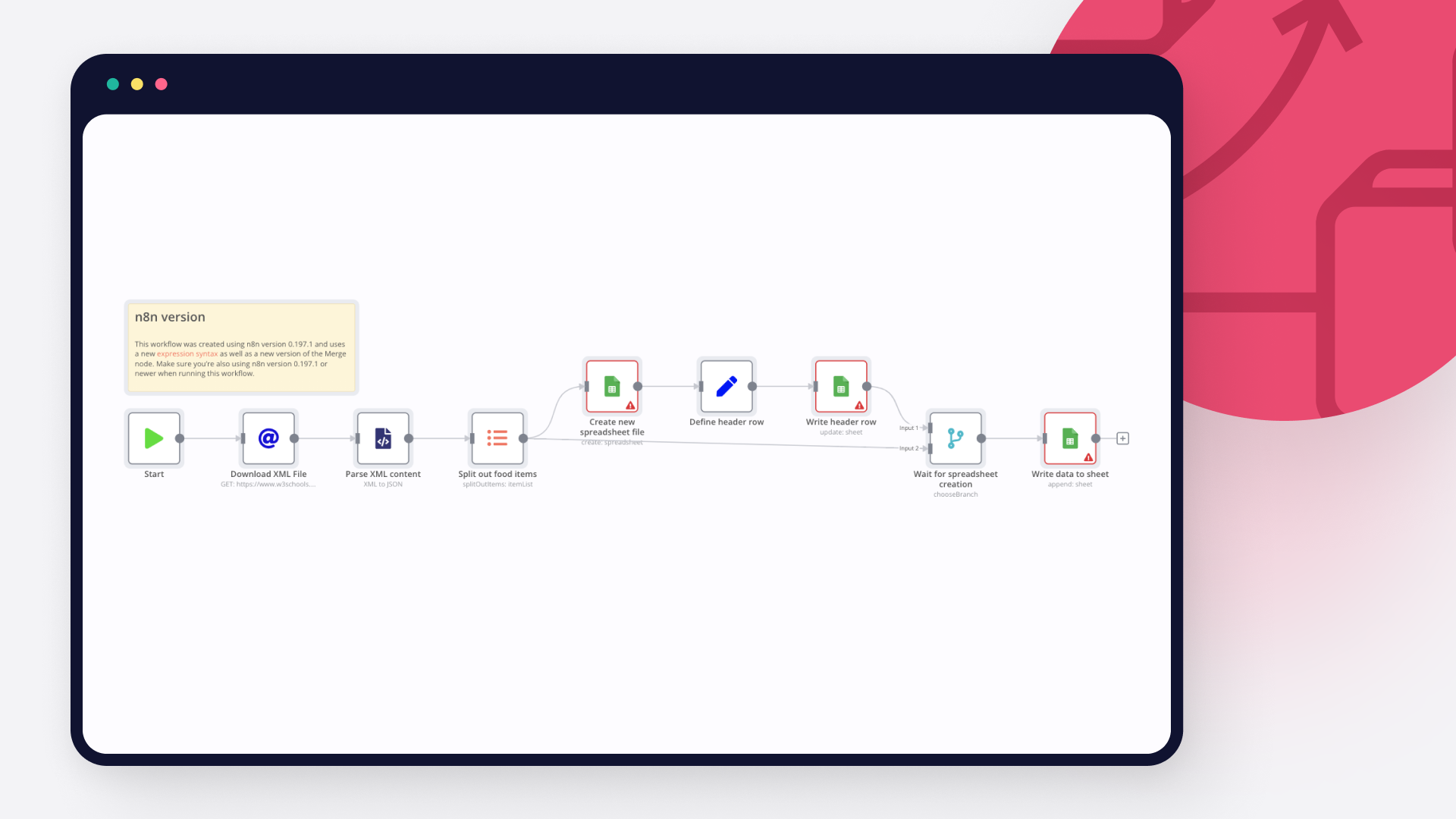
Google Sheets and Monday.com integration: Connect Google Sheets and Monday.com

Step 4: Customize and extend your Google Sheets and Monday.com integration

Use n8n's core nodes such as If, Split Out, Merge, and others to transform and manipulate data. Write custom JavaScript or Python in the Code node and run it as a step in your workflow. Connect Google Sheets and Monday.com with any of n8n’s 1000+ integrations, and incorporate advanced AI logic into your workflows.

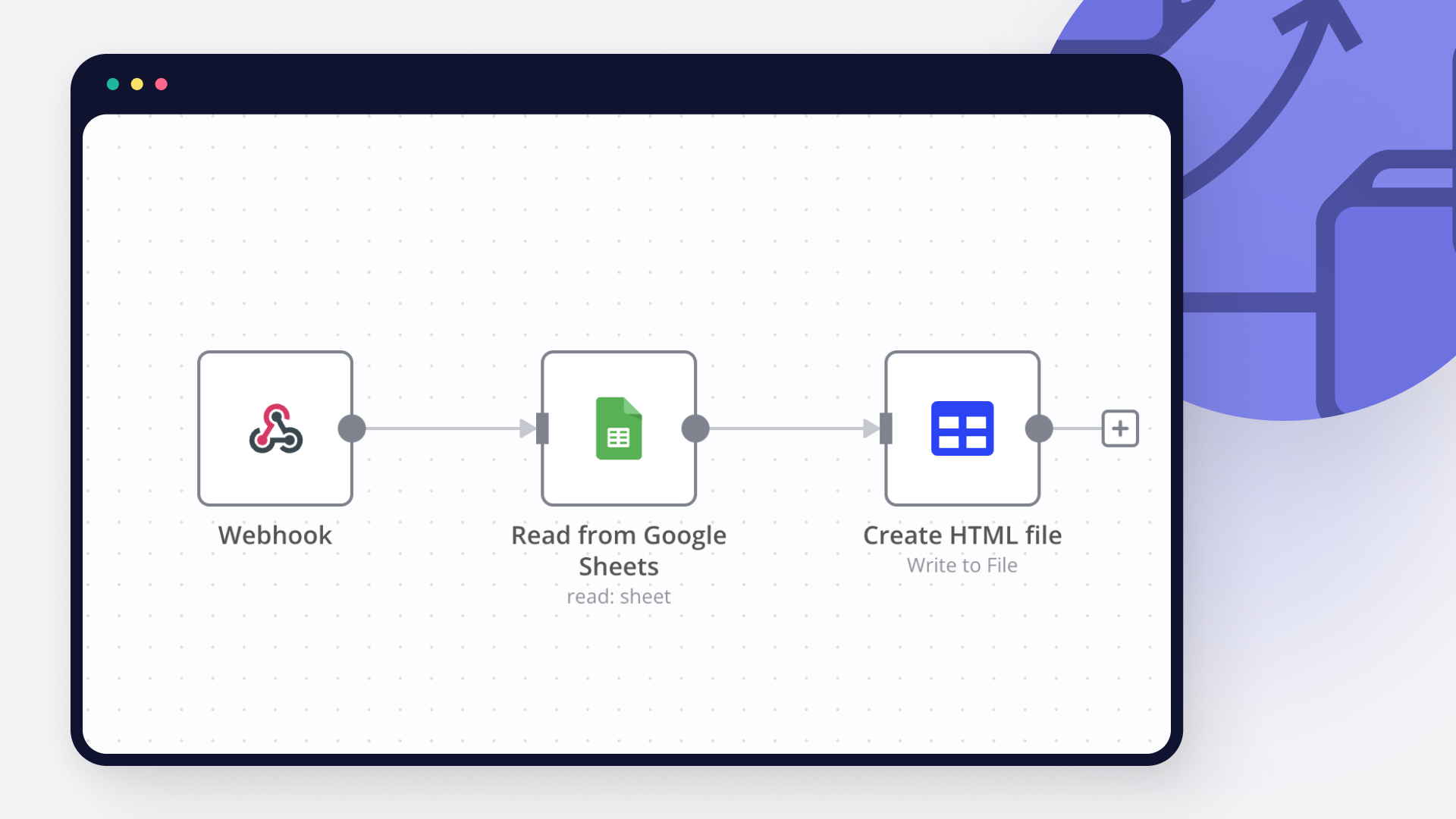
Google Sheets and Monday.com integration: Customize and extend your Google Sheets and Monday.com integration

Step 5: Test and activate your Google Sheets and Monday.com workflow

Save and run the workflow to see if everything works as expected. Based on your configuration, data should flow from Google Sheets to Monday.com or vice versa. Easily debug your workflow: you can check past executions to isolate and fix the mistake. Once you've tested everything, make sure to save your workflow and activate it.

Google Sheets and Monday.com integration: Test and activate your Google Sheets and Monday.com workflow

Automate change request approvals with Monday.com, Jira, Slack & Google Sheets

Description
Streamline IT and operations change management by automating approval routing, Jira issue creation, audit logging, and real-time Slack alerts. This workflow ensures faster reviews, traceable approvals, and transparent communication across systems. 🚀

What This Template Does
Step 1: Triggers automatically every weekday at 3:00 AM to fetch new or updated change requests from Monday.com. ⏰
Step 2: Extracts key fields (request name, component, risk level, approvers, and description) for structured processing. 🧩
Step 3: Routes each request based on its current status — Pending, Approved, or Rejected. 🔀
Step 4: Sends Slack alerts for pending approvals with detailed context for quick action. 💬
Step 5: Creates Jira tickets for approved requests, ensuring smooth implementation tracking. 🎫
Step 6: Logs all approved requests to Google Sheets for compliance and audit purposes. 📊
Step 7: Sends confirmation emails to requesters with Jira ticket details via Gmail. 📧
Step 8: Automatically creates resubmission items in Monday.com for rejected requests. 🔁

Key Benefits
✅ Eliminates manual approval routing between tools
✅ Centralizes audit trails and implementation data
✅ Accelerates change management turnaround
✅ Provides real-time alerts to approvers and teams
✅ Ensures compliance with automated record-keeping

Features
Automated daily trigger (Mon–Fri, 3 AM)
Monday.com integration for request intake
Conditional branching by status (Pending, Approved, Rejected)
Jira issue creation for approved requests
Slack notifications for pending and approved updates
Google Sheets logging for audit tracking
Gmail email confirmations for requesters
Automatic resubmission handling for rejected requests

Requirements
Monday.com API credentials with board access
Jira API credentials with project permissions
Google Sheets OAuth2 credentials
Slack Bot token with chat:write permissions
Gmail OAuth2 credentials for email automation
Target Audience
IT & DevOps teams managing structured change approvals
Project management teams tracking implementation requests
Organizations seeking automated risk-based change routing
Managers needing centralized logs and instant

Slack alerts
Step-by-Step Setup Instructions
Connect your Monday.com account and replace YOUR_BOARD_ID and groupId.
Configure Jira credentials and set the target project for new tickets.
Link your Google Sheets document and replace YOUR_SHEET_ID and YOUR_SHEET_GID.
Add Slack credentials and update YOUR_CHANNEL_ID for notifications.
Set up Gmail OAuth2 for sending confirmation emails.
Adjust the cron expression (0 3 * * 1-5) if needed to match your timezone.
Run the workflow manually once to test end-to-end connectivity.
Enable for scheduled automation and enjoy a fully managed approval process.

Nodes used in this workflow

Popular Google Sheets and Monday.com workflows

Automate Change Request Approvals with Monday.com, Jira, Slack & Google Sheets

Description Streamline IT and operations change management by automating approval routing, Jira issue creation, audit logging, and real-time Slack alerts. This workflow ensures faster reviews, traceable approvals, and transparent communication across systems. 🚀 What This Template Does Step 1: Triggers automatically every weekday at 3:00 AM to fetch new or updated change requests from Monday.com. ⏰ Step 2: Extracts key fields (request name, component, risk level, approvers, and description) for structured processing. 🧩 Step 3: Routes each request based on its current status — Pending, Approved, or Rejected. 🔀 Step 4: Sends Slack alerts for pending approvals with detailed context for quick action. 💬 Step 5: Creates Jira tickets for approved requests, ensuring smooth implementation tracking. 🎫 Step 6: Logs all approved requests to Google Sheets for compliance and audit purposes. 📊 Step 7: Sends confirmation emails to requesters with Jira ticket details via Gmail. 📧 Step 8: Automatically creates resubmission items in Monday.com for rejected requests. 🔁 Key Benefits ✅ Eliminates manual approval routing between tools ✅ Centralizes audit trails and implementation data ✅ Accelerates change management turnaround ✅ Provides real-time alerts to approvers and teams ✅ Ensures compliance with automated record-keeping Features Automated daily trigger (Mon–Fri, 3 AM) Monday.com integration for request intake Conditional branching by status (Pending, Approved, Rejected) Jira issue creation for approved requests Slack notifications for pending and approved updates Google Sheets logging for audit tracking Gmail email confirmations for requesters Automatic resubmission handling for rejected requests Requirements Monday.com API credentials with board access Jira API credentials with project permissions Google Sheets OAuth2 credentials Slack Bot token with chat:write permissions Gmail OAuth2 credentials for email automation Target Audience IT & DevOps teams managing structured change approvals Project management teams tracking implementation requests Organizations seeking automated risk-based change routing Managers needing centralized logs and instant Slack alerts Step-by-Step Setup Instructions Connect your Monday.com account and replace YOUR_BOARD_ID and groupId. Configure Jira credentials and set the target project for new tickets. Link your Google Sheets document and replace YOUR_SHEET_ID and YOUR_SHEET_GID. Add Slack credentials and update YOUR_CHANNEL_ID for notifications. Set up Gmail OAuth2 for sending confirmation emails. Adjust the cron expression (0 3 * * 1-5) if needed to match your timezone. Run the workflow manually once to test end-to-end connectivity. Enable for scheduled automation and enjoy a fully managed approval process.
+5

Analyze Customer Feedback with Azure GPT-4, Jira Tasks & Outlook Reports from Monday.com

Description Automate customer feedback analysis and action planning by integrating Monday.com, Azure OpenAI, Jira, Google Sheets, and Outlook. This workflow classifies customer feedback with AI, calculates business impact, creates Jira tasks for high-priority issues, and sends weekly performance summaries — turning raw feedback into actionable insights. 💬📈🤖 What This Template Does Step 1: Triggers automatically every Monday at 9:00 AM to fetch new customer feedback from Monday.com. ⏰ Step 2: Normalizes and structures data into consistent fields (title, account, ARR, NPS, etc.). 🧩 Step 3: Uses Azure OpenAI GPT-4 to classify sentiment and identify feedback themes (e.g., “UI Design,” “App Crash”). 🧠 Step 4: Calculates a business impact score based on ARR, NPS delta, and sentiment weightings. ⚙️ Step 5: Creates Jira tasks for high-impact feedback items for product or engineering follow-up. 🎫 Step 6: Logs all feedback and impact scores into Google Sheets for analytics dashboards. 📊 Step 7: Generates a professional HTML report summarizing metrics, wins, and risks, then emails it via Outlook. 📧 Step 8: Sends automated error-alert emails if any node fails during execution. 🚨 Key Benefits ✅ Converts qualitative feedback into measurable business intelligence ✅ Identifies critical customer issues automatically using AI ✅ Reduces manual effort in triaging and prioritizing feedback ✅ Creates real-time visibility for product and CX teams ✅ Provides weekly executive summaries and performance insights Features Weekly scheduled trigger (every Monday 9 AM) Monday.com data fetching and field normalization Azure OpenAI GPT-4-based sentiment and theme detection Impact scoring combining ARR + NPS + sentiment weighting Jira issue creation with context-rich descriptions Google Sheets logging for dashboards and historical records Outlook HTML email reports for leadership visibility Automated Gmail error-notification system Requirements Monday.com API credentials with board access Azure OpenAI GPT-4 API credentials Jira Software Cloud API credentials Google Sheets OAuth2 credentials with edit permissions Microsoft Outlook OAuth2 credentials for email delivery Gmail OAuth2 credentials for error alerting Target Audience Product and CX teams analyzing customer sentiment SaaS businesses tracking post-implementation feedback Customer-success and support operations teams Product managers prioritizing improvements based on impact Leadership teams monitoring customer health and satisfaction Step-by-Step Setup Instructions 1️⃣ Connect Monday.com API and update your boardId and groupId. 2️⃣ Configure Azure OpenAI GPT-4 credentials for the AI classifier. 3️⃣ Set Jira project ID and issue type for ticket creation. 4️⃣ Link Google Sheets and replace YOUR_SHEET_ID. 5️⃣ Connect Outlook OAuth2 and add recipient email for reports. 6️⃣ Configure Gmail OAuth2 for error alerts. 7️⃣ Adjust the cron expression (0 9 * * 1) to fit your timezone. 8️⃣ Test the workflow end-to-end with sample data. 9️⃣ Enable automation for seamless weekly feedback intelligence. ✅

Track Jira Epic Health with Automated Risk Alerts via Slack, Monday & Sheets

Description: Transform your Jira project management workflow with this intelligent n8n automation template that continuously tracks, scores, and reports the health of Jira Epics. The automation runs every 6 hours, fetches all active Epics, analyzes linked issues for performance, quality, and stability metrics, and automatically flags at-risk Epics. It updates Jira fields, sends alerts to Slack, logs trends in Google Sheets, and syncs visibility with Monday.com—ensuring teams stay proactive, not reactive. Ideal for agile teams, project managers, and product owners looking to monitor delivery health, detect risks early, and maintain transparent reporting across tools. ✅ What This Template Does (Step-by-Step) ⏱ Trigger Every 6 Hours: Automatically executes every six hours to keep health data updated in near real-time. 📥 Fetch All Epics from Jira: Retrieves all Epics, their keys, and fields via the Jira API to establish a full analysis scope. 🔀 Split Epics for Processing: Converts the batch of Epics into individual items, enabling sequential metric analysis. 🔗 Fetch Linked Issues: Collects all issues linked to each Epic, capturing their types, statuses, cycle times, and labels for deeper health analysis. 📈 Calculate Health Score: Computes a weighted score (0–1 scale) based on: • 40% Average Cycle Time • 30% Bug Ratio • 20% Churn (Reopened issues) • 10% Blocker Ratio Scores above 0.6 indicate at-risk Epics. ⚖️ Decision Gate: At-Risk or Healthy: If the health score exceeds 0.6, the workflow automatically initiates corrective actions. 🔧 Update Jira Epic: Updates Jira with the computed health score and adds an “At Risk” label for visibility in dashboards and filters. 🚨 Send Slack Alerts: Notifies the #project-alerts channel with Epic details, health score, and direct Jira links for immediate attention. 📋 Update Monday.com Pulse: Syncs health metrics and risk status back to your Monday board, maintaining cross-platform transparency. 📊 Log to Google Sheets: Appends health score logs with timestamps and Epic keys for trend analysis, audits, and dashboard creation. 🧠 Key Features ✔️ Automated Jira Epic health scoring (cycle time, churn, bugs, blockers) ✔️ Real-time risk flagging with Slack alerts ✔️ Integrated cross-tool visibility (Jira + Monday + Sheets) ✔️ Continuous trend tracking for performance improvement ✔️ Secure API-based automation 💼 Use Cases 💡 Track project delivery health and spot risks early 📈 Build executive dashboards showing team velocity and quality 🤝 Align product and engineering with shared visibility 🧾 Maintain a compliance audit trail of Epic health trends 📦 Required Integrations • Jira Software Cloud API – for Epic and issue data • Slack API – for real-time team alerts • Monday.com API – for visual board updates • Google Sheets API – for historical tracking and analytics 🎯 Why Use This Template? ✅ Prevents project delays by flagging risks early ✅ Provides automated, data-driven Epic health insights ✅ Connects your reporting ecosystem across platforms ✅ Perfect for Agile and DevOps teams driving continuous improvement

Automate Change Request Workflow: Monday.com to Jira with Slack & Sheets

📊 Description Streamline IT and operations change management by automating approval routing, Jira issue creation, audit logging, and real-time Slack alerts. This workflow ensures faster reviews, traceable approvals, and transparent communication across systems. 🚀💼 What This Template Does Step 1: Triggers automatically every weekday at 3:00 AM to fetch new or updated change requests from Monday.com. ⏰ Step 2: Extracts key fields (request name, component, risk level, approvers, and description) for structured processing. 🧩 Step 3: Routes each request based on its current status — Pending, Approved, or Rejected. 🔀 Step 4: Sends Slack alerts for pending approvals with detailed context for quick action. 💬 Step 5: Creates Jira tickets for approved requests, ensuring smooth implementation tracking. 🎫 Step 6: Logs all approved requests to Google Sheets for compliance and audit purposes. 📊 Step 7: Sends confirmation emails to requesters with Jira ticket details via Gmail. 📧 Step 8: Automatically creates resubmission items in Monday.com for rejected requests. 🔁 Key Benefits ✅ Eliminates manual approval routing between tools ✅ Centralizes audit trails and implementation data ✅ Accelerates change management turnaround ✅ Provides real-time alerts to approvers and teams ✅ Ensures compliance with automated record-keeping Features Automated daily trigger (Mon–Fri, 3 AM) Monday.com integration for request intake Conditional branching by status (Pending, Approved, Rejected) Jira issue creation for approved requests Slack notifications for pending and approved updates Google Sheets logging for audit tracking Gmail email confirmations for requesters Automatic resubmission handling for rejected requests Requirements Monday.com API credentials with board access Jira API credentials with project permissions Google Sheets OAuth2 credentials Slack Bot token with chat:write permissions Gmail OAuth2 credentials for email automation Target Audience IT & DevOps teams managing structured change approvals Project management teams tracking implementation requests Organizations seeking automated risk-based change routing Managers needing centralized logs and instant Slack alerts Step-by-Step Setup Instructions Connect your Monday.com account and replace YOUR_BOARD_ID and groupId. Configure Jira credentials and set the target project for new tickets. Link your Google Sheets document and replace YOUR_SHEET_ID and YOUR_SHEET_GID. Add Slack credentials and update YOUR_CHANNEL_ID for notifications. Set up Gmail OAuth2 for sending confirmation emails. Adjust the cron expression (0 3 * * 1-5) if needed to match your timezone. Run the workflow manually once to test end-to-end connectivity. Enable for scheduled automation and enjoy a fully managed approval process. ✅
+2

Automate Real Estate Open House Follow-ups with SignSnapHome, HubSpot, and Twilio

SignSnapHome to Multi-CRM Auto Follow-up: Complete Real Estate Open House Automation Transform Your Open House Leads into Clients with Zero Manual Work Are you tired of manually entering open house visitor information into your CRM? Losing hot leads because you didn't follow up fast enough? This powerful n8n workflow automatically syncs every SignSnapHome open house sign-in to three major real estate CRMs and executes a customizeable 7-day follow-up sequence via email and SMS. Setup Video Here 🎯 What This Workflow Does This automation creates a complete, hands-free lead nurturing system for real estate agents using SignSnap Home for open house visitor management. Every time someone signs in at your open house, this workflow: Instantly captures all visitor data from SignSnap Home via webhook Intelligently scores each lead based on agent status and property interest Automatically syncs contact information to three CRMs simultaneously: HubSpot - For marketing automation and pipeline management Follow Up Boss - For real estate-specific lead management Monday.com - For team collaboration and task tracking Logs everything to Google Sheets for complete audit trail and reporting Sends personalized follow-ups over 7 days for qualified leads: Day 0: Immediate thank you email Day 2: SMS text message check-in Day 5: Market update email with consultation offer Day 7: Automatic task created in HubSpot for agent to call 🔥 Key Features Smart Lead Qualification Not all open house visitors are equal. This workflow automatically identifies qualified leads who receive the full follow-up sequence: ✅ Visitors who don't currently have a real estate agent ✅ Visitors who have an agent but haven't signed a buyer agreement Leads who already have representation get the basic treatment (thank you email + CRM sync) to respect existing relationships while still capturing their information for future opportunities. Multi-CRM Distribution Why limit yourself to one CRM? This workflow syncs to three platforms simultaneously: HubSpot**: Creates/updates contacts with full lead scoring and property visit history Follow Up Boss**: Adds leads with source attribution and detailed notes Monday.com**: Creates board items for team visibility and collaboration Complete Activity Tracking Every touchpoint is logged to Google Sheets across three tabs: Lead Master Log**: Complete record of every visitor with lead scores and qualification status Follow-up Activity**: Timestamp of every email, SMS, and task created Errors**: Captures any visitors without email addresses for manual follow-up TCPA-Compliant SMS Follow-up Automated SMS messaging via Twilio includes: Proper consent tracking (via open house sign-in) "Reply STOP to unsubscribe" compliance footer Personalized messaging based on agent status Complete activity logging for audit trail 💼 Perfect For Real Estate Agents** using SignSnap Home for open house management Real Estate Teams** who need centralized lead tracking across multiple CRMs Brokerages** wanting to standardize follow-up processes across agents Property Marketing Teams** managing multiple open houses simultaneously 🛠️ What You'll Need Required Accounts & Credentials: SignSnapHome account with webhook integration enabled HubSpot account (Free or paid tier) with API access Follow Up Boss account with API key Monday.com account with API token Twilio account with SMS-enabled phone number SMTP Email service (Gmail, SendGrid, etc.) Google Sheets with OAuth2 access Technical Requirements: Active n8n instance (cloud or self-hosted) Basic familiarity with n8n workflows 30 minutes for initial setup and credential configuration 📊 Lead Scoring Algorithm This workflow includes intelligent lead scoring to help you prioritize follow-up: Base Score: 50 points Scoring Adjustments: No real estate agent: +30 points (HOT lead!) Property rating 4-5 stars: +20 points Property rating 1-2 stars: -20 points No buyer agreement signed: +10 points Lead Status Categories: 70-100 points**: HOT 🔥 50-69 points**: WARM 40-49 points**: OPEN 0-39 points**: COLD The Day 7 follow-up task is automatically prioritized as HIGH for leads scoring 70+ points. 🚀 Setup Overview Step 1: Import Workflow Download this workflow JSON and import it into your n8n instance. Step 2: Configure Credentials Set up authentication for all seven services: HubSpot OAuth2 or API Token Follow Up Boss HTTP Basic Auth (API key as username) Monday.com API Token Twilio API credentials SMTP email settings Google Sheets OAuth2 Step 3: Create Google Sheets Structure Create one Google Sheet with three tabs: Tab 1: "Lead Master Log" Timestamp First Name Last Name Email Phone Property Lead Score Lead Status Has Agent Buyer Agreement Qualifies for Follow-up Source Tab 2: "Follow-up Activity" Timestamp Contact Email Contact Name Activity Type Message Property Success Notes Tab 3: "Errors" Timestamp Guest Name Property Phone Error Reason Step 4: Update Placeholders Replace these values in the workflow nodes: YOUR_GOOGLE_SHEET_ID_HERE - Your Google Sheet ID (or select manually) [email protected] - Your from email address YOUR_TWILIO_PHONE_NUMBER - Your Twilio phone number (format: +15551234567) YOUR_MONDAY_BOARD_ID - Your Monday.com board ID Step 5: Configure SignSnap Home Activate the workflow in n8n Copy the webhook URL Go to SignSnapHome.com → Settings → Integrations Paste webhook URL and enable "Send on each submission" Step 6: Test! Have someone sign in at your next open house (or use test mode) and watch the magic happen! 📈 Expected Results Time Savings: 15-20 minutes per open house visitor (data entry, CRM updates, follow-up scheduling) Response Rate Improvements: Immediate thank you email: Builds rapport instantly Day 2 SMS: 98% open rate (vs 20-30% for email) Day 5 market update: Re-engages interested prospects Day 7 agent call task: Ensures no lead falls through cracks, make sure you set up your crm or change this to a simple notification node. Conversion Rate Impact: Many agents report 2-3x increase in open house visitor conversions with automated follow-up vs manual processes. 🎨 Customization Ideas This workflow is designed to be easily customizable: Adjust Follow-up Timing Change Wait node durations (Day 2 → Day 1, Day 5 → Day 3, etc.) Add more touchpoints (Day 10, Day 30, Day 90) Remove SMS and use email-only sequence Modify Lead Scoring Edit the JavaScript code in "Parse SignSnap Data" node Add new scoring criteria (property price range, visit duration, etc.) Change threshold values for HOT/WARM/COLD status Expand CRM Coverage Add Salesforce using HTTP Request node Include Pipedrive (native node available) Connect Zoho CRM (native node available) Add your brokerage's proprietary CRM via API Enhance Email Content Add property photos and listing details Include market statistics and neighborhood data Embed video tours or agent introduction videos Add social proof (testimonials, recent sales) Create Property-Specific Sequences Use IF nodes to branch by property address Send different messaging per listing Customize follow-up based on price range Include neighborhood-specific content 🔐 Compliance & Privacy This workflow is designed with real estate compliance in mind: TCPA Compliance (SMS): Consent established via open house sign-in "Reply STOP to unsubscribe" included in all messages Complete activity logging for audit trail Business relationship already established CAN-SPAM Compliance (Email): Easy unsubscribe mechanism Clear sender identification Accurate subject lines Business address included Data Privacy: No data stored in n8n workflow memory All data passed through encrypted connections CRM platforms handle data retention per their policies Google Sheets can be restricted to specific users 🆘 Troubleshooting "No email address" errors Make email required in SignSnap Home form settings Check "Errors" tab in Google Sheet for missed leads Follow up manually via phone using logged information CRM sync failures Verify all API credentials are current and not expired Check API rate limits (especially HubSpot free tier) Review execution logs in n8n for specific error messages SMS not sending Confirm Twilio account has sufficient balance Verify phone number format: +1XXXXXXXXXX (E.164 format) Check that recipient's country allows SMS from your Twilio number Ensure phone number was captured in SignSnap Home Wait nodes not resuming Confirm workflow is ACTIVE (not just saved) Check n8n queue system is running properly Verify execution mode settings allow waiting executions 📚 Additional Resources SignSnap Home: Website: https://signsnaphome.com Documentation: Contact SignSnap Home support Webhook setup guide: Available in app settings n8n Documentation: Webhook nodes: https://docs.n8n.io/integrations/builtin/core-nodes/n8n-nodes-base.webhook/ Wait node: https://docs.n8n.io/integrations/builtin/core-nodes/n8n-nodes-base.wait/ Code node: https://docs.n8n.io/code-examples/ CRM API Documentation: HubSpot: https://developers.hubspot.com/ Follow Up Boss: https://docs.followupboss.com/ Monday.com: https://developer.monday.com/ 🌟 Success Story "Before this automation, I was spending 30+ minutes after every open house manually entering contacts into HubSpot, then setting reminders to follow up. Now it's completely hands-free. The SMS follow-up on Day 2 alone has doubled my response rate. Best workflow I've ever implemented!" 🚦 Next Steps Download this workflow from the n8n Creator Hub Import into your n8n instance Follow the setup guide in the sticky notes Test with a sample submission before your next open house Monitor results in your Google Sheets activity log Customize and optimize based on your response rates 💡 Pro Tips A/B test your messaging**: Duplicate the workflow and test different email subject lines or SMS wording Track conversion rates**: Add a "Converted" column to your Google Sheet and update it when leads become clients Segment by property**: Use IF nodes to send different follow-up sequences for luxury vs starter homes Add social media enrichment**: Connect Clearbit or Hunter.io to automatically find LinkedIn profiles Create dashboard reports**: Connect Google Sheets to Data Studio for visual analytics 📞 Support For workflow-specific questions, please comment on this workflow in the n8n Creator Hub. For SignSnap Home account issues, contact SignSnap Home support directly. For CRM-specific questions, consult each platform's documentation linked above. 🏷️ Tags real-estate open-house crm-automation lead-nurturing sms-marketing email-automation hubspot follow-up-boss monday.com twilio google-sheets webhook multi-crm lead-scoring signsnap-home Version: 1.0 Last Updated: January 2025 Compatibility: n8n v1.0+ License: MIT Built with ❤️ for the real estate community. Questions or improvements? Drop a comment below!

Create Daily Task Status Snapshots from Monday.com to Google Sheets

This workflow pulls all tasks from your Monday.com board each day and logs them into a Google Sheet. It creates a daily snapshot of your project’s progress and statuses for reporting, tracking, or analysis. ⚙️ Setup Instructions 1️⃣ Connect Monday.com API In Monday.com → go to Admin → API Copy your Personal API Token Docs: Generate Monday API Token In n8n → Credentials → New → Monday.com API → paste your token and save 2️⃣ Prepare Your Google Sheet Copy this template to your own Google Drive: Google Sheet Template Add your data in rows 2–100. Make sure each new task row starts with Added = No. Connect Google Sheets in n8n Go to n8n → Credentials → New → Google Sheets (OAuth2) Log in with your Google account and grant access In the workflow, select your Spreadsheet ID and the correct Sheet Name 🧠 How it works Trigger**: Runs on click or via schedule (e.g., daily at 9 AM). Get many items (Monday.com)**: Fetches all tasks and their current status. Today's Date Node**: Adds the current date for snapshot logging. Map Fields**: Normalizes task name and status. Google Sheets (Append)**: Saves all tasks with status + date into your sheet for historical tracking. 📬 Contact Need help customizing this (e.g., filtering by status, emailing daily reports, or adding charts)? 📧 [email protected] 🔗 Robert Breen 🌐 ynteractive.com

Build your own Google Sheets and Monday.com integration

Create custom Google Sheets and Monday.com workflows by choosing triggers and actions. Nodes come with global operations and settings, as well as app-specific parameters that can be configured. You can also use the HTTP Request node to query data from any app or service with a REST API.

Google Sheets supported actions

Create
Create a spreadsheet
Delete
Delete a spreadsheet
Append or Update Row
Append a new row or update an existing one (upsert)
Append Row
Create a new row in a sheet
Clear
Delete all the contents or a part of a sheet
Create
Create a new sheet
Delete
Permanently delete a sheet
Delete Rows or Columns
Delete columns or rows from a sheet
Get Row(s)
Retrieve one or more rows from a sheet
Update Row
Update an existing row in a sheet

Monday.com supported actions

Archive
Archive a board
Create
Create a new board
Get
Get a board
Get Many
Get many boards
Create
Create a new column
Get Many
Get many columns
Delete
Delete a group in a board
Create
Create a group in a board
Get Many
Get list of groups in a board
Add Update
Add an update to an item
Change Column Value
Change a column value for a board item
Change Multiple Column Values
Change multiple column values for a board item
Create
Create an item in a board's group
Delete
Delete an item
Get
Get an item
Get By Column Value
Get items by column value
Get Many
Get many items
Move
Move item to group

FAQs

  • Can Google Sheets connect with Monday.com?

  • Can I use Google Sheets’s API with n8n?

  • Can I use Monday.com’s API with n8n?

  • Is n8n secure for integrating Google Sheets and Monday.com?

  • How to get started with Google Sheets and Monday.com integration in n8n.io?

Need help setting up your Google Sheets and Monday.com integration?

Discover our latest community's recommendations and join the discussions about Google Sheets and Monday.com integration.
Sergey Komardenkov
sérgio eduardo floresta filho
Julian
therealJMT
Guilherme

Looking to integrate Google Sheets and Monday.com in your company?

Over 3000 companies switch to n8n every single week

Why use n8n to integrate Google Sheets with Monday.com

Build complex workflows, really fast

Build complex workflows, really fast

Handle branching, merging and iteration easily.
Pause your workflow to wait for external events.

Code when you need it, UI when you don't

Simple debugging

Your data is displayed alongside your settings, making edge cases easy to track down.

Use templates to get started fast

Use 1000+ workflow templates available from our core team and our community.

Reuse your work

Copy and paste, easily import and export workflows.

Implement complex processes faster with n8n

red iconyellow iconred iconyellow icon