Back to Integrations
integrationHubSpot node
integrationMattermost node

HubSpot and Mattermost integration

Save yourself the work of writing custom integrations for HubSpot and Mattermost and use n8n instead. Build adaptable and scalable Sales, and Communication workflows that work with your technology stack. All within a building experience you will love.

How to connect HubSpot and Mattermost

  • Step 1: Create a new workflow
  • Step 2: Add and configure nodes
  • Step 3: Connect
  • Step 4: Customize and extend your integration
  • Step 5: Test and activate your workflow

Step 1: Create a new workflow and add the first step

In n8n, click the "Add workflow" button in the Workflows tab to create a new workflow. Add the starting point – a trigger on when your workflow should run: an app event, a schedule, a webhook call, another workflow, an AI chat, or a manual trigger. Sometimes, the HTTP Request node might already serve as your starting point.

HubSpot and Mattermost integration: Create a new workflow and add the first step

Step 2: Add and configure HubSpot and Mattermost nodes

You can find HubSpot and Mattermost in the nodes panel. Drag them onto your workflow canvas, selecting their actions. Click each node, choose a credential, and authenticate to grant n8n access. Configure HubSpot and Mattermost nodes one by one: input data on the left, parameters in the middle, and output data on the right.

HubSpot and Mattermost integration: Add and configure HubSpot and Mattermost nodes

Step 3: Connect HubSpot and Mattermost

A connection establishes a link between HubSpot and Mattermost (or vice versa) to route data through the workflow. Data flows from the output of one node to the input of another. You can have single or multiple connections for each node.

HubSpot and Mattermost integration: Connect HubSpot and Mattermost

Step 4: Customize and extend your HubSpot and Mattermost integration

Use n8n's core nodes such as If, Split Out, Merge, and others to transform and manipulate data. Write custom JavaScript or Python in the Code node and run it as a step in your workflow. Connect HubSpot and Mattermost with any of n8n’s 1000+ integrations, and incorporate advanced AI logic into your workflows.

HubSpot and Mattermost integration: Customize and extend your HubSpot and Mattermost integration

Step 5: Test and activate your HubSpot and Mattermost workflow

Save and run the workflow to see if everything works as expected. Based on your configuration, data should flow from HubSpot to Mattermost or vice versa. Easily debug your workflow: you can check past executions to isolate and fix the mistake. Once you've tested everything, make sure to save your workflow and activate it.

HubSpot and Mattermost integration: Test and activate your HubSpot and Mattermost workflow

Send daily CRM summary reports to Mattermost from HubSpot

Daily Report Generator with Mattermost and HubSpot

This workflow automatically compiles key metrics from HubSpot (and optional internal data sources) into a concise daily summary and posts it to a designated Mattermost channel. It helps sales and marketing teams stay informed without manually pulling reports or navigating multiple dashboards.

Pre-conditions/Requirements

Prerequisites
An n8n instance (self-hosted or n8n Cloud)
HubSpot account with a Private App token
Mattermost workspace with an incoming webhook enabled
(Optional) Internal REST API or database endpoint for additional data

Required Credentials
HubSpot Private App Token** – Grants API access to Deals, Contacts, Activities, etc.
Mattermost Personal Access Token** (or Incoming Webhook URL) – Permits message posting to channels
n8n User Management** – Ensure the workflow has network access to HubSpot and Mattermost

Specific Setup Requirements

Component Requirement Example/Notes
Mattermost Create an Incoming Webhook or generate a PAT System Console → Integrations
HubSpot Create a Private App → Scopes: crm.objects.deals.read Settings → Integrations → Private Apps
Scheduler External cron job or n8n’s internal trigger* curl https://n8n.yourdomain.com/webhook/daily_report

*The provided template uses a Webhook node so you can trigger it via any scheduler (e.g., crontab, Zapier, GitHub Actions). Replace with the Cron node if preferred.

How it works

This workflow automatically compiles key metrics from HubSpot (and optional internal data sources) into a concise daily summary and posts it to a designated Mattermost channel. It helps sales and marketing teams stay informed without manually pulling reports or navigating multiple dashboards.

Key Steps:
Webhook Trigger**: Waits for a daily call from an external scheduler.
HubSpot Node**: Retrieves deal statistics, new contacts, and other CRM metrics.
HTTP Request Node**: (Optional) Pulls supplementary data from an internal API.
Merge Node**: Consolidates HubSpot and optional data sources.
Code / Set Nodes**: Formats numbers, calculates KPIs, and builds a markdown message.
If Node**: Guards against empty datasets or API failures.
Mattermost Node**: Posts the formatted report to the chosen channel.
Respond to Webhook**: Returns a JSON confirmation to the scheduler.

Set up steps

Setup Time: 15-20 minutes

Import Template: In n8n, go to “Workflows → Import from File” and select the JSON template.
Add Credentials:
a. HubSpot → New credential → Paste Private App token
b. Mattermost → New credential → Paste PAT or Webhook URL
Configure Webhook URL: Copy the production URL of the Webhook node and add it to your external scheduler (e.g., crontab, Zapier).
Adjust Query Parameters (HubSpot node): Modify filters (e.g., deal stage, create date) as needed.
Edit Message Template (Code node): Update markdown formatting, include/exclude sections.
Test Run: Manually execute the workflow. Verify the JSON response and Mattermost post.
Activate: Toggle workflow to “Active”. Confirm your scheduler triggers it at the desired time.

Node Descriptions

Core Workflow Nodes:
stickyNote** – Contains inline documentation and instructions.
Webhook** – Primary trigger, receives the daily HTTP call.
HubSpot** – Pulls deals, contacts, and engagement data.
HTTP Request** – Fetches optional internal statistics (e.g., support tickets).
Merge** – Combines HubSpot and HTTP results into one object.
Set** – Selects and renames fields for clarity.
Code** – Calculates KPIs (e.g., conversion rate) and assembles a markdown summary.
If** – Checks for empty data arrays or API errors.
Mattermost** – Sends the final message to a channel.
Respond to Webhook** – Returns a success/failure payload to the caller.

Data Flow:
Webhook → HubSpot
Webhook → HTTP Request
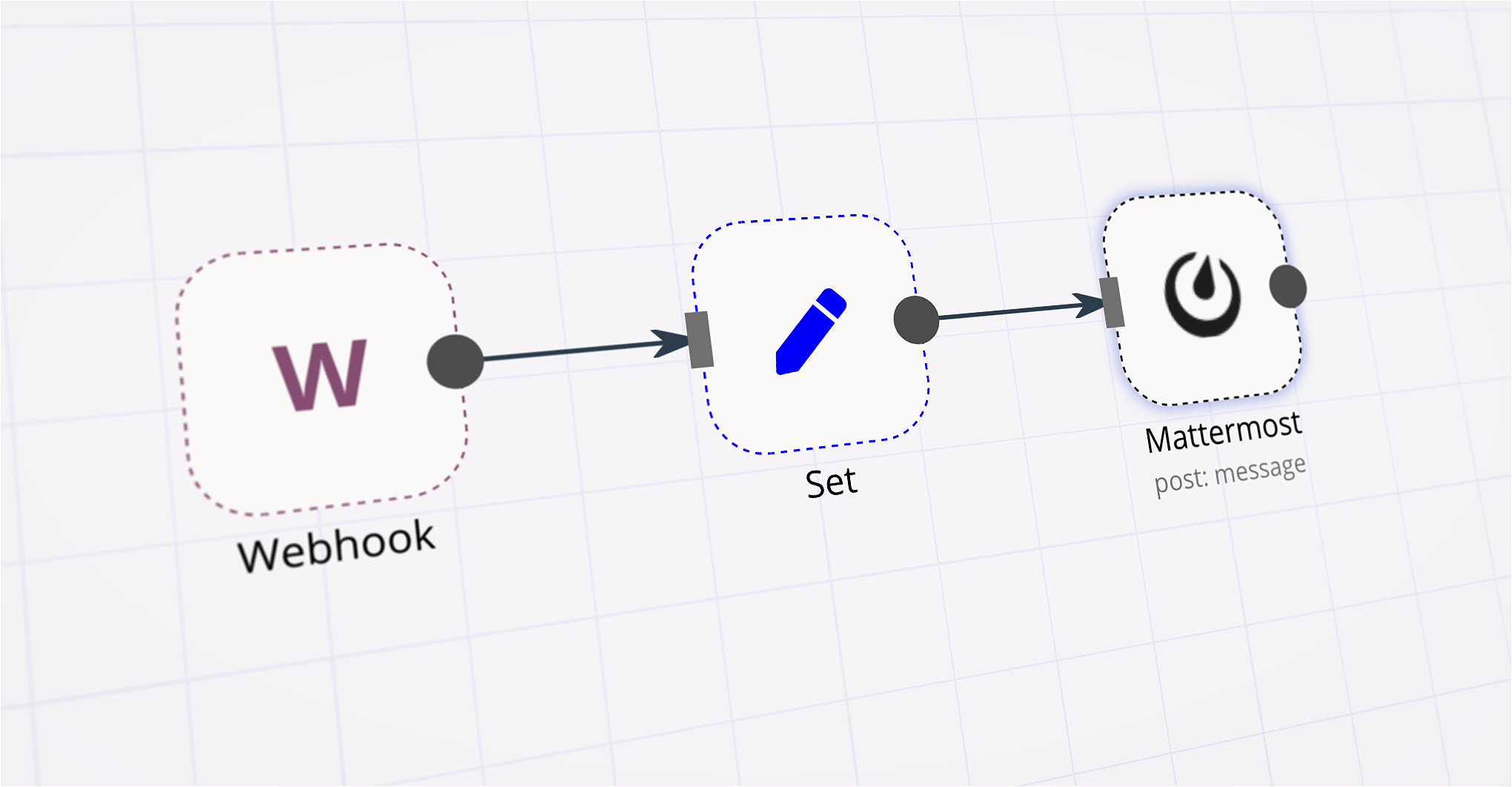
HubSpot + HTTP Request → Merge → Set → Code → If → Mattermost → Respond to Webhook

Customization Examples

Change Report Time Range
// HubSpot Node → Additional Fields
{
"filterGroups": [{
"filters": [{
"propertyName": "createdate",
"operator": "BETWEEN",
"highValue": Date.now(),
"value": Date.now() - 24 * 60 * 60 * 1000 // last 24h
}]
}]
}

Format Mattermost Message with Emojis
// Code Node (return statement)
return [{
json: {
text: :bar_chart: Daily CRM Report\n\n• New Deals: ${newDeals}\n• New Contacts: ${newContacts}\n• Win Rate: ${winRate}%
}
}];

Data Output Format

The workflow outputs structured JSON data:

{
"status": "success",
"date": "2024-05-23",
"hubspot": {
"new_deals": 12,
"new_contacts": 34,
"win_rate": 27.1
},
"internal": {
"tickets_opened": 8,
"tickets_closed": 6
},
"mattermostPostId": "abc123xyz"
}

Troubleshooting

Common Issues
401 Unauthorized (HubSpot) – Verify Private App token and scopes. Regenerate if necessary.
Message Not Posting – Ensure the Mattermost token has post:write or the webhook URL is valid.

Performance Tips
Cache HubSpot responses during testing to avoid hitting API limits.
Reduce payload size by selecting only the fields you need in the Set node.

Pro Tips:
Replace the Webhook node with the Cron node for an all-in-n8n schedule.
Use environment variables for tokens ({{$env.HUBSPOT_TOKEN}}) to avoid hard-coding secrets.
Add a second Mattermost node to DM managers for critical alerts (e.g., low win rate).

This is a community workflow template provided “as-is.” It is not officially supported by n8n GmbH. Always review and test in a development environment before deploying to production.

Nodes used in this workflow

Popular HubSpot and Mattermost workflows

Send daily CRM summary reports to Mattermost from HubSpot

Daily Report Generator with Mattermost and HubSpot This workflow automatically compiles key metrics from HubSpot (and optional internal data sources) into a concise daily summary and posts it to a designated Mattermost channel. It helps sales and marketing teams stay informed without manually pulling reports or navigating multiple dashboards. Pre-conditions/Requirements Prerequisites An n8n instance (self-hosted or n8n Cloud) HubSpot account with a Private App token Mattermost workspace with an incoming webhook enabled (Optional) Internal REST API or database endpoint for additional data Required Credentials HubSpot Private App Token** – Grants API access to Deals, Contacts, Activities, etc. Mattermost Personal Access Token** (or Incoming Webhook URL) – Permits message posting to channels n8n User Management** – Ensure the workflow has network access to HubSpot and Mattermost Specific Setup Requirements | Component | Requirement | Example/Notes | |-------------|---------------------------------------------------------|-------------------------------------------------------| | Mattermost | Create an Incoming Webhook or generate a PAT | System Console → Integrations | | HubSpot | Create a Private App → Scopes: crm.objects.deals.read | Settings → Integrations → Private Apps | | Scheduler | External cron job or n8n’s internal trigger* | curl https://n8n.yourdomain.com/webhook/daily_report | *The provided template uses a Webhook node so you can trigger it via any scheduler (e.g., crontab, Zapier, GitHub Actions). Replace with the Cron node if preferred. How it works This workflow automatically compiles key metrics from HubSpot (and optional internal data sources) into a concise daily summary and posts it to a designated Mattermost channel. It helps sales and marketing teams stay informed without manually pulling reports or navigating multiple dashboards. Key Steps: Webhook Trigger**: Waits for a daily call from an external scheduler. HubSpot Node**: Retrieves deal statistics, new contacts, and other CRM metrics. HTTP Request Node**: (Optional) Pulls supplementary data from an internal API. Merge Node**: Consolidates HubSpot and optional data sources. Code / Set Nodes**: Formats numbers, calculates KPIs, and builds a markdown message. If Node**: Guards against empty datasets or API failures. Mattermost Node**: Posts the formatted report to the chosen channel. Respond to Webhook**: Returns a JSON confirmation to the scheduler. Set up steps Setup Time: 15-20 minutes Import Template: In n8n, go to “Workflows → Import from File” and select the JSON template. Add Credentials: a. HubSpot → New credential → Paste Private App token b. Mattermost → New credential → Paste PAT or Webhook URL Configure Webhook URL: Copy the production URL of the Webhook node and add it to your external scheduler (e.g., crontab, Zapier). Adjust Query Parameters (HubSpot node): Modify filters (e.g., deal stage, create date) as needed. Edit Message Template (Code node): Update markdown formatting, include/exclude sections. Test Run: Manually execute the workflow. Verify the JSON response and Mattermost post. Activate: Toggle workflow to “Active”. Confirm your scheduler triggers it at the desired time. Node Descriptions Core Workflow Nodes: stickyNote** – Contains inline documentation and instructions. Webhook** – Primary trigger, receives the daily HTTP call. HubSpot** – Pulls deals, contacts, and engagement data. HTTP Request** – Fetches optional internal statistics (e.g., support tickets). Merge** – Combines HubSpot and HTTP results into one object. Set** – Selects and renames fields for clarity. Code** – Calculates KPIs (e.g., conversion rate) and assembles a markdown summary. If** – Checks for empty data arrays or API errors. Mattermost** – Sends the final message to a channel. Respond to Webhook** – Returns a success/failure payload to the caller. Data Flow: Webhook → HubSpot Webhook → HTTP Request HubSpot + HTTP Request → Merge → Set → Code → If → Mattermost → Respond to Webhook Customization Examples Change Report Time Range // HubSpot Node → Additional Fields { "filterGroups": [{ "filters": [{ "propertyName": "createdate", "operator": "BETWEEN", "highValue": Date.now(), "value": Date.now() - 24 * 60 * 60 * 1000 // last 24h }] }] } Format Mattermost Message with Emojis // Code Node (return statement) return [{ json: { text: :bar_chart: Daily CRM Report\n\n• New Deals: ${newDeals}\n• New Contacts: ${newContacts}\n• Win Rate: ${winRate}% } }]; Data Output Format The workflow outputs structured JSON data: { "status": "success", "date": "2024-05-23", "hubspot": { "new_deals": 12, "new_contacts": 34, "win_rate": 27.1 }, "internal": { "tickets_opened": 8, "tickets_closed": 6 }, "mattermostPostId": "abc123xyz" } Troubleshooting Common Issues 401 Unauthorized (HubSpot) – Verify Private App token and scopes. Regenerate if necessary. Message Not Posting – Ensure the Mattermost token has post:write or the webhook URL is valid. Performance Tips Cache HubSpot responses during testing to avoid hitting API limits. Reduce payload size by selecting only the fields you need in the Set node. Pro Tips: Replace the Webhook node with the Cron node for an all-in-n8n schedule. Use environment variables for tokens ({{$env.HUBSPOT_TOKEN}}) to avoid hard-coding secrets. Add a second Mattermost node to DM managers for critical alerts (e.g., low win rate). This is a community workflow template provided “as-is.” It is not officially supported by n8n GmbH. Always review and test in a development environment before deploying to production.

Build your own HubSpot and Mattermost integration

Create custom HubSpot and Mattermost workflows by choosing triggers and actions. Nodes come with global operations and settings, as well as app-specific parameters that can be configured. You can also use the HTTP Request node to query data from any app or service with a REST API.

HubSpot supported actions

Create
Create a company
Delete
Delete a company
Get
Get a company
Get Many
Get many companies
Get Recently Created/Updated
Get recently created/updated companies
Search
Search companies by their website domain
Update
Update a company
Create or Update
Create a new contact, or update the current one if it already exists (upsert)
Delete
Delete a contact
Get
Get a contact
Get Many
Get many contacts
Get Recently Created/Updated
Get recently created/updated contacts
Search
Search contacts
Add
Add contact to a list
Remove
Remove a contact from a list
Create
Create a deal
Delete
Delete a deal
Get
Get a deal
Get Many
Get many deals
Get Recently Created/Updated
Get recently created/updated deals
Search
Search deals
Update
Update a deal
Create
Create an engagement
Delete
Delete an engagement
Get
Get an engagement
Get Many
Get many engagements
Create
Create a ticket
Delete
Delete a ticket
Get
Get a ticket
Get Many
Get many tickets
Update
Update a ticket

Mattermost supported actions

Add User
Add a user to a channel
Create
Create a new channel
Delete
Soft delete a channel
Member
Get a page of members for a channel
Restore
Restores a soft deleted channel
Search
Search for a channel
Statistics
Get statistics for a channel
Delete
Soft delete a post, by marking the post as deleted in the database
Post
Post a message into a channel
Post Ephemeral
Post an ephemeral message into a channel
Create
Add a reaction to a post
Delete
Remove a reaction from a post
Get Many
Get many reactions to one or more posts
Create
Create a new user
Deactive
Deactivates the user and revokes all its sessions by archiving its user object
Get By Email
Get a user by email
Get By ID
Get a user by ID
Get Many
Retrieve many users
Invite
Invite user to team

FAQs

  • Can HubSpot connect with Mattermost?

  • Can I use HubSpot’s API with n8n?

  • Can I use Mattermost’s API with n8n?

  • Is n8n secure for integrating HubSpot and Mattermost?

  • How to get started with HubSpot and Mattermost integration in n8n.io?

Looking to integrate HubSpot and Mattermost in your company?

Over 3000 companies switch to n8n every single week

Why use n8n to integrate HubSpot with Mattermost

Build complex workflows, really fast

Build complex workflows, really fast

Handle branching, merging and iteration easily.
Pause your workflow to wait for external events.

Code when you need it, UI when you don't

Simple debugging

Your data is displayed alongside your settings, making edge cases easy to track down.

Use templates to get started fast

Use 1000+ workflow templates available from our core team and our community.

Reuse your work

Copy and paste, easily import and export workflows.

Implement complex processes faster with n8n

red iconyellow iconred iconyellow icon