Back to Integrations
integrationPostgres node
integrationShopify node

Postgres and Shopify integration

Save yourself the work of writing custom integrations for Postgres and Shopify and use n8n instead. Build adaptable and scalable Development, Data & Storage, and Sales workflows that work with your technology stack. All within a building experience you will love.

How to connect Postgres and Shopify

  • Step 1: Create a new workflow
  • Step 2: Add and configure nodes
  • Step 3: Connect
  • Step 4: Customize and extend your integration
  • Step 5: Test and activate your workflow

Step 1: Create a new workflow and add the first step

In n8n, click the "Add workflow" button in the Workflows tab to create a new workflow. Add the starting point – a trigger on when your workflow should run: an app event, a schedule, a webhook call, another workflow, an AI chat, or a manual trigger. Sometimes, the HTTP Request node might already serve as your starting point.

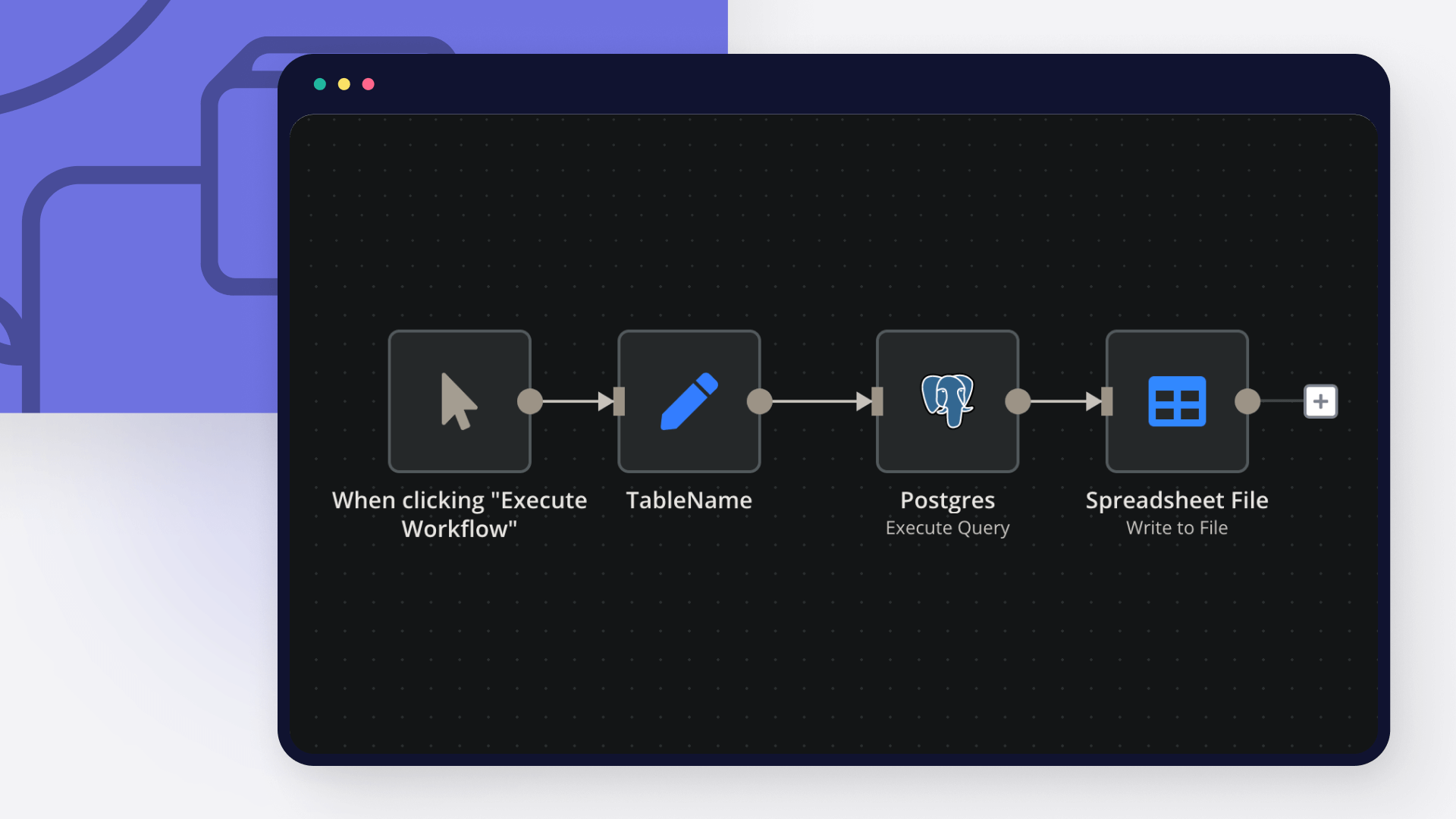
Postgres and Shopify integration: Create a new workflow and add the first step

Step 2: Add and configure Postgres and Shopify nodes

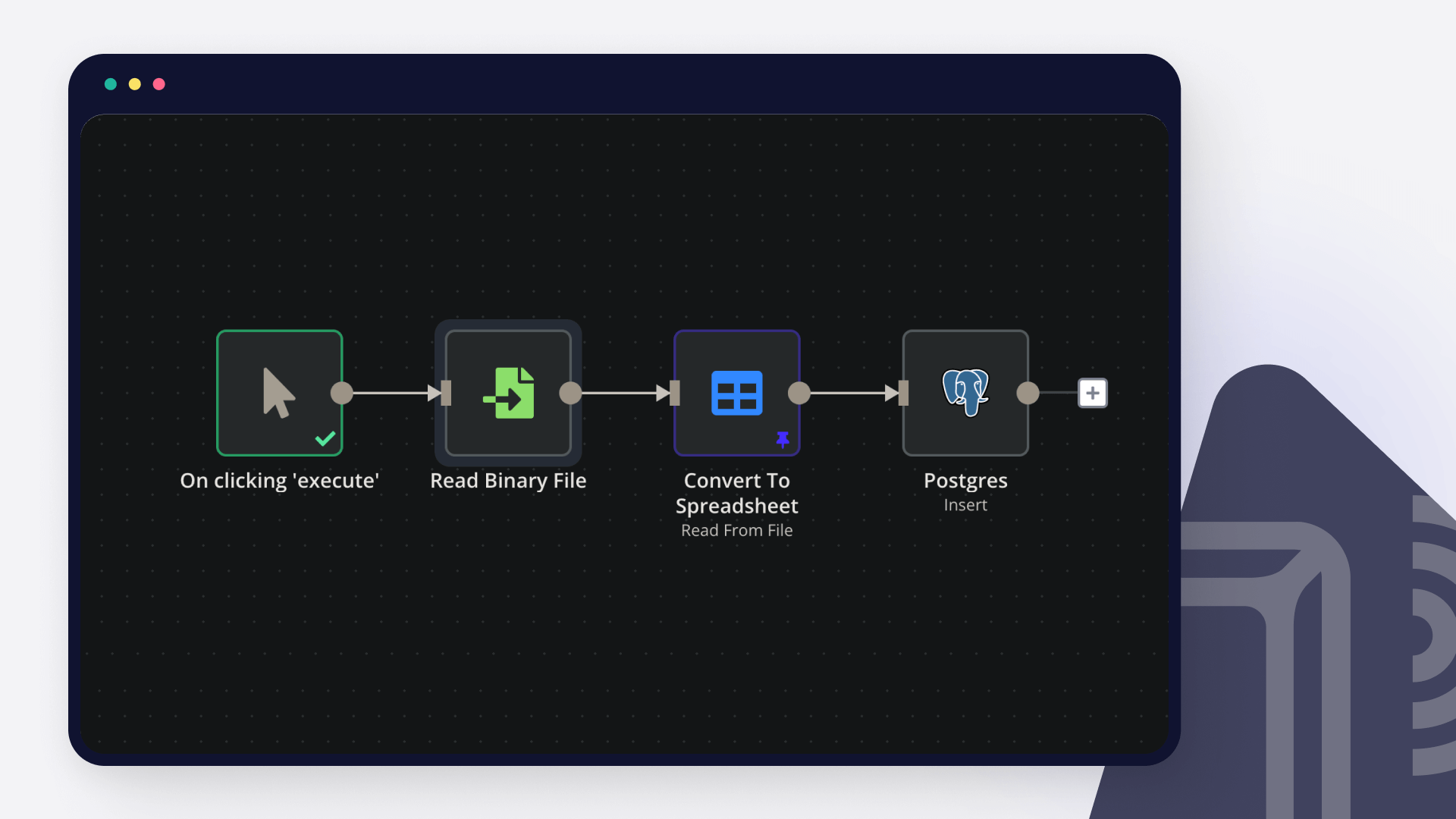
You can find Postgres and Shopify in the nodes panel. Drag them onto your workflow canvas, selecting their actions. Click each node, choose a credential, and authenticate to grant n8n access. Configure Postgres and Shopify nodes one by one: input data on the left, parameters in the middle, and output data on the right.

Postgres and Shopify integration: Add and configure Postgres and Shopify nodes

Step 3: Connect Postgres and Shopify

A connection establishes a link between Postgres and Shopify (or vice versa) to route data through the workflow. Data flows from the output of one node to the input of another. You can have single or multiple connections for each node.

Postgres and Shopify integration: Connect Postgres and Shopify

Step 4: Customize and extend your Postgres and Shopify integration

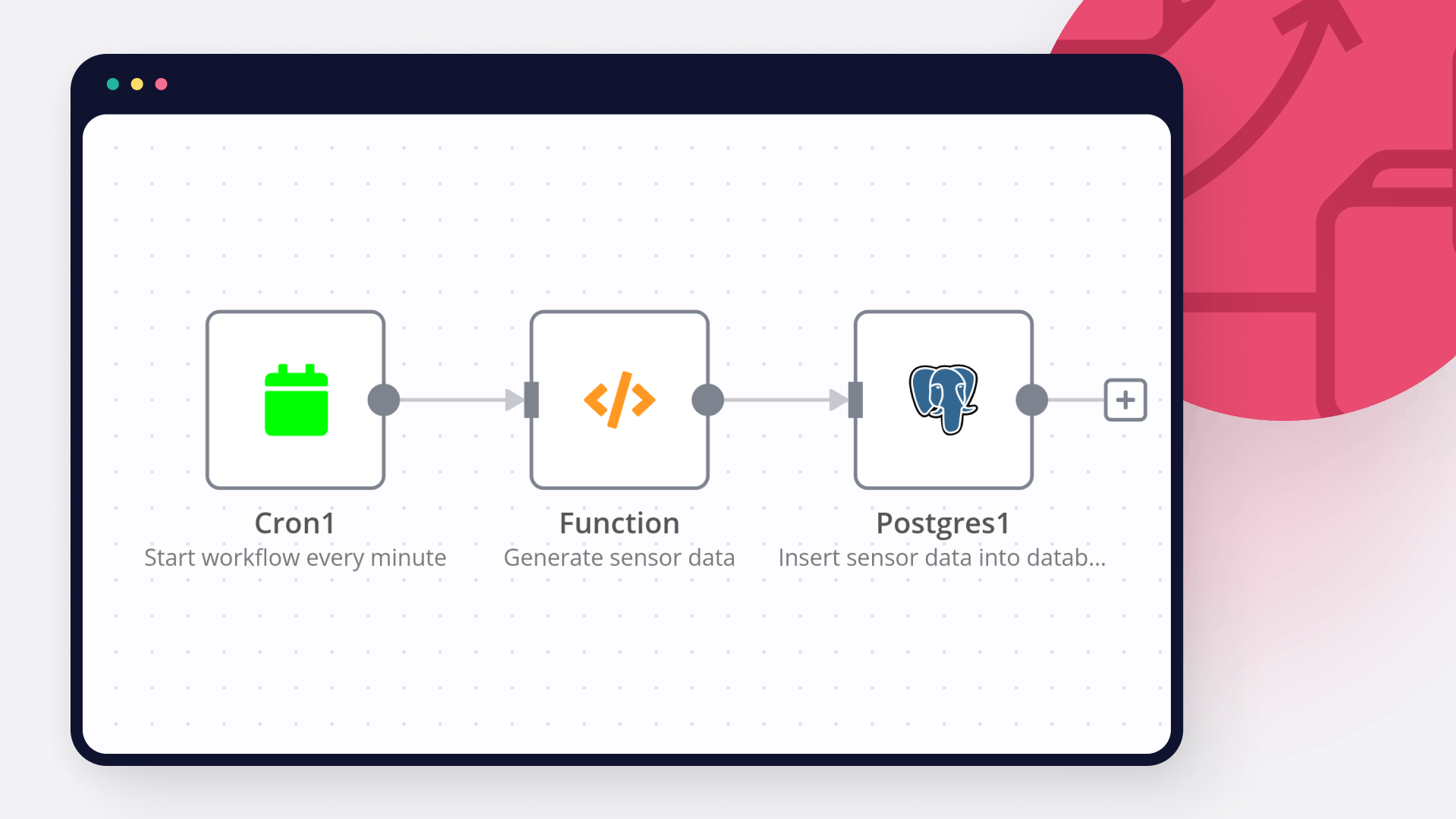
Use n8n's core nodes such as If, Split Out, Merge, and others to transform and manipulate data. Write custom JavaScript or Python in the Code node and run it as a step in your workflow. Connect Postgres and Shopify with any of n8n’s 1000+ integrations, and incorporate advanced AI logic into your workflows.

Postgres and Shopify integration: Customize and extend your Postgres and Shopify integration

Step 5: Test and activate your Postgres and Shopify workflow

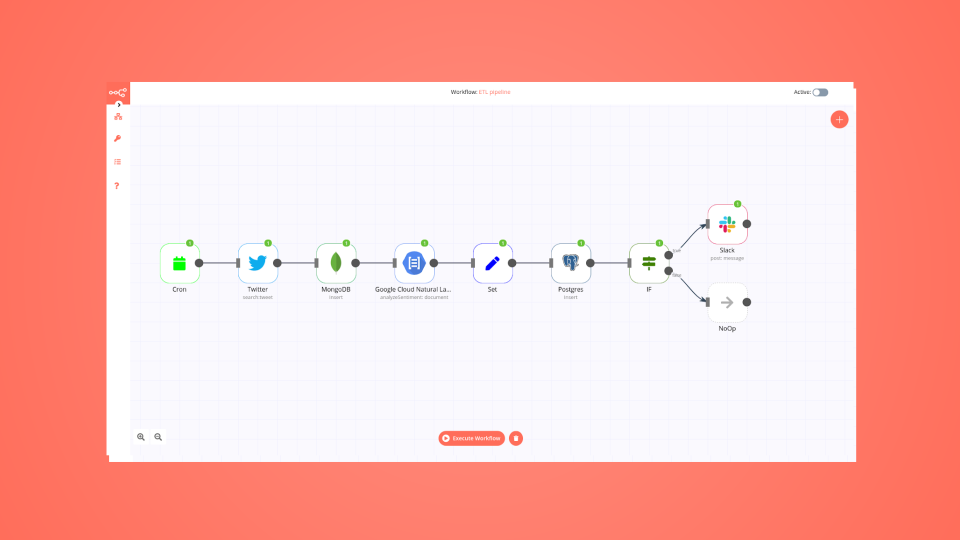
Save and run the workflow to see if everything works as expected. Based on your configuration, data should flow from Postgres to Shopify or vice versa. Easily debug your workflow: you can check past executions to isolate and fix the mistake. Once you've tested everything, make sure to save your workflow and activate it.

Postgres and Shopify integration: Test and activate your Postgres and Shopify workflow

Send Shopify shipping tracking WhatsApp notifications with full tracking info

Order Fulfillment & Shipping Notification System

Automatically notify customers via WhatsApp when their orders ship, with intelligent phone validation, multi-country support, and bilingual messaging including complete tracking information.

What does this workflow do?

When you fulfill an order in Shopify, this workflow instantly updates your database, validates the customer's phone number across 23+ countries, and sends a professional WhatsApp notification with full tracking details in their preferred language.

Key features:
🌍 23+ Country Phone Validation - Automatically detects and formats phone numbers for GCC, MENA, and international customers
📦 Complete Tracking Info - Includes tracking number, courier name, and clickable tracking URL
🌐 Smart Bilingual Messaging - Arabic and English with luxury brand tone
💾 Real-time Database Sync - Updates order status and shipping details instantly
🔒 Test Number Protection - Blocks notifications to development phone numbers
✨ Personalized Messages - Addresses customers by first name
⏱️ Delivery Expectations - Communicates clear 7-12 business day timeline
🎯 International Format - Handles phone numbers with automatic country code detection

Setup Requirements

Integrations Needed:
Shopify - For order fulfillment webhooks
PostgreSQL - For order and customer data storage
WhatsApp Business API - For sending notifications via Facebook Graph API

Credentials Required:
Shopify Access Token (with fulfillment webhook permissions)
PostgreSQL database credentials
WhatsApp Business API Bearer Token (Facebook Graph API v18.0)

How to Use

Import the workflow into your n8n instance
Configure credentials:
Add your Shopify store access token
Connect your PostgreSQL database
Add your WhatsApp Business API credentials
Update test phone numbers in filter nodes (If10 and If11) with your actual test numbers
Customize brand name in WhatsApp message templates if needed (currently "" / "")
Activate the workflow to start sending shipping notifications

Workflow Structure

  1. Trigger (Shopify Webhook)
    Listens for fulfillments/create events when orders are marked as shipped in Shopify

  2. Update Order Status
    Updates PostgreSQL database with:
    Status changed to 'shipped'
    Shipping company name
    Tracking number

  3. Customer Lookup
    Retrieves customer record from database using phone number from fulfillment data

  4. Phone Validator (Code Node)
    Intelligent phone number formatting:
    Detects country from shipping address
    Validates and cleans phone number
    Adds appropriate country code if missing
    Supports 23 countries across GCC, MENA, and international markets
    Ensures proper international format (+CountryCode)

  5. Get Customer Preferences
    Retrieves language preference and first name for personalization

  6. Language Detection
    Routes workflow based on customer's preferred language (Arabic vs. English)

  7. Test Number Filter
    Prevents notifications to internal/development phone numbers

  8. WhatsApp Notification
    Sends comprehensive shipping notification with tracking details in customer's language

Supported Countries & Codes

GCC Region:
🇴🇲 Oman (968)
🇦🇪 UAE (971)
🇸🇦 Saudi Arabia (966)
🇰🇼 Kuwait (965)
🇶🇦 Qatar (974)
🇧🇭 Bahrain (973)

MENA Region:
🇯🇴 Jordan (962)
🇪🇬 Egypt (20)
🇮🇶 Iraq (964)
🇱🇧 Lebanon (961)
🇸🇾 Syria (963)
🇵🇸 Palestine (970)
🇾🇪 Yemen (967)

International:
🇺🇸 USA (1)
🇬🇧 UK (44)
🇩🇪 Germany (49)
🇫🇷 France (33)
🇮🇹 Italy (39)
🇪🇸 Spain (34)
🇹🇷 Turkey (90)
🇮🇳 India (91)
🇵🇰 Pakistan (92)

Message Templates

Arabic Message (عربي):
مرحبًا [الاسم]،

يسرّنا إعلامكم بأنه تم شحن طلبكم بنجاح.
رقم الطلب: [order_id]
رقم التتبع: [tracking_number]
شركة الشحن: [courier_name]
رابط التتبع: [tracking_url]
المدة المتوقعة للتوصيل: من 7 إلى 12 يوم عمل.

يمكنكم متابعة حالة الشحنة عبر رقم التتبع، وسنحرص على إبقائكم على اطلاع حتى استلام الطلب.

مع أطيب التحيات،

English Message:
Hello [Name],

We are pleased to inform you that your order has been shipped successfully.

Order No: [order_id]
Tracking No: [tracking_number]
Courier Company: [courier_name]
Tracking URL: [tracking_url]
Estimated delivery time: 7–12 business days.

You may track your shipment using the tracking number provided. We will continue to keep you informed until your order is delivered.

Kind regards,

Database Schema Requirements

Orders Table:
CREATE TABLE orders (
order_id VARCHAR PRIMARY KEY, -- Shopify order number
status VARCHAR, -- Order status ('open', 'shipped', 'delivered', 'canceled')
shipping_company VARCHAR, -- Courier service name
tracking_number VARCHAR, -- Package tracking ID
customer_id INTEGER -- Foreign key to customers table
);

Customers Table:
CREATE TABLE customers (
id SERIAL PRIMARY KEY,
website_id INTEGER, -- Shopify customer ID
phone VARCHAR, -- Customer phone number
language VARCHAR(2), -- Preferred language ('ar' or 'en')
first_name VARCHAR, -- Customer first name
last_name VARCHAR -- Customer last name
);

Phone Validator Logic

The Phone Validator node intelligently handles phone numbers:

Extracts phone from fulfillment data (checks destination.phone, shipping_address.phone, or root phone)
Detects country from destination.country_code (defaults to 'OM' if not provided)
Cleans number by removing whitespace and non-numeric characters (except +)
Validates length (minimum 5 digits required)
Checks for country code in the number
Adds country code automatically if missing based on shipping country
Ensures + prefix for international format
Returns:
phone: Formatted number with country code (+XXX)
original_phone: Raw input for reference
country_code: ISO country code
validation_status: 'success' or 'empty_or_invalid'

Customization Tips

Add more countries**: Extend the countryCodes object in Phone Validator node
Change brand name**: Update "" / "" in WhatsApp message nodes
Adjust delivery time**: Modify "7–12 business days" to match your actual shipping times
Add more languages**: Create additional language detection branches (e.g., French, Spanish)
Include product details**: Extend database query to fetch order items and include in message
Add delivery date estimates**: Calculate and include specific delivery date ranges
Email notifications**: Add email nodes for customers who prefer email
SMS fallback**: Add SMS nodes for customers without WhatsApp

Use Cases

E-commerce stores shipping to multiple countries
Luxury brands requiring premium communication
Businesses with Arabic and English speaking customers
International retailers with GCC and MENA presence
Multi-channel sellers needing unified shipping notifications
Stores using various courier services (DHL, FedEx, Aramex, etc.)

Error Handling

Empty phone numbers**: Workflow marks as 'empty_or_invalid' and skips notification
Invalid formats**: Phone validator attempts to fix common issues
Missing data**: Uses fallback values (e.g., 'OM' for country, 'en' for language)
SQL injection protection**: Single quotes escaped in database queries
Test number blocking**: Prevents accidental notifications during testing

Performance Notes

Execution time**: ~2-3 seconds per order
Database queries**: 3 total (1 UPDATE, 2 SELECT)
API calls**: 1 WhatsApp message per order
Scalability**: Handles concurrent fulfillments independently
Rate limits**: WhatsApp Business API applies standard rate limits

Technical Notes

WhatsApp API Version: v18.0
Phone API format: Country code without '+' (e.g., 962798087441)
Database: PostgreSQL with prepared statements
Default country: Oman (+968)
Default language: English if not specified
Workflow processes one fulfillment at a time (runOnceForEachItem)

Tags: #shopify #whatsapp #fulfillment #shipping #tracking #bilingual #arabic #english #phone-validation #ecommerce #notifications #international

Nodes used in this workflow

Popular Postgres and Shopify workflows

Send Shopify shipping tracking WhatsApp notifications with full tracking info

Order Fulfillment & Shipping Notification System Automatically notify customers via WhatsApp when their orders ship, with intelligent phone validation, multi-country support, and bilingual messaging including complete tracking information. What does this workflow do? When you fulfill an order in Shopify, this workflow instantly updates your database, validates the customer's phone number across 23+ countries, and sends a professional WhatsApp notification with full tracking details in their preferred language. Key features: 🌍 23+ Country Phone Validation - Automatically detects and formats phone numbers for GCC, MENA, and international customers 📦 Complete Tracking Info - Includes tracking number, courier name, and clickable tracking URL 🌐 Smart Bilingual Messaging - Arabic and English with luxury brand tone 💾 Real-time Database Sync - Updates order status and shipping details instantly 🔒 Test Number Protection - Blocks notifications to development phone numbers ✨ Personalized Messages - Addresses customers by first name ⏱️ Delivery Expectations - Communicates clear 7-12 business day timeline 🎯 International Format - Handles phone numbers with automatic country code detection Setup Requirements Integrations Needed: Shopify - For order fulfillment webhooks PostgreSQL - For order and customer data storage WhatsApp Business API - For sending notifications via Facebook Graph API Credentials Required: Shopify Access Token (with fulfillment webhook permissions) PostgreSQL database credentials WhatsApp Business API Bearer Token (Facebook Graph API v18.0) How to Use Import the workflow into your n8n instance Configure credentials: Add your Shopify store access token Connect your PostgreSQL database Add your WhatsApp Business API credentials Update test phone numbers in filter nodes (If10 and If11) with your actual test numbers Customize brand name in WhatsApp message templates if needed (currently "" / "") Activate the workflow to start sending shipping notifications Workflow Structure Trigger (Shopify Webhook) Listens for fulfillments/create events when orders are marked as shipped in Shopify Update Order Status Updates PostgreSQL database with: Status changed to 'shipped' Shipping company name Tracking number Customer Lookup Retrieves customer record from database using phone number from fulfillment data Phone Validator (Code Node) Intelligent phone number formatting: Detects country from shipping address Validates and cleans phone number Adds appropriate country code if missing Supports 23 countries across GCC, MENA, and international markets Ensures proper international format (+CountryCode) Get Customer Preferences Retrieves language preference and first name for personalization Language Detection Routes workflow based on customer's preferred language (Arabic vs. English) Test Number Filter Prevents notifications to internal/development phone numbers WhatsApp Notification Sends comprehensive shipping notification with tracking details in customer's language Supported Countries & Codes GCC Region: 🇴🇲 Oman (968) 🇦🇪 UAE (971) 🇸🇦 Saudi Arabia (966) 🇰🇼 Kuwait (965) 🇶🇦 Qatar (974) 🇧🇭 Bahrain (973) MENA Region: 🇯🇴 Jordan (962) 🇪🇬 Egypt (20) 🇮🇶 Iraq (964) 🇱🇧 Lebanon (961) 🇸🇾 Syria (963) 🇵🇸 Palestine (970) 🇾🇪 Yemen (967) International: 🇺🇸 USA (1) 🇬🇧 UK (44) 🇩🇪 Germany (49) 🇫🇷 France (33) 🇮🇹 Italy (39) 🇪🇸 Spain (34) 🇹🇷 Turkey (90) 🇮🇳 India (91) 🇵🇰 Pakistan (92) Message Templates Arabic Message (عربي): مرحبًا [الاسم]، يسرّنا إعلامكم بأنه تم شحن طلبكم بنجاح. رقم الطلب: [order_id] رقم التتبع: [tracking_number] شركة الشحن: [courier_name] رابط التتبع: [tracking_url] المدة المتوقعة للتوصيل: من 7 إلى 12 يوم عمل. يمكنكم متابعة حالة الشحنة عبر رقم التتبع، وسنحرص على إبقائكم على اطلاع حتى استلام الطلب. مع أطيب التحيات، English Message: Hello [Name], We are pleased to inform you that your order has been shipped successfully. Order No: [order_id] Tracking No: [tracking_number] Courier Company: [courier_name] Tracking URL: [tracking_url] Estimated delivery time: 7–12 business days. You may track your shipment using the tracking number provided. We will continue to keep you informed until your order is delivered. Kind regards, Database Schema Requirements Orders Table: CREATE TABLE orders ( order_id VARCHAR PRIMARY KEY, -- Shopify order number status VARCHAR, -- Order status ('open', 'shipped', 'delivered', 'canceled') shipping_company VARCHAR, -- Courier service name tracking_number VARCHAR, -- Package tracking ID customer_id INTEGER -- Foreign key to customers table ); Customers Table: CREATE TABLE customers ( id SERIAL PRIMARY KEY, website_id INTEGER, -- Shopify customer ID phone VARCHAR, -- Customer phone number language VARCHAR(2), -- Preferred language ('ar' or 'en') first_name VARCHAR, -- Customer first name last_name VARCHAR -- Customer last name ); Phone Validator Logic The Phone Validator node intelligently handles phone numbers: Extracts phone from fulfillment data (checks destination.phone, shipping_address.phone, or root phone) Detects country from destination.country_code (defaults to 'OM' if not provided) Cleans number by removing whitespace and non-numeric characters (except +) Validates length (minimum 5 digits required) Checks for country code in the number Adds country code automatically if missing based on shipping country Ensures + prefix for international format Returns: phone: Formatted number with country code (+XXX) original_phone: Raw input for reference country_code: ISO country code validation_status: 'success' or 'empty_or_invalid' Customization Tips Add more countries**: Extend the countryCodes object in Phone Validator node Change brand name**: Update "" / "" in WhatsApp message nodes Adjust delivery time**: Modify "7–12 business days" to match your actual shipping times Add more languages**: Create additional language detection branches (e.g., French, Spanish) Include product details**: Extend database query to fetch order items and include in message Add delivery date estimates**: Calculate and include specific delivery date ranges Email notifications**: Add email nodes for customers who prefer email SMS fallback**: Add SMS nodes for customers without WhatsApp Use Cases E-commerce stores shipping to multiple countries Luxury brands requiring premium communication Businesses with Arabic and English speaking customers International retailers with GCC and MENA presence Multi-channel sellers needing unified shipping notifications Stores using various courier services (DHL, FedEx, Aramex, etc.) Error Handling Empty phone numbers**: Workflow marks as 'empty_or_invalid' and skips notification Invalid formats**: Phone validator attempts to fix common issues Missing data**: Uses fallback values (e.g., 'OM' for country, 'en' for language) SQL injection protection**: Single quotes escaped in database queries Test number blocking**: Prevents accidental notifications during testing Performance Notes Execution time**: ~2-3 seconds per order Database queries**: 3 total (1 UPDATE, 2 SELECT) API calls**: 1 WhatsApp message per order Scalability**: Handles concurrent fulfillments independently Rate limits**: WhatsApp Business API applies standard rate limits Technical Notes WhatsApp API Version: v18.0 Phone API format: Country code without '+' (e.g., 962798087441) Database: PostgreSQL with prepared statements Default country: Oman (+968) Default language: English if not specified Workflow processes one fulfillment at a time (runOnceForEachItem) Tags: #shopify #whatsapp #fulfillment #shipping #tracking #bilingual #arabic #english #phone-validation #ecommerce #notifications #international

Build your own Postgres and Shopify integration

Create custom Postgres and Shopify workflows by choosing triggers and actions. Nodes come with global operations and settings, as well as app-specific parameters that can be configured. You can also use the HTTP Request node to query data from any app or service with a REST API.

Postgres supported actions

Delete
Delete an entire table or rows in a table
Execute Query
Execute an SQL query
Insert
Insert rows in a table
Insert or Update
Insert or update rows in a table
Select
Select rows from a table
Update
Update rows in a table

Shopify supported actions

Create
Create an order
Delete
Delete an order
Get
Get an order
Get Many
Get many orders
Update
Update an order
Create
Create a product
Delete
Delete a product
Get
Get a product
Get Many
Get many products
Update
Update a product
Use case

Save engineering resources

Reduce time spent on customer integrations, engineer faster POCs, keep your customer-specific functionality separate from product all without having to code.

Learn more
Use case

Supercharge your CRM

Need a more powerful integration with your CRM? n8n lets you go beyond standard integrations offered by popular CRMs!

Learn more

FAQs

  • Can Postgres connect with Shopify?

  • Can I use Postgres’s API with n8n?

  • Can I use Shopify’s API with n8n?

  • Is n8n secure for integrating Postgres and Shopify?

  • How to get started with Postgres and Shopify integration in n8n.io?

Need help setting up your Postgres and Shopify integration?

Discover our latest community's recommendations and join the discussions about Postgres and Shopify integration.
Mikhail Savenkov
Honza Pav
Vyacheslav Karbovnichy
Dennis
Dennis

Looking to integrate Postgres and Shopify in your company?

Over 3000 companies switch to n8n every single week

Why use n8n to integrate Postgres with Shopify

Build complex workflows, really fast

Build complex workflows, really fast

Handle branching, merging and iteration easily.
Pause your workflow to wait for external events.

Code when you need it, UI when you don't

Simple debugging

Your data is displayed alongside your settings, making edge cases easy to track down.

Use templates to get started fast

Use 1000+ workflow templates available from our core team and our community.

Reuse your work

Copy and paste, easily import and export workflows.

Implement complex processes faster with n8n

red iconyellow iconred iconyellow icon