Back to Integrations
integrationGitHub node
integrationX (Formerly Twitter) node

GitHub and X (Formerly Twitter) integration

Save yourself the work of writing custom integrations for GitHub and X (Formerly Twitter) and use n8n instead. Build adaptable and scalable Development, and Marketing workflows that work with your technology stack. All within a building experience you will love.

How to connect GitHub and X (Formerly Twitter)

  • Step 1: Create a new workflow
  • Step 2: Add and configure nodes
  • Step 3: Connect
  • Step 4: Customize and extend your integration
  • Step 5: Test and activate your workflow

Step 1: Create a new workflow and add the first step

In n8n, click the "Add workflow" button in the Workflows tab to create a new workflow. Add the starting point – a trigger on when your workflow should run: an app event, a schedule, a webhook call, another workflow, an AI chat, or a manual trigger. Sometimes, the HTTP Request node might already serve as your starting point.

GitHub and X (Formerly Twitter) integration: Create a new workflow and add the first step

Step 2: Add and configure GitHub and X (Formerly Twitter) nodes

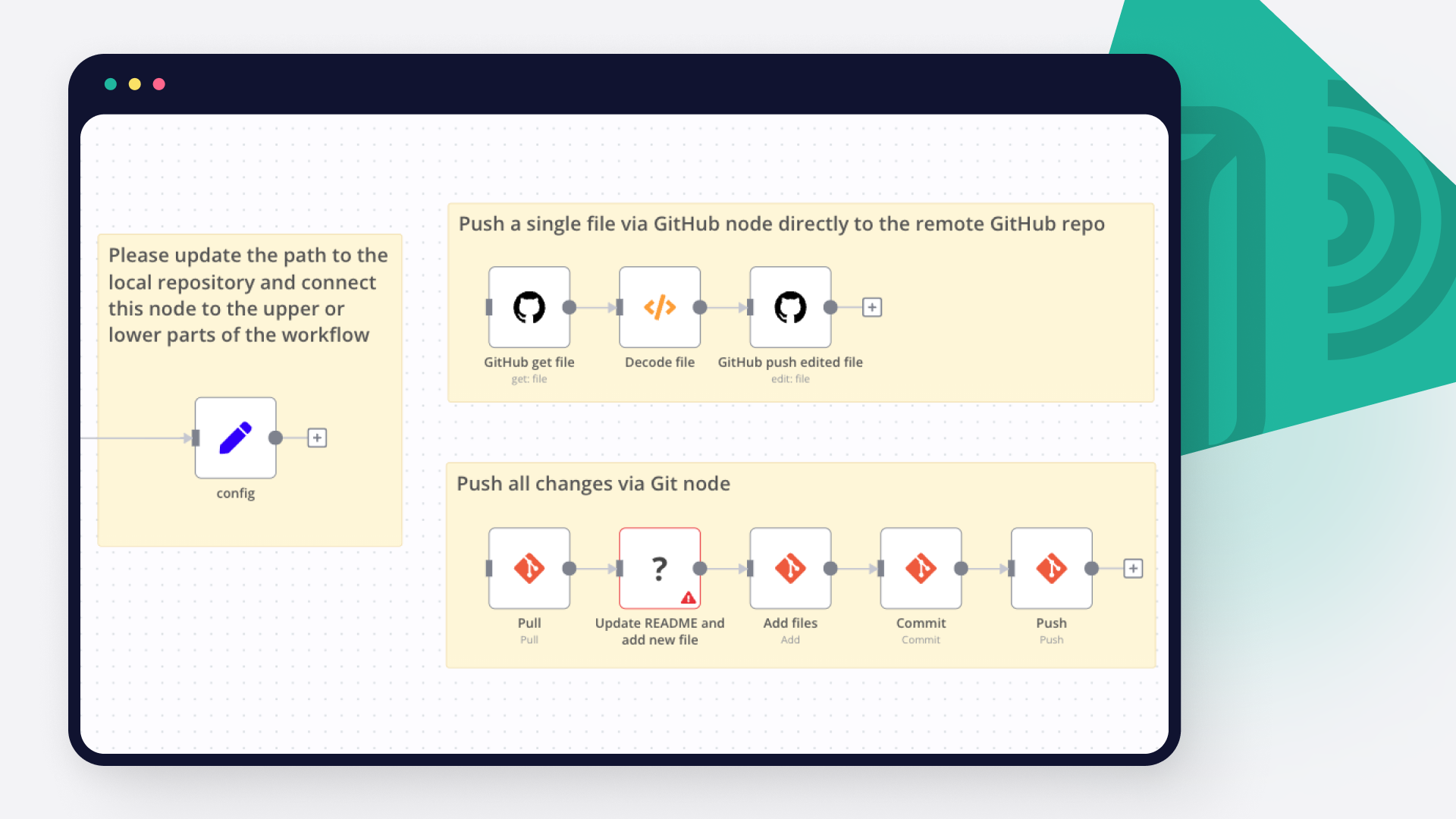
You can find GitHub and X (Formerly Twitter) in the nodes panel. Drag them onto your workflow canvas, selecting their actions. Click each node, choose a credential, and authenticate to grant n8n access. Configure GitHub and X (Formerly Twitter) nodes one by one: input data on the left, parameters in the middle, and output data on the right.

GitHub and X (Formerly Twitter) integration: Add and configure GitHub and X (Formerly Twitter) nodes

Step 3: Connect GitHub and X (Formerly Twitter)

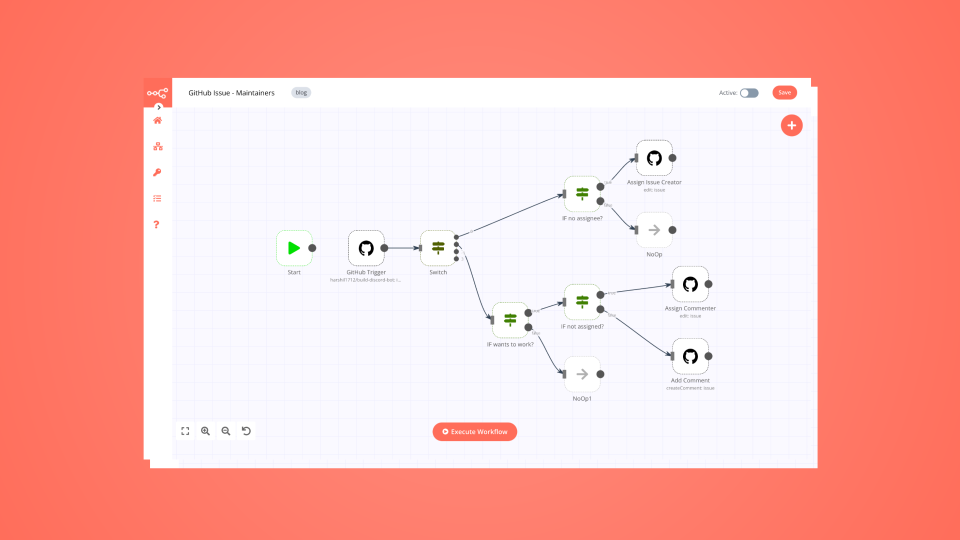
A connection establishes a link between GitHub and X (Formerly Twitter) (or vice versa) to route data through the workflow. Data flows from the output of one node to the input of another. You can have single or multiple connections for each node.

GitHub and X (Formerly Twitter) integration: Connect GitHub and X (Formerly Twitter)

Step 4: Customize and extend your GitHub and X (Formerly Twitter) integration

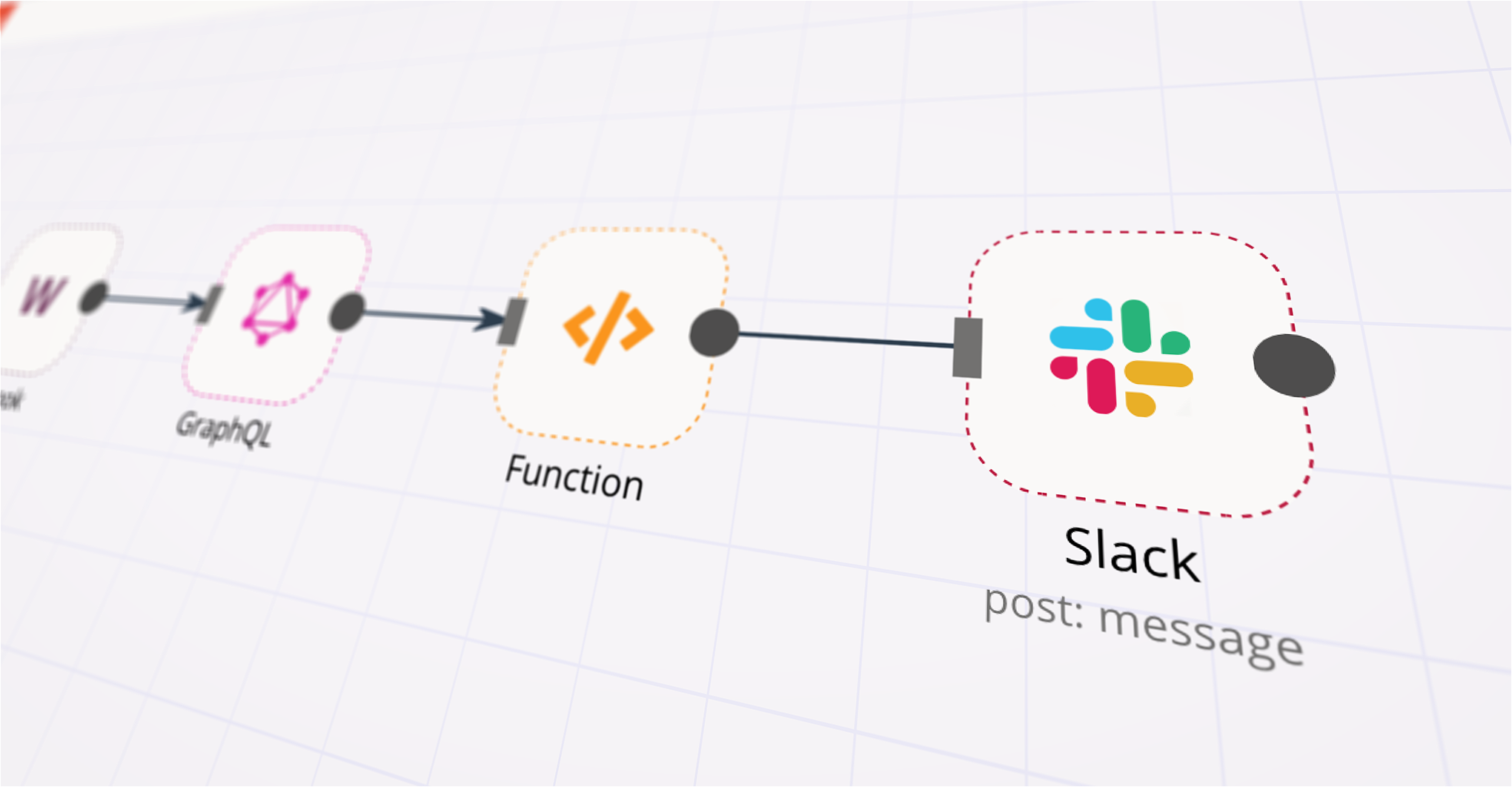
Use n8n's core nodes such as If, Split Out, Merge, and others to transform and manipulate data. Write custom JavaScript or Python in the Code node and run it as a step in your workflow. Connect GitHub and X (Formerly Twitter) with any of n8n’s 1000+ integrations, and incorporate advanced AI logic into your workflows.

GitHub and X (Formerly Twitter) integration: Customize and extend your GitHub and X (Formerly Twitter) integration

Step 5: Test and activate your GitHub and X (Formerly Twitter) workflow

Save and run the workflow to see if everything works as expected. Based on your configuration, data should flow from GitHub to X (Formerly Twitter) or vice versa. Easily debug your workflow: you can check past executions to isolate and fix the mistake. Once you've tested everything, make sure to save your workflow and activate it.

GitHub and X (Formerly Twitter) integration: Test and activate your GitHub and X (Formerly Twitter) workflow

Seo blog publishing for Jekyll with GPT-4, GitHub & social sharing

🤖 Auto-Publish SEO Blog Posts for Jekyll with AI + GitHub + Social Sharing

This workflow automates the entire process of publishing SEO-optimized blog posts (e.g., recipes) to a Jekyll site hosted on GitHub. It uses LangChain + OpenAI to write long-form Markdown articles, and commits them directly to your repository. Optional steps include posting to X (Twitter) and LinkedIn.

🔧 Features

📅 Scheduled Execution: Runs daily or manually.
📥 CSV Input: Reads from a local CSV (/data/recipes.csv) with fields like title, description, keywords, and publish date.
✍️ AI Copywriting: Uses a GPT-4 model to generate a professional, structured blog post optimized for SEO in Markdown format.
🧪 Custom Prompting: Includes a detailed, structured prompt tailored for Italian food blogging and SEO rules.
🗂 Markdown Generation:
Automatically builds the Jekyll front matter.
Generates a clean SEO-friendly slug.
Saves to _posts/YYYY-MM-DD-title.md.
✅ Commits to GitHub: Auto-commits new posts using GitHub node.
🧹 Post-Processing: Removes processed lines from the source CSV.
📣 (Optional) Social media sharing: Can post title to X (Twitter) and LinkedIn.

📁 CSV Format Example

titolo;prompt_descrizione;keyword_principale;keyword_secondarie;data_pubblicazione
Pasta alla Norma;Classic Sicilian eggplant pasta...;pasta alla norma;melanzane, ricotta salata;2025-07-04T08:00:00

Nodes used in this workflow

Popular GitHub and X (Formerly Twitter) workflows

SEO Blog Publishing for Jekyll with GPT-4, GitHub & Social Sharing

🤖 Auto-Publish SEO Blog Posts for Jekyll with AI + GitHub + Social Sharing This workflow automates the entire process of publishing SEO-optimized blog posts (e.g., recipes) to a Jekyll site hosted on GitHub. It uses LangChain + OpenAI to write long-form Markdown articles, and commits them directly to your repository. Optional steps include posting to X (Twitter) and LinkedIn. 🔧 Features 📅 Scheduled Execution: Runs daily or manually. 📥 CSV Input: Reads from a local CSV (/data/recipes.csv) with fields like title, description, keywords, and publish date. ✍️ AI Copywriting: Uses a GPT-4 model to generate a professional, structured blog post optimized for SEO in Markdown format. 🧪 Custom Prompting: Includes a detailed, structured prompt tailored for Italian food blogging and SEO rules. 🗂 Markdown Generation: Automatically builds the Jekyll front matter. Generates a clean SEO-friendly slug. Saves to _posts/YYYY-MM-DD-title.md. ✅ Commits to GitHub: Auto-commits new posts using GitHub node. 🧹 Post-Processing: Removes processed lines from the source CSV. 📣 (Optional) Social media sharing: Can post title to X (Twitter) and LinkedIn. 📁 CSV Format Example titolo;prompt_descrizione;keyword_principale;keyword_secondarie;data_pubblicazione Pasta alla Norma;Classic Sicilian eggplant pasta...;pasta alla norma;melanzane, ricotta salata;2025-07-04T08:00:00

Auto-Generate Social Posts from GitHub README/CHANGELOG Updates with GPT-4o and OAuth

Generate social posts from GitHub pushes to Twitter and LinkedIn On each GitHub push, this workflow checks if the commit set includes README.md and CHANGELOG.md, fetches both files, lets an LLM generate a Twitter and LinkedIn post, then publishes to Twitter and LinkedIn (Person). Apps & Nodes Trigger:** Webhook Logic:** IF, Merge, Aggregate GitHub:** Get Repository File (×2) Files:** Extract from File (text) (×2) AI:** OpenAI Chat Model → LLM Chain (+ Structured Output Parser) Publish:** Twitter, LinkedIn (Person) Prerequisites GitHub:** OAuth2 or PAT with repo read. OpenAI:** API key. Twitter:* OAuth2 app with *Read and Write; scopes tweet.read tweet.write users.read offline.access. LinkedIn (Person):* OAuth2 credentials; required scope:* w_member_social, openid. Setup GitHub Webhook: Repo → Settings → Webhooks Payload URL: https://<your-n8n-domain>/webhook/github/push Content type: application/json • Event: Push • Secret (optional) • Branches as needed. Credentials: Connect GitHub, OpenAI, Twitter, and LinkedIn (Person). How it Works Webhook receives GitHub push payload. IF checks that README and CHANGELOG appear in added/modified. GitHub (Get Repository File) pulls README.md and CHANGELOG.md. Extract from File (text) converts both binaries to text. Merge & Aggregate combines into one item with both contents. LLM (OpenAI + Parser) returns a JSON with twitter and linkedin. Twitter posts the tweet. LinkedIn (Person) posts the LinkedIn text.

Build your own GitHub and X (Formerly Twitter) integration

Create custom GitHub and X (Formerly Twitter) workflows by choosing triggers and actions. Nodes come with global operations and settings, as well as app-specific parameters that can be configured. You can also use the HTTP Request node to query data from any app or service with a REST API.


GitHub supported actions

Create
Create a new file in repository
Delete
Delete a file in repository
Edit
Edit a file in repository
Get
Get the data of a single file
List
List contents of a folder
Create
Create a new issue
Create Comment
Create a new comment on an issue
Edit
Edit an issue
Get
Get the data of a single issue
Lock
Lock an issue
Get Repositories
Returns all repositories of an organization
Create
Creates a new release
Delete
Delete a release
Get
Get a release
Get Many
Get many repository releases
Update
Update a release
Get
Get the data of a single repository
Get Issues
Returns issues of a repository
Get License
Returns the contents of the repository's license file, if one is detected
Get Profile
Get the community profile of a repository with metrics, health score, description, license, etc
Get Pull Requests
Returns pull requests of a repository
List Popular Paths
Get the top 10 popular content paths over the last 14 days
List Referrers
Get the top 10 referrering domains over the last 14 days
Create
Creates a new review
Get
Get a review for a pull request
Get Many
Get many reviews for a pull request
Update
Update a review
Get Repositories
Returns the repositories of a user
Get Issues
Returns the issues assigned to the user
Invite
Invites a user to an organization
Disable
Disable a workflow
Dispatch
Dispatch a workflow event
Dispatch and Wait for Completion
Dispatch a workflow event and wait for a webhook to be called before proceeding
Enable
Enable a workflow
Get
Get a workflow
Get Usage
Get the usage of a workflow
List
List workflows

X (Formerly Twitter) supported actions

Create
Send a direct message to a user
Add Member
Add a member to a list
Create
Create, quote, or reply to a tweet
Delete
Delete a tweet
Like
Like a tweet
Retweet
Retweet a tweet
Search
Search for tweets from the last seven days
Get
Retrieve a user by username
Use case

Save engineering resources

Reduce time spent on customer integrations, engineer faster POCs, keep your customer-specific functionality separate from product all without having to code.

Learn more
Use case

Automate lead management

Using too many marketing tools? n8n lets you orchestrate all your apps into one cohesive, automated workflow.

Learn more

FAQs

  • Can GitHub connect with X (Formerly Twitter)?

  • Can I use GitHub’s API with n8n?

  • Can I use X (Formerly Twitter)’s API with n8n?

  • Is n8n secure for integrating GitHub and X (Formerly Twitter)?

  • How to get started with GitHub and X (Formerly Twitter) integration in n8n.io?

Need help setting up your GitHub and X (Formerly Twitter) integration?

Discover our latest community's recommendations and join the discussions about GitHub and X (Formerly Twitter) integration.
lexgabrees
Andrey Khokhlov

Looking to integrate GitHub and X (Formerly Twitter) in your company?

Over 3000 companies switch to n8n every single week

Why use n8n to integrate GitHub with X (Formerly Twitter)

Build complex workflows, really fast

Build complex workflows, really fast

Handle branching, merging and iteration easily.
Pause your workflow to wait for external events.

Code when you need it, UI when you don't

Simple debugging

Your data is displayed alongside your settings, making edge cases easy to track down.

Use templates to get started fast

Use 1000+ workflow templates available from our core team and our community.

Reuse your work

Copy and paste, easily import and export workflows.

Implement complex processes faster with n8n

red iconyellow iconred iconyellow icon