Back to Integrations
integrationGoogle Sheets node
integrationSupabase node

Google Sheets and Supabase integration

Save yourself the work of writing custom integrations for Google Sheets and Supabase and use n8n instead. Build adaptable and scalable Data & Storage, and Productivity workflows that work with your technology stack. All within a building experience you will love.

How to connect Google Sheets and Supabase

  • Step 1: Create a new workflow
  • Step 2: Add and configure nodes
  • Step 3: Connect
  • Step 4: Customize and extend your integration
  • Step 5: Test and activate your workflow

Step 1: Create a new workflow and add the first step

In n8n, click the "Add workflow" button in the Workflows tab to create a new workflow. Add the starting point – a trigger on when your workflow should run: an app event, a schedule, a webhook call, another workflow, an AI chat, or a manual trigger. Sometimes, the HTTP Request node might already serve as your starting point.

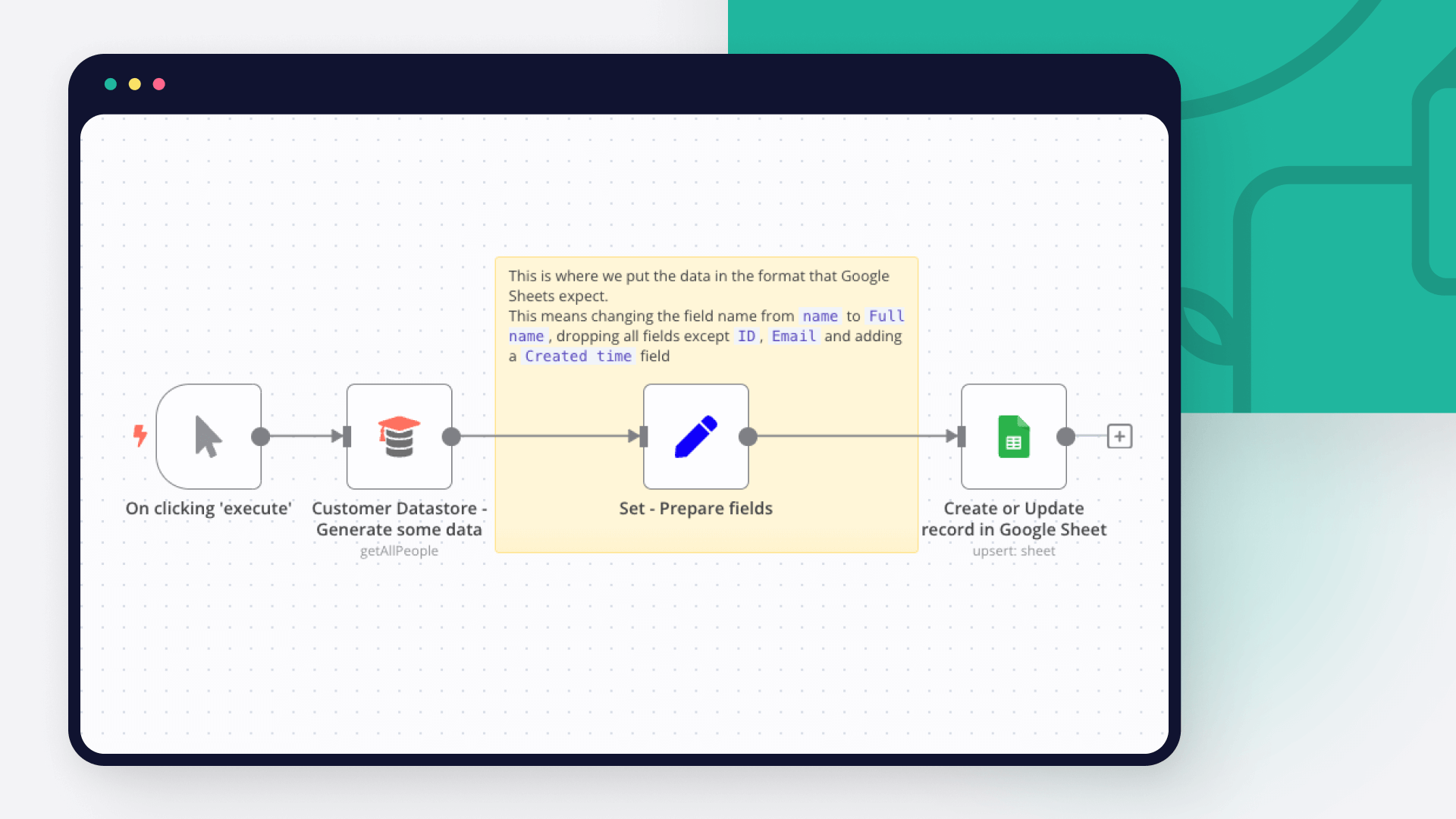
Google Sheets and Supabase integration: Create a new workflow and add the first step

Step 2: Add and configure Google Sheets and Supabase nodes

You can find Google Sheets and Supabase in the nodes panel. Drag them onto your workflow canvas, selecting their actions. Click each node, choose a credential, and authenticate to grant n8n access. Configure Google Sheets and Supabase nodes one by one: input data on the left, parameters in the middle, and output data on the right.

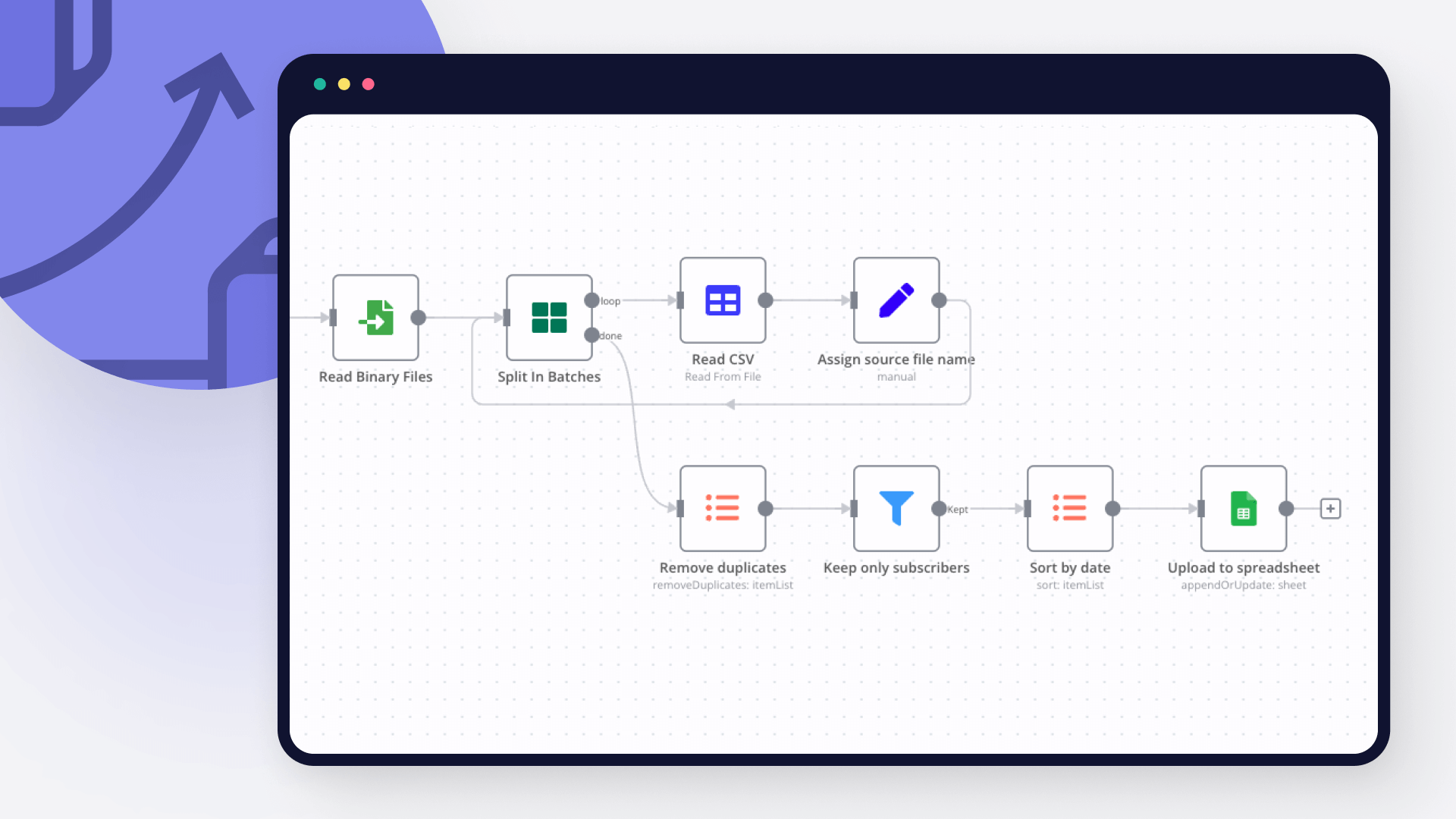
Google Sheets and Supabase integration: Add and configure Google Sheets and Supabase nodes

Step 3: Connect Google Sheets and Supabase

A connection establishes a link between Google Sheets and Supabase (or vice versa) to route data through the workflow. Data flows from the output of one node to the input of another. You can have single or multiple connections for each node.

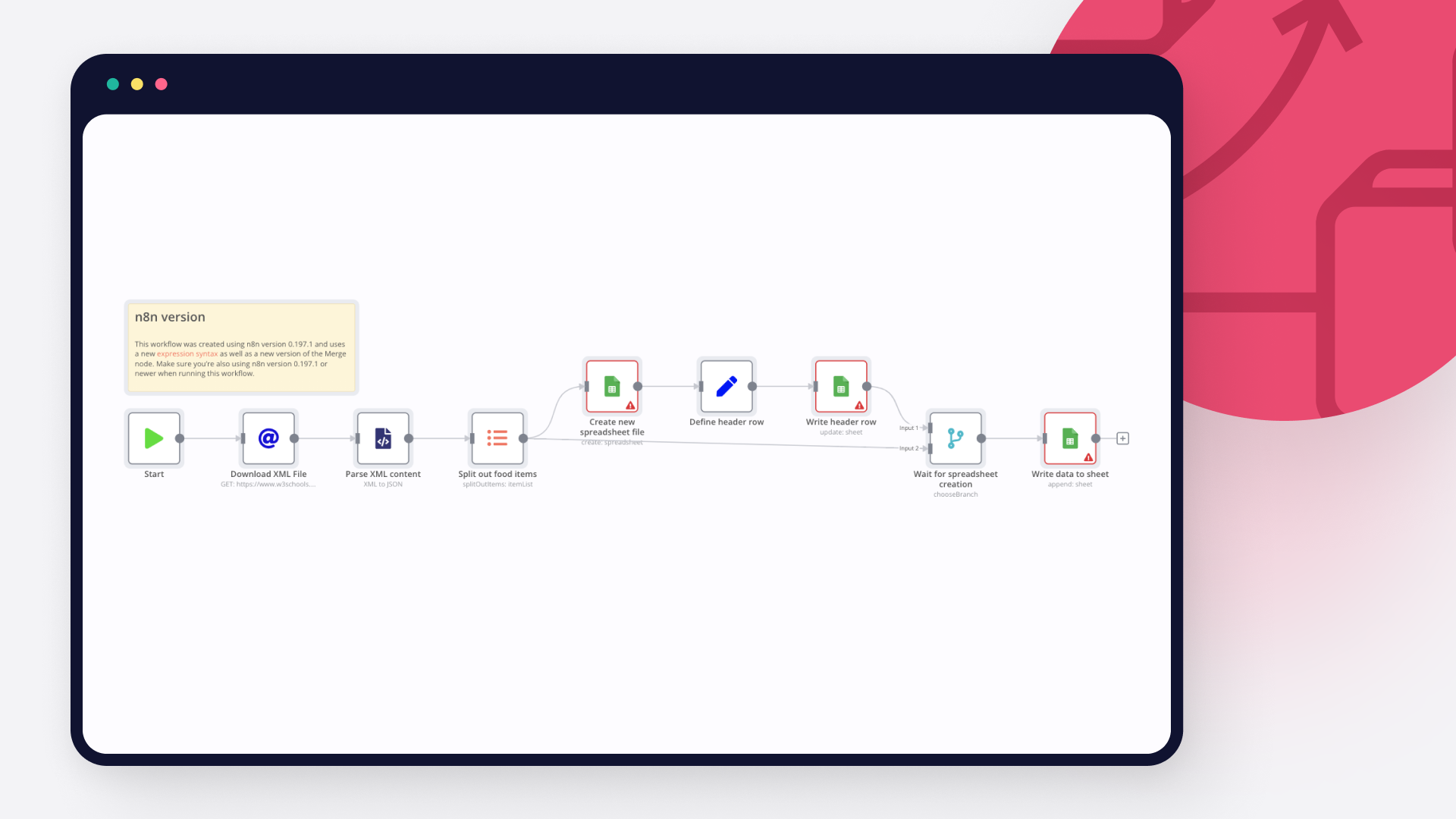
Google Sheets and Supabase integration: Connect Google Sheets and Supabase

Step 4: Customize and extend your Google Sheets and Supabase integration

Use n8n's core nodes such as If, Split Out, Merge, and others to transform and manipulate data. Write custom JavaScript or Python in the Code node and run it as a step in your workflow. Connect Google Sheets and Supabase with any of n8n’s 1000+ integrations, and incorporate advanced AI logic into your workflows.

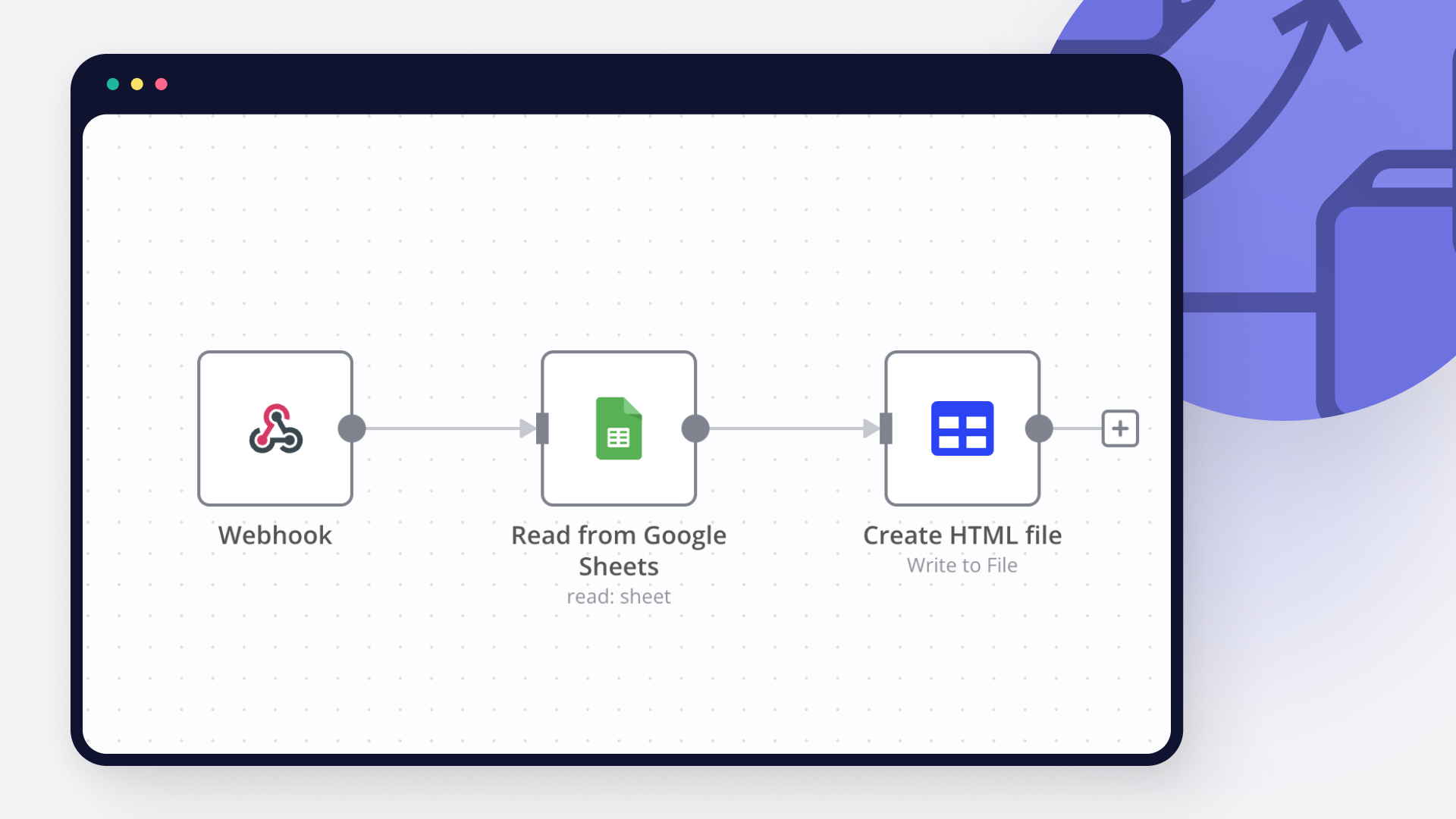
Google Sheets and Supabase integration: Customize and extend your Google Sheets and Supabase integration

Step 5: Test and activate your Google Sheets and Supabase workflow

Save and run the workflow to see if everything works as expected. Based on your configuration, data should flow from Google Sheets to Supabase or vice versa. Easily debug your workflow: you can check past executions to isolate and fix the mistake. Once you've tested everything, make sure to save your workflow and activate it.

Google Sheets and Supabase integration: Test and activate your Google Sheets and Supabase workflow

🐶 AI agent for PetShop appointments (Agente de IA para agendamentos de PetShop)

🐶🤖 AI Agent for Pet Shops – Automate Customer Service & Bookings! 🐾💡
Transform Your Pet Shop with AI-Powered Automation! 🚀
Enhance customer experience and optimize operations with this n8n AI Agent designed for pet shops. 📲🐾 Automate client interactions, appointment scheduling, and service recommendations—saving time and increasing revenue!

🔹 Key Features:
✅ Instant WhatsApp responses – AI-powered chatbot handles customer inquiries. 💬
✅ Automated appointment scheduling – Clients can book services hassle-free. 📅✂️
✅ Personalized reminders – Reduce no-shows with automated notifications. 📢🐾
✅ Customer data & service history management – Track interactions effortlessly. 📊📁
✅ Product & service recommendations – Improve sales with smart suggestions. 🎁🐶

📌 How It Works
1️⃣ The workflow captures customer inquiries via WhatsApp.
2️⃣ AI processes requests, provides information, and offers booking options.
3️⃣ Clients can schedule grooming, vet visits, or other services in seconds.
4️⃣ Automated reminders ensure appointments are remembered.
5️⃣ Customer data is stored for better service personalization.

⚙️ Setup & Customization
🔧 Connect your WhatsApp API (evolution) for instant messaging.
🔧 Integrate with Google Calendar for appointment booking.
🔧 Customize reminders, services, and pricing rules to fit your business.

💡 Reduce manual work, improve customer satisfaction, and scale your pet shop with AI automation!

🐶🤖 [PT-BR] Agente de IA para Pet Shops – Atendimento e Agendamentos Automatizados! 🐾💡
Transforme Seu Pet Shop com Automação Inteligente! 🚀
Otimize o atendimento ao cliente e agilize processos com este Agente de IA para n8n. 📲🐾 Automatize interações, agendamentos e recomendações de serviços—economizando tempo e aumentando as vendas!

🔹 Principais Funcionalidades:
✅ Atendimento automático no WhatsApp – IA responde clientes instantaneamente. 💬
✅ Agendamento de serviços automatizado – Clientes marcam banho, tosa ou consultas facilmente. 📅✂️
✅ Lembretes personalizados – Reduza faltas com notificações automáticas. 📢🐾
✅ Gestão de clientes e histórico de serviços – Controle dados de forma eficiente. 📊📁
✅ Sugestão de produtos e serviços – Venda mais com recomendações inteligentes. 🎁🐶

📌 Como Funciona
1️⃣ O fluxo recebe perguntas dos clientes via WhatsApp.
2️⃣ A IA processa os pedidos e fornece opções de agendamento.
3️⃣ O cliente escolhe o serviço desejado e agenda em segundos.
4️⃣ Lembretes automáticos garantem que os clientes não esqueçam os horários.
5️⃣ O histórico do cliente é salvo para oferecer um atendimento mais personalizado.

⚙️ Configuração e Personalização
🔧 Conecte sua API do WhatsApp (evolution) para interação automática.
🔧 Integre ao Google Calendar para gerenciar agendamentos.
🔧 Personalize valores, serviços e regras de envio de lembretes conforme sua necessidade.

💡 Automatize processos, melhore a experiência do cliente e escale seu pet shop com IA! 🚀

Nodes used in this workflow

Popular Google Sheets and Supabase workflows

Raw Materials Inventory Management with Google Sheets, Supabase and Approvals

Automated Raw Materials Inventory Management with Google Sheets, Supabase, and Gmail using n8n Webhooks Description What Problem Does This Solve? 🛠️ This workflow automates raw materials inventory management for businesses, eliminating manual stock updates, delayed material issue approvals, and missed low stock alerts. It ensures real-time stock tracking, streamlined approvals, and timely notifications. Target audience: Small to medium-sized businesses, inventory managers, and n8n users familiar with Google Sheets, Supabase, and Gmail integrations. What Does It Do? 🌟 Receives raw material data and issue requests via form submissions. Updates stock levels in Google Sheets and Supabase. Manages approvals for material issue requests with email notifications. Detects low stock levels and sends alerts via Gmail. Maintains data consistency across Google Sheets and Supabase. Key Features Real-time stock updates from form submissions. Automated approval process for material issuance. Low stock detection with Gmail notifications. Dual storage in Google Sheets and Supabase for redundancy. Error handling for robust data validation. Setup Instructions Prerequisites n8n Instance**: Self-hosted or cloud n8n instance. API Credentials**: Google Sheets API: Credentials from Google Cloud Console with Sheets scope, stored in n8n credentials. Supabase API: API key and URL from Supabase project, stored in n8n credentials (do not hardcode in nodes). Gmail API: Credentials from Google Cloud Console with Gmail scope. Forms**: A form (e.g., Google Form) to submit raw material receipts and issue requests, configured to send data to n8n webhooks. Installation Steps Import the Workflow: Copy the workflow JSON from the “Template Code” section (to be provided). Import it into n8n via “Import from File” or “Import from URL”. Configure Credentials: Add API credentials in n8n’s Credentials section for Google Sheets, Supabase, and Gmail. Assign credentials to respective nodes. For example: In the Append Raw Materials node, use Google Sheets credentials: {{ $credentials.GoogleSheets }}. In the Current Stock Update node, use Supabase credentials: {{ $credentials.Supabase }}. In the Send Low Stock Email Alert node, use Gmail credentials. Set Up Nodes: Webhook Nodes (Receive Raw Materials Webhook, Receive Material Issue Webhook): Configure webhook URLs and link them to your form submissions. Approval Email (Send Approval Request): Customize the HTML email template if needed. Low Stock Alerts (Send Low Stock Email Alert, Send Low Stock Email After Issue): Configure recipient email addresses. Test the Workflow: Submit a test form for raw material receipt and verify stock updates in Google Sheets/Supabase. Submit a material issue request, approve/reject it, and confirm stock updates and notifications. How It Works High-Level Steps Receive Raw Materials: Processes form submissions for raw material receipts. Update Stock: Updates stock levels in Google Sheets and Supabase. Handle Issue Requests: Processes material issue requests via forms. Manage Approvals: Sends approval requests and processes decisions. Monitor Stock Levels: Detects low stock and sends Gmail alerts. Detailed Descriptions Detailed node descriptions are available in the sticky notes within the workflow screenshot (to be provided). Below is a summary of key actions. Node Names and Actions Raw Materials Receiving and Stock Update Receive Raw Materials Webhook**: Receives raw material data from a form submission. Standardize Raw Material Data**: Maps form data into a consistent format. Calculate Total Price**: Computes Total Price (Quantity Received * Unit Price). Append Raw Materials**: Records receipt in Google Sheets. Check Quantity Received Validity**: Ensures Quantity Received is valid. Lookup Existing Stock**: Retrieves current stock for the Product ID. Check If Product Exists**: Branches based on Product ID existence. Calculate Updated Current Stock**: Adds Quantity Received to stock (True branch). Update Current Stock**: Updates stock in Google Sheets (True branch). Retrieve Updated Stock for Check**: Retrieves updated stock for low stock check. Detect Low Stock Level**: Flags if stock is below minimum. Trigger Low Stock Alert**: Triggers email if stock is low. Send Low Stock Email Alert**: Sends low stock alert via Gmail. Add New Product to Stock**: Adds new product to stock (False branch). Current Stock Update**: Updates Supabase Current Stock table. New Row Current Stock**: Inserts new product into Supabase. Search Current Stock**: Retrieves Supabase stock records. New Record Raw**: Inserts raw material record into Supabase. Format Response**: Removes duplicates from Supabase response. Combine Stock Update Branches**: Merges branches for existing/new products. Material Issue Request and Approval Receive Material Issue Webhook**: Receives issue request from a form submission. Standardize Data**: Normalizes request data and adds Approval Link. Validate Issue Request Data**: Ensures Quantity Requested is valid. Verify Requested Quantity**: Validates Product ID and Submission ID. Append Material Request**: Records request in Google Sheets. Check Available Stock for Issue**: Retrieves current stock for the request. Prepare Approval**: Checks stock sufficiency for the request. Send Approval Request**: Emails approver with Approve/Reject options. Receive Approval Response**: Captures approver’s decision via webhook. Format Approval Response**: Processes approval data with Approval Date. Verify Approval Data**: Validates the approval response. Retrieve Issue Request Details**: Retrieves original request from Google Sheets. Process Approval Decision**: Branches based on approval action. Get Stock for Issue Update**: Retrieves stock before update (Approved). Deduct Issued Stock**: Reduces stock by Approved Quantity (Approved). Update Stock After Issue**: Updates stock in Google Sheets (Approved). Retrieve Stock After Issue**: Retrieves updated stock for low stock check. Detect Low Stock After Issue**: Flags low stock after issuance. Trigger Low Stock Alert After Issue**: Triggers email if stock is low. Send Low Stock Email After Issue**: Sends low stock alert via Gmail. Update Issue Request Status**: Updates request status (Approved/Rejected). Combine Stock Lookup Results**: Merges stock lookup branches. Create Record Issue**: Inserts issue request into Supabase. Search Stock by Product ID**: Retrieves Supabase stock records. Issues Table Update**: Updates Supabase Materials Issued table. Update Current Stock**: Updates Supabase stock after issuance. Combine Issue Lookup Branches**: Merges issue lookup branches. Search Issue by Submission ID**: Retrieves Supabase issue records. Customization Tips Expand Storage Options **: Add nodes to store data in other databases (e.g., Airtable) alongside Google Sheets and Supabase. Modify Approval Email **: Update the Send Approval Request node to customize the HTML email template (e.g., adjust styling or add branding). Alternative Notifications **: Add nodes to send low stock alerts via other platforms (e.g., Slack or Telegram). Adjust Low Stock Threshold **: Modify the Detect Low Stock Level node to change the Minimum Stock Level (default: 50).!
+2

Reddit Lead Finder: Automated Prospecting with GPT-4, Supabase and Gmail Alerts

This workflow monitors targeted subreddits for potential sales leads using Reddit’s API, AI content analysis, Supabase, and Google Sheets. It is built specifically to discover posts from Reddit users who may benefit from a particular product or service. It can be easily customized for any market. 🔍 Features Targeted Subreddit Monitoring:** Searches multiple niche subreddits like smallbusiness, startup, sweatystartup, etc., using relevant keywords. AI-Powered Relevance Scoring:** Uses OpenAI GPT to analyze each post and determine if it’s written by someone who might benefit from your product, returning a simple “yes” or “no.” Duplicate Lead Filtering with Supabase:** Ensures you don’t email the same lead more than once by storing already-processed Reddit post IDs in a Supabase table. Content Filtering:** Filters out posts with no body text or no upvotes to ensure only high-quality content is processed. Lead Storage in Google Sheets:** Saves qualified leads into a connected Google Sheet with key data (URL, post content, subreddit, and timestamp). Email Digest Alerts:** Compiles relevant leads and sends a daily digest of matched posts to your team’s inbox for review or outreach. Manual or Scheduled Trigger:** Can be manually triggered or automatically scheduled (via the built-in Schedule Trigger node). ⚙️ Tech Stack Reddit API** – For post discovery OpenAI Chat Model** – For AI-based relevance filtering Supabase** – For lead de-duplication Google Sheets** – For storing lead details Gmail API** – For sending email alerts 🔧 Customization Tips Adjust Audience**: Modify the subreddits and keywords in the initial Code node to match your market. Change the AI Prompt**: Customize the prompt in the “Analysis Content by AI” node to describe your product or service. Search Comments Instead**: To monitor comments instead of posts, change type=link to type=comment in the Reddit Search node. Change Email Recipients**: Edit the Gmail node to direct leads to a different email address or format.
+4

Automated Revenue Predictions from Stripe Data with GPT-4 and Google Sheets

CFO Forecasting Agent - Marketplace Listing Headlines (Choose Your Favorite) Option 1 - Direct & Professional "AI-Powered CFO Forecasting Agent: Automated Revenue Predictions from Stripe Data" Option 2 - Benefit-Focused "Automate Your Financial Forecasting: Daily Revenue Predictions with AI Intelligence" Option 3 - Action-Oriented "Transform Stripe Sales Data into Intelligent 3-Month Revenue Forecasts Automatically" Marketplace Description 🚀 AI-Powered Financial Forecasting on Autopilot Turn your Stripe sales data into intelligent revenue forecasts with this comprehensive CFO Forecasting Agent. This workflow automatically analyzes your transaction history, identifies trends, and generates professional 3-month revenue predictions using OpenAI's GPT-4. ✨ What This Workflow Does: 📊 Automated Data Collection**: Fetches and processes all Stripe charges daily 🤖 AI-Powered Analysis**: Uses OpenAI GPT-4 to analyze trends and predict future revenue 📈 Structured Forecasting**: Generates monthly forecasts with confidence levels and insights 💾 Multi-Platform Storage**: Saves results to both Supabase database and Google Sheets 🕒 Scheduled Execution**: Runs automatically every day to keep forecasts current 🧠 Smart Context**: Optional Pinecone integration for historical context and improved accuracy 🔧 Key Features: Daily automated execution** at 9 AM Structured JSON output** with forecasts, trends, and confidence levels Dual storage system** for data backup and easy reporting RAG-enabled** for enhanced forecasting with historical context Professional CFO-grade insights** and trend analysis 📋 Prerequisites: Stripe account with API access OpenAI API key (GPT-4 recommended) Google Sheets API credentials Supabase account (optional) Pinecone account (optional, for enhanced context) 🎯 Perfect For: SaaS companies tracking subscription revenue E-commerce businesses needing sales forecasts Startups requiring investor-ready financial projections Finance teams automating reporting workflows 📦 What You Get: Complete n8n workflow with all nodes configured Detailed documentation and setup instructions Sample data structure and output formats Ready-to-use Google Sheets template 💡 Need Help or Want to Learn More? Created by Yaron Been - Automation & AI Specialist 📧 Support: [email protected] 🎥 YouTube Tutorials: https://www.youtube.com/@YaronBeen/videos 💼 LinkedIn: https://www.linkedin.com/in/yaronbeen/ Get more automation tips, tutorials, and advanced workflows on my channels! 🏷️ Tags: AI, OpenAI, Stripe, Forecasting, Finance, CFO, Automation, Revenue, Analytics, GPT-4
+17

🐶 AI Agent for PetShop Appointments (Agente de IA para agendamentos de PetShop)

🐶🤖 AI Agent for Pet Shops – Automate Customer Service & Bookings! 🐾💡 Transform Your Pet Shop with AI-Powered Automation! 🚀 Enhance customer experience and optimize operations with this n8n AI Agent designed for pet shops. 📲🐾 Automate client interactions, appointment scheduling, and service recommendations—saving time and increasing revenue! 🔹 Key Features: ✅ Instant WhatsApp responses – AI-powered chatbot handles customer inquiries. 💬 ✅ Automated appointment scheduling – Clients can book services hassle-free. 📅✂️ ✅ Personalized reminders – Reduce no-shows with automated notifications. 📢🐾 ✅ Customer data & service history management – Track interactions effortlessly. 📊📁 ✅ Product & service recommendations – Improve sales with smart suggestions. 🎁🐶 📌 How It Works 1️⃣ The workflow captures customer inquiries via WhatsApp. 2️⃣ AI processes requests, provides information, and offers booking options. 3️⃣ Clients can schedule grooming, vet visits, or other services in seconds. 4️⃣ Automated reminders ensure appointments are remembered. 5️⃣ Customer data is stored for better service personalization. ⚙️ Setup & Customization 🔧 Connect your WhatsApp API (evolution) for instant messaging. 🔧 Integrate with Google Calendar for appointment booking. 🔧 Customize reminders, services, and pricing rules to fit your business. 💡 Reduce manual work, improve customer satisfaction, and scale your pet shop with AI automation! 🐶🤖 [PT-BR] Agente de IA para Pet Shops – Atendimento e Agendamentos Automatizados! 🐾💡 Transforme Seu Pet Shop com Automação Inteligente! 🚀 Otimize o atendimento ao cliente e agilize processos com este Agente de IA para n8n. 📲🐾 Automatize interações, agendamentos e recomendações de serviços—economizando tempo e aumentando as vendas! 🔹 Principais Funcionalidades: ✅ Atendimento automático no WhatsApp – IA responde clientes instantaneamente. 💬 ✅ Agendamento de serviços automatizado – Clientes marcam banho, tosa ou consultas facilmente. 📅✂️ ✅ Lembretes personalizados – Reduza faltas com notificações automáticas. 📢🐾 ✅ Gestão de clientes e histórico de serviços – Controle dados de forma eficiente. 📊📁 ✅ Sugestão de produtos e serviços – Venda mais com recomendações inteligentes. 🎁🐶 📌 Como Funciona 1️⃣ O fluxo recebe perguntas dos clientes via WhatsApp. 2️⃣ A IA processa os pedidos e fornece opções de agendamento. 3️⃣ O cliente escolhe o serviço desejado e agenda em segundos. 4️⃣ Lembretes automáticos garantem que os clientes não esqueçam os horários. 5️⃣ O histórico do cliente é salvo para oferecer um atendimento mais personalizado. ⚙️ Configuração e Personalização 🔧 Conecte sua API do WhatsApp (evolution) para interação automática. 🔧 Integre ao Google Calendar para gerenciar agendamentos. 🔧 Personalize valores, serviços e regras de envio de lembretes conforme sua necessidade. 💡 Automatize processos, melhore a experiência do cliente e escale seu pet shop com IA! 🚀
+5

Qualify and manage voice sales calls with Claude, GPT-4o, Gemini, and GoHighLevel

⏺ 🚀 How it works Fully automates your inbound and outbound voice sales pipeline — from live call qualification to CRM pipeline management — with multi-agent AI and automatic lead nurturing if a prospect doesn't book. 📞 Receives end-of-call reports from Vapi or Retell AI via webhook — works with both providers out of the box 🧠 Qualifies every inbound lead using BANT scoring (Budget · Authority · Need · Timeline) powered by Claude Haiku 📅 Detects appointment intent and preferred meeting time using GPT-4o before touching your CRM 🗂️ Upserts the contact and creates a pipeline opportunity in GoHighLevel automatically — no duplicates 💬 Analyses objections and generates a rebuttal script using Claude Sonnet (feel-felt-found + Challenger Sale) 📝 Writes a professional CRM note from the call summary using Gemini 2.0 Flash — ready to sync 🔁 Enrols unqualified leads into a GoHighLevel nurture workflow automatically for long-term follow-up 📤 Fires prioritised outbound calls every morning at 9 AM via Vapi — GPT-4o Mini ranks leads by conversion probability 📊 Logs every call (inbound + outbound) to Supabase and Google Sheets for full pipeline reporting 🛠️ Set up steps Estimated setup time: ~45 minutes Webhook — copy the webhook URL and paste it into your Vapi or Retell dashboard as the end-of-call report URL GoHighLevel — connect your HighLevel OAuth2 credential; set your Pipeline ID, Hot Stage ID, and Nurturing Stage ID in the opportunity nodes (Opportunities → Settings → Pipelines) Anthropic — connect your Anthropic API credential; used for Claude Haiku (BANT qualification) and Claude Sonnet (objection handling) OpenAI — connect your OpenAI API credential; used for GPT-4o (booking intent detection) and GPT-4o Mini (outbound lead ranking) Google Gemini — connect your Google Gemini API credential; used for CRM note writing with gemini-2.0-flash Vapi — add your Vapi API key to the HTTP Request node header; set your Phone Number ID and Assistant ID in the outbound call node (Vapi Dashboard → Phone Numbers / Assistants) Supabase — connect your Supabase API credential; create the voice_call_logs table using the SQL in the setup sticky note inside the workflow Google Sheets — connect Google Sheets OAuth2; set your Spreadsheet ID and ensure a sheet named Voice Call Log exists with the columns listed in the setup sticky note Follow the sticky notes inside the workflow — each section has a one-liner setup guide 📋 Prerequisites Vapi or Retell AI account with an active phone number and assistant configured Anthropic API key (Claude API access) OpenAI API key (GPT-4o and GPT-4o Mini access) Google Gemini API key GoHighLevel account with at least one pipeline and automation workflow set up Supabase project with the voice_call_logs table created Google Sheets spreadsheet set up as your call log --- Custom Workflow Request with Personal Dashboard [email protected] https://www.smartflowcraft.com/contact More free templates https://www.smartflowcraft.com/n8n-templates
+3

Handle GDPR access and erasure emails with Gmail, GPT-4o, Supabase and Airtable

🚀 How it works Handles GDPR Article 15 (access) and Article 17 (erasure) requests end-to-end — from inbound email to legally-compliant response — with zero manual intervention and a full audit trail. 📬 Monitors Gmail inbox for incoming data subject requests 🤖 AI Agent classifies the request (access or erasure), extracts the requester email and data subject email with structured JSON output 🗄️ Queries Supabase for all personal data records matching the subject 📋 Queries Airtable CRM for matching contact records 📝 Second AI Agent compiles all found data into a GDPR-compliant HTML report ✉️ Access requests — sends a full data report to the requester 🗑️ Erasure requests — deletes records from both Supabase and Airtable, then sends a deletion confirmation 🔒 Logs every request to Google Sheets with timestamp for your audit trail 🛠️ Set up steps Estimated setup time: ~20 minutes Gmail Trigger — connect Gmail OAuth2; point it at your DSR inbox OpenAI — connect OpenAI API credential (used by both AI Agent nodes) Supabase — connect Supabase API credential; update the table name from users to match your schema Airtable — connect Airtable Personal Access Token; replace YOUR_BASE_ID and YOUR_TABLE_NAME Google Sheets — connect Google Sheets OAuth2; replace YOUR_AUDIT_SHEET_ID; create a tab named DSR Audit Log Follow the sticky notes inside the workflow for per-node guidance 📋 Prerequisites Gmail account receiving GDPR requests OpenAI API key (GPT-4o) Supabase project with a users/contacts table Airtable base with a Contacts table containing an Email field Google Sheets for audit log Custom Workflow Request with Personal Dashboard [email protected] https://www.smartflowcraft.com/contact More free templates https://www.smartflowcraft.com/n8n-templates

Build your own Google Sheets and Supabase integration

Create custom Google Sheets and Supabase workflows by choosing triggers and actions. Nodes come with global operations and settings, as well as app-specific parameters that can be configured. You can also use the HTTP Request node to query data from any app or service with a REST API.

Google Sheets supported actions

Create
Create a spreadsheet
Delete
Delete a spreadsheet
Append or Update Row
Append a new row or update an existing one (upsert)
Append Row
Create a new row in a sheet
Clear
Delete all the contents or a part of a sheet
Create
Create a new sheet
Delete
Permanently delete a sheet
Delete Rows or Columns
Delete columns or rows from a sheet
Get Row(s)
Retrieve one or more rows from a sheet
Update Row
Update an existing row in a sheet

Supabase supported actions

Create
Create a new row
Delete
Delete a row
Get
Get a row
Get Many
Get many rows
Update
Update a row

FAQs

  • Can Google Sheets connect with Supabase?

  • Can I use Google Sheets’s API with n8n?

  • Can I use Supabase’s API with n8n?

  • Is n8n secure for integrating Google Sheets and Supabase?

  • How to get started with Google Sheets and Supabase integration in n8n.io?

Need help setting up your Google Sheets and Supabase integration?

Discover our latest community's recommendations and join the discussions about Google Sheets and Supabase integration.
Sergey Komardenkov
sérgio eduardo floresta filho
Julian
therealJMT
Guilherme

Looking to integrate Google Sheets and Supabase in your company?

Over 3000 companies switch to n8n every single week

Why use n8n to integrate Google Sheets with Supabase

Build complex workflows, really fast

Build complex workflows, really fast

Handle branching, merging and iteration easily.
Pause your workflow to wait for external events.

Code when you need it, UI when you don't

Simple debugging

Your data is displayed alongside your settings, making edge cases easy to track down.

Use templates to get started fast

Use 1000+ workflow templates available from our core team and our community.

Reuse your work

Copy and paste, easily import and export workflows.

Implement complex processes faster with n8n

red iconyellow iconred iconyellow icon