


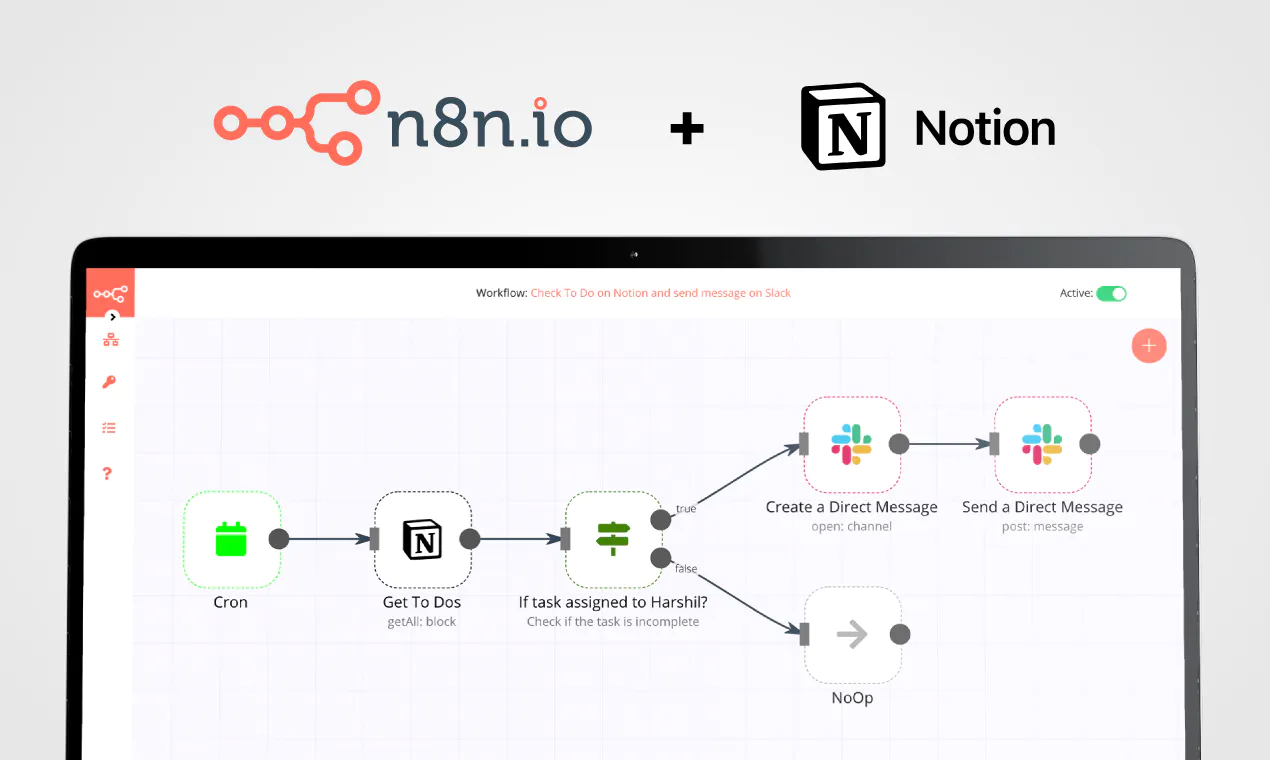
5 tasks you can automate with the new Notion API
Notion's API opens new possibilities. Discover what workflows you can automate now!



Save yourself the work of writing custom integrations for HTTP Request and Notion and use n8n instead. Build adaptable and scalable Development, Core Nodes, and Productivity workflows that work with your technology stack. All within a building experience you will love.
In n8n, click the "Add workflow" button in the Workflows tab to create a new workflow. Add the starting point – a trigger on when your workflow should run: an app event, a schedule, a webhook call, another workflow, an AI chat, or a manual trigger. Sometimes, the HTTP Request node might already serve as your starting point.

You can find HTTP Request and Notion in the nodes panel. Drag them onto your workflow canvas, selecting their actions. Click each node, choose a credential, and authenticate to grant n8n access. Configure HTTP Request and Notion nodes one by one: input data on the left, parameters in the middle, and output data on the right.

A connection establishes a link between HTTP Request and Notion (or vice versa) to route data through the workflow. Data flows from the output of one node to the input of another. You can have single or multiple connections for each node.

Use n8n's core nodes such as If, Split Out, Merge, and others to transform and manipulate data. Write custom JavaScript or Python in the Code node and run it as a step in your workflow. Connect HTTP Request and Notion with any of n8n’s 1000+ integrations, and incorporate advanced AI logic into your workflows.

Save and run the workflow to see if everything works as expected. Based on your configuration, data should flow from HTTP Request to Notion or vice versa. Easily debug your workflow: you can check past executions to isolate and fix the mistake. Once you've tested everything, make sure to save your workflow and activate it.

This template attempts to replicate OpenAI's DeepResearch feature which, at time of writing, is only available to their pro subscribers.
> An agent that uses reasoning to synthesize large amount of online information and complete multi-step research tasks for you.
Source
Though the inner workings of DeepResearch have not been made public, it is presumed the feature relies on the ability to deep search the web, scrape web content and invoking reasoning models to generate reports. All of which n8n is really good at!
Using this workflow, n8n users can enjoy a variation of the Deep Research experience for themselves and their teams at a fraction of the cost. Better yet, learn and customise this Deep Research template for their businesses and/or organisations.
Check out the generated reports here: https://jimleuk.notion.site/19486dd60c0c80da9cb7eb1468ea9afd?v=19486dd60c0c805c8e0c000ce8c87acf
How it works
A form is used to first capture the user's research query and how deep they'd like the researcher to go.
Once submitted, a blank Notion page is created which will later hold the final report and the researcher gets to work.
The user's query goes through a recursive series of web serches and web scraping to collect data on the research topic to generate partial learnings.
Once complete, all learnings are combined and given to a reasoning LLM to generate the final report.
The report is then written to the placeholder Notion page created earlier.
How to use
Duplicate this Notion database template and make sure all Notion related nodes point to it.
Sign-up for APIFY.com API Key for web search and scraping services.
Ensure you have access to OpenAI's o3-mini model. Alternatively, switch this out for o1 series.
You must publish this workflow and ensure the form url is publically accessible.
On depth & breadth configuration
For more detailed reports, increase depth and breadth but be warned the workflow will take exponentially longer and cost more to complete. The recommended defaults are usually good enough.
Depth=1 & Breadth=2 - will take about 5 - 10mins.
Depth=1 & Breadth=3 - will take about 15 - 20mins.
Dpeth=3 & Breadth=5 - will take about 2+ hours!
Customising this workflow
I deliberately chose not to use AI-powered scrapers like Firecrawl as I felt these were quite costly and quotas would be quickly exhausted. However, feel free to switch web search and scraping services which suit your environment.
Maybe you don't decide to source the web and instead, data collection comes from internal documents instead. This template gives you freedom to change this.
Experiment with different Reasoning/Thinking models such as Deepseek and Google's Gemini 2.0.
Finally, the LLM prompts could definitely be improved. Refine them to fit your use-case.
Credits
This template is largely based off the work by David Zhang (dzhng) and his open source implementation of Deep Research: https://github.com/dzhng/deep-research
Nodes used in this workflow


Create custom HTTP Request and Notion workflows by choosing triggers and actions. Nodes come with global operations and settings, as well as app-specific parameters that can be configured. You can also use the HTTP Request node to query data from any app or service with a REST API.





Reduce time spent on customer integrations, engineer faster POCs, keep your customer-specific functionality separate from product all without having to code.
Learn moreYes, HTTP Request can connect with Notion using n8n.io. With n8n, you can create workflows that automate tasks and transfer data between HTTP Request and Notion. Configure nodes for HTTP Request and Notion in the n8n interface, specifying actions and triggers to set up their connection.
Yes, with n8n, you can programmatically interact with HTTP Request’s API via pre-defined supported actions or raw HTTP requests. With the HTTP Request node, you create a REST API call. You need to understand basic API terminology and concepts.
Yes, with n8n, you can programmatically interact with Notion’s API via pre-defined supported actions or raw HTTP requests. With the HTTP Request node, you create a REST API call. You need to understand basic API terminology and concepts.
Yes, it is safe to use n8n to integrate HTTP Request and Notion. n8n offers various features to ensure the safe handling of your data. These include encrypted data transfers, secure credential storage, RBAC functionality, and compliance with industry-standard security practices (SOC2 compliant). For hosted plans, data is stored within the EU on servers located in Frankfurt, Germany. You can also host it on your own infrastructure for added control.
Learn more about n8n’s security practices here.
To start integrating HTTP Request and Notion in n8n, you have different options depending on how you intend to use it:
Unlike other platforms that charge per operation, step, or task, n8n charges only for full workflow executions. This approach guarantees predictable costs and scalability, no matter the complexity or volume of your workflows.


Looking to integrate HTTP Request and Notion in your company?









Build complex workflows, really fast

Handle branching, merging and iteration easily.
Pause your workflow to wait for external events.
Your data is displayed alongside your settings, making edge cases easy to track down.
Use 1000+ workflow templates available from our core team and our community.
Copy and paste, easily import and export workflows.
Report a vulnerability
© 2024 n8n | All rights reserved.






