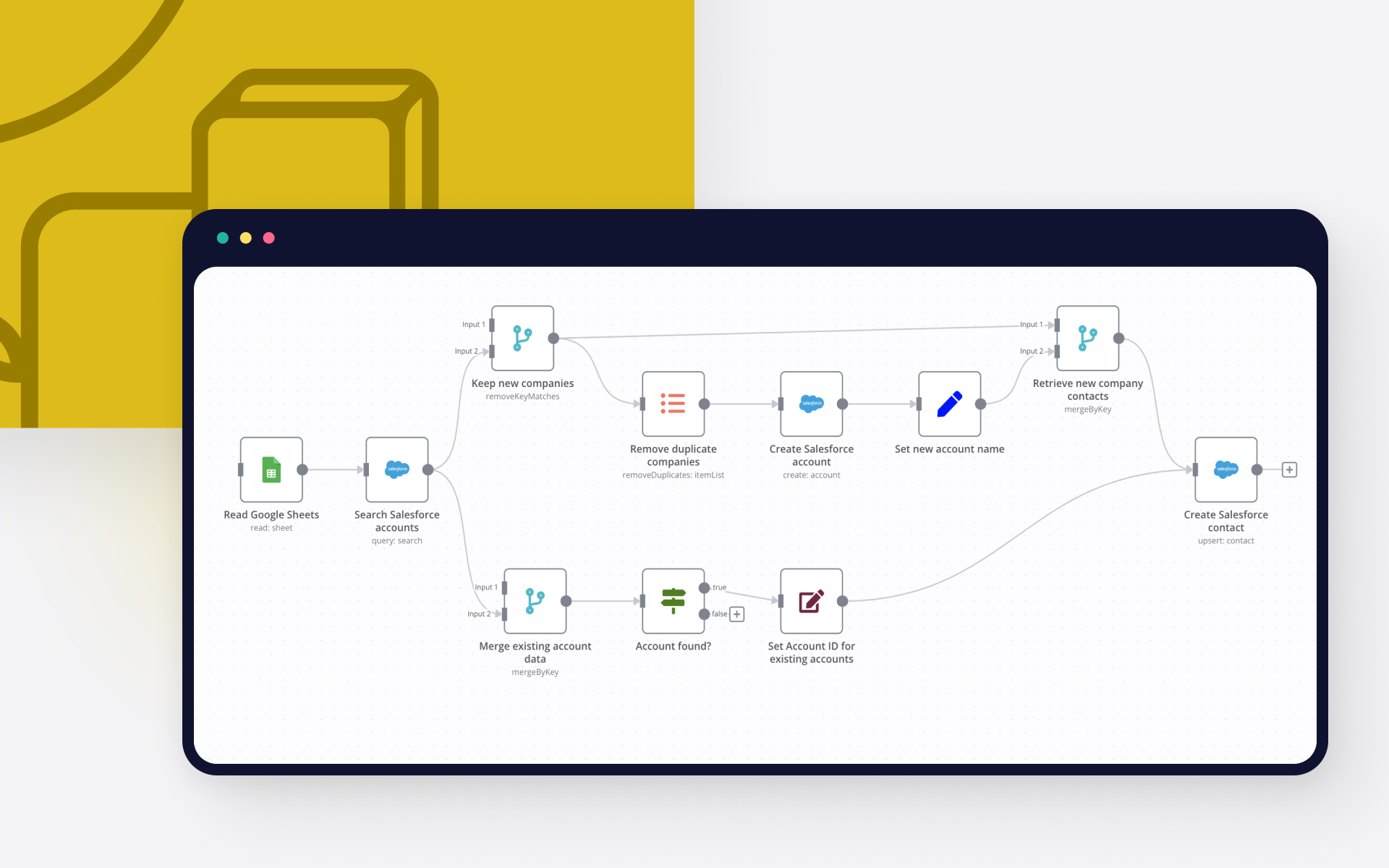
📝 DESCRIPTION OF THE WORKFLOW
This workflow connects Salesforce and Geotab to streamline fleet tracking for field service jobs (Work Orders). When a new Work Order is created in Salesforce (with a 'New' status and valid coordinates), it creates a circular geofence zone in Geotab and updates the Work Order with the zone ID. If geolocation is missing, an alert email is sent to dedicated email.
The workflow uses a Salesforce Outbound Message to trigger an n8n webhook. It includes robust credential handling and optional logic to skip or notify on bad data.
Use Cases:
Automating vehicle geofence setup for service visits
Enhancing CRM-to-fleet system synchronisation
Enforcing work orders data quality via alerts
Integrations Used:
Salesforce
Geotab API
Microsoft Outlook (or any SMTP-compatible service)
Tags:
geotab, salesforce, fleet management, gps tracking, field service, crm, automation, webhook, integration
ADDITIONAL RESOURCES
🔗 Salesforce
Salesforce Login
[Salesforce Setup (Admin Console)](https://login.salesforce.com/ → click “Setup” gear icon)
Outbound Messages Documentation
Salesforce Developer Documentation
Salesforce Workbench (API Testing Tool)
🔗 Geotab
Geotab Login (MyGeotab)
Geotab Developer Portal
Geotab API Explorer
Geotab SDK (JavaScript Samples)
Geotab Support Centre